bronyrapper
-
Joined
-
-
-
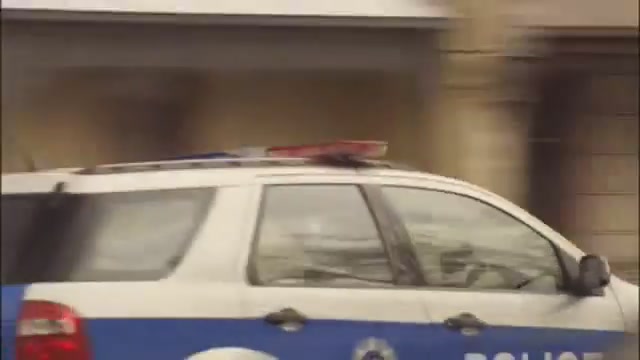
Cons of using Mac's version; Lightbar isn't accurate to a MADE UP SHOW (see below pic) Pros; Vic equiptment You choose, I mean if you're picking at details, it's the wrong model car to begin with anyway, just saying
-
-
Paraphrasing that to "We only have 80 but hey, that'll do" Try some of ours mate
-
-
-
-
-
It's all about the angles, anyone can make a screenshot look good with shit graphics, besides, he has 46EEK572, so you are automatically better
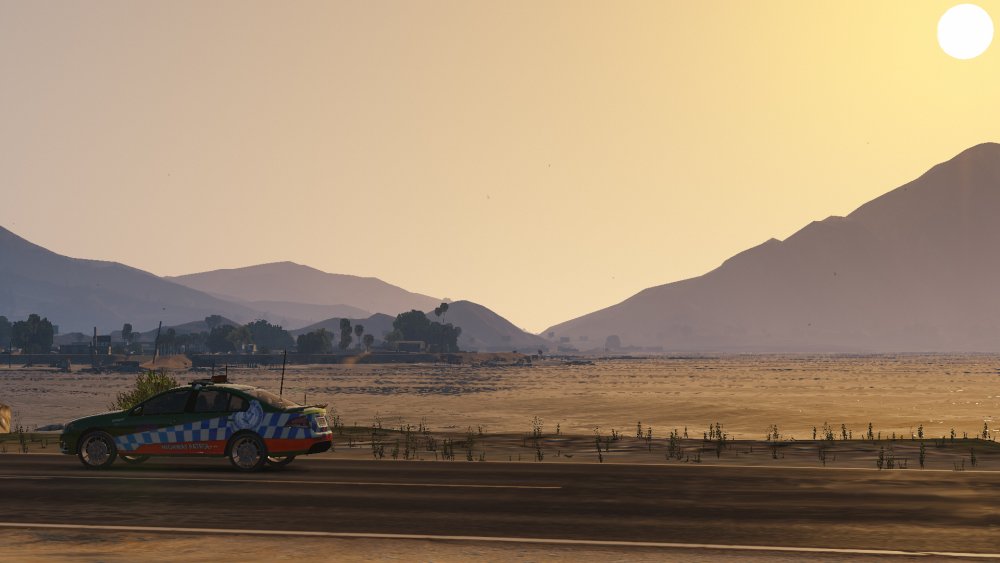 They do, it's either Golf or Hotel, but I've seen itThey actually do use pajeros, although I can tell you what they don't use, USCG helicoptersThe new and the old, a generation of policing 2 cars in the works, although I use the number 2 very loosely, as many things can be done with 2 models, so aslong as the mods keep on letting me post :P expect to see more of thisWhat...I don't know where you got your info from but the Lotus was never going to be a car, nor will be the Mustang, atleast not in the very near futureNever, caus it has "HWP" which is highway patrol, which is only for the show cars, it'll never be an actual car, like the LotusI think the 20 series are on the older ones, and the new ones have excaliburs (like those falcons there) but don't quote meOh yeh no worries, don't ask for my lightbar, all good (ps was Nick's to begin with and he told Oblong not to use it, I stopped but he didn't get the message) so please kindly delete it and do your ownNope, their sirens done almost properlyOuch, right in the feels, ya know, that took longer to do than it should of tbh but I put my heart, soul, and limited talent into that, so I deserve a cookieGUYS, this would be absolutely amazing, a partnership skin pack, one of a kind partnership, never before seen, breaking boundaries, whoever stops this from going ahead should be banned, I am backing you 2 a million percent, go get em