smore94
Members
-
Joined
-
Last visited
Everything posted by smore94
-
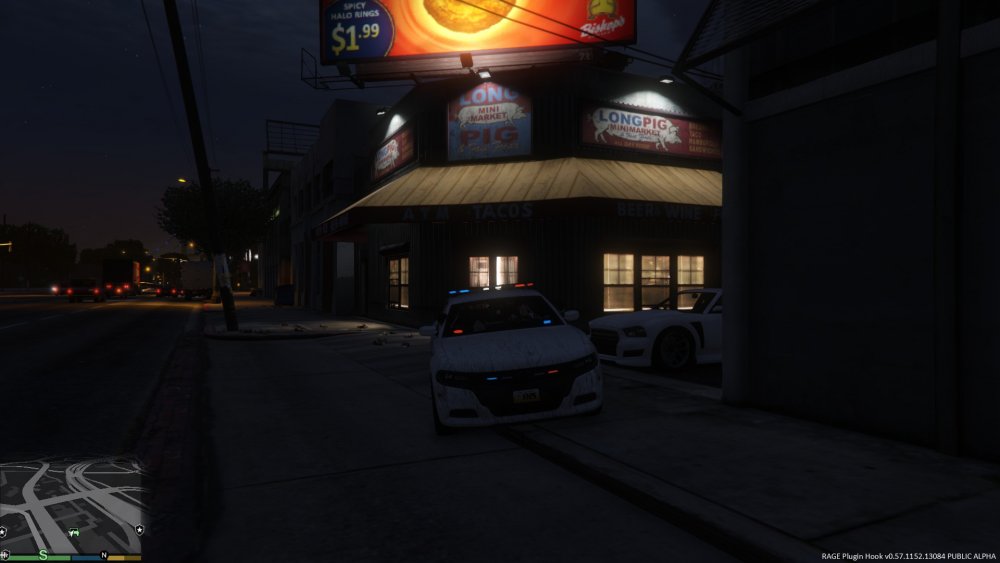
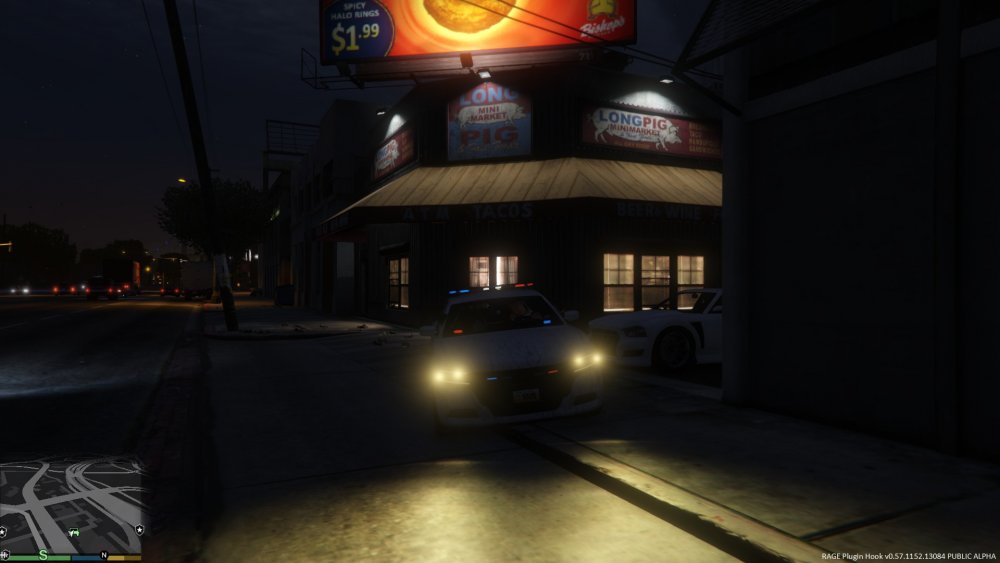
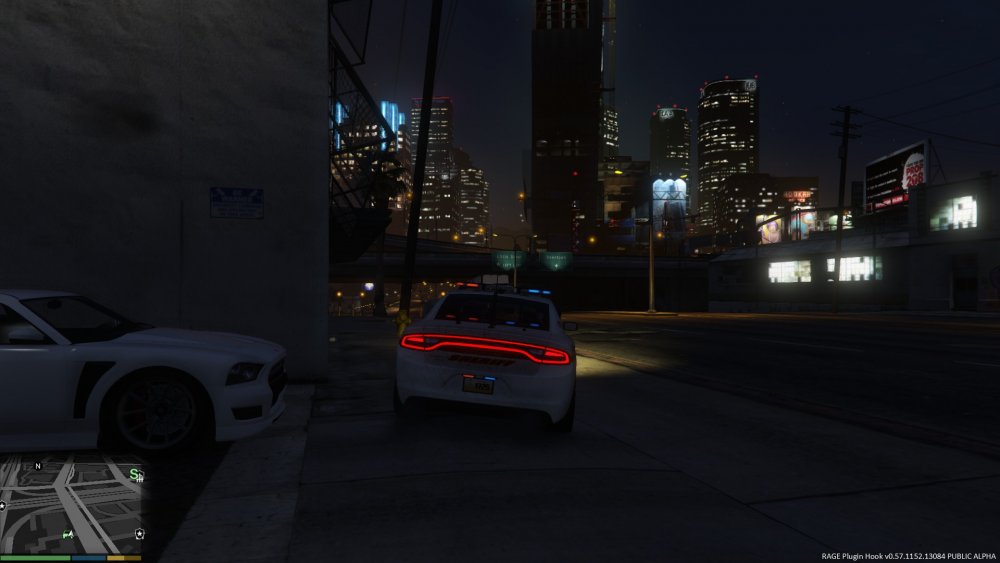
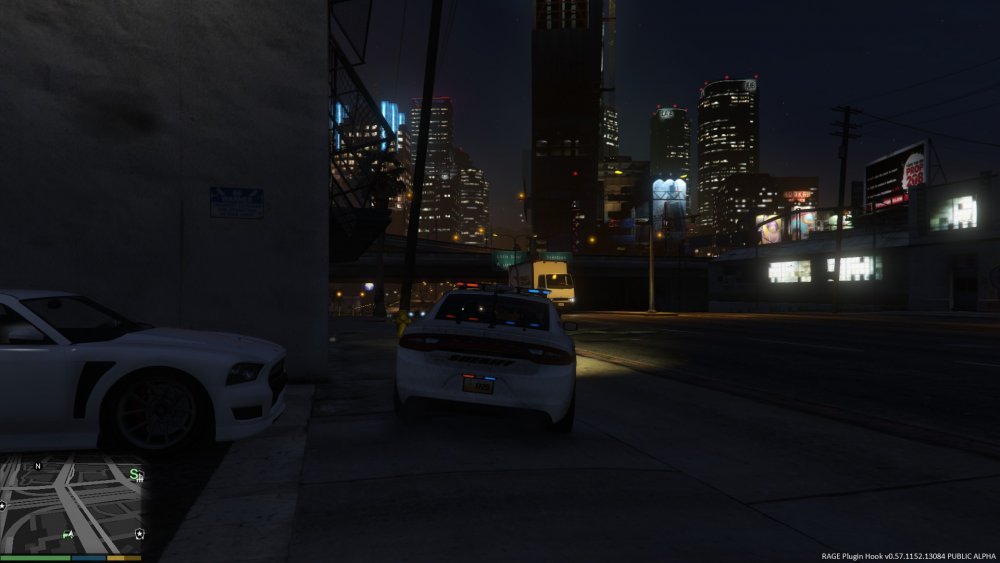
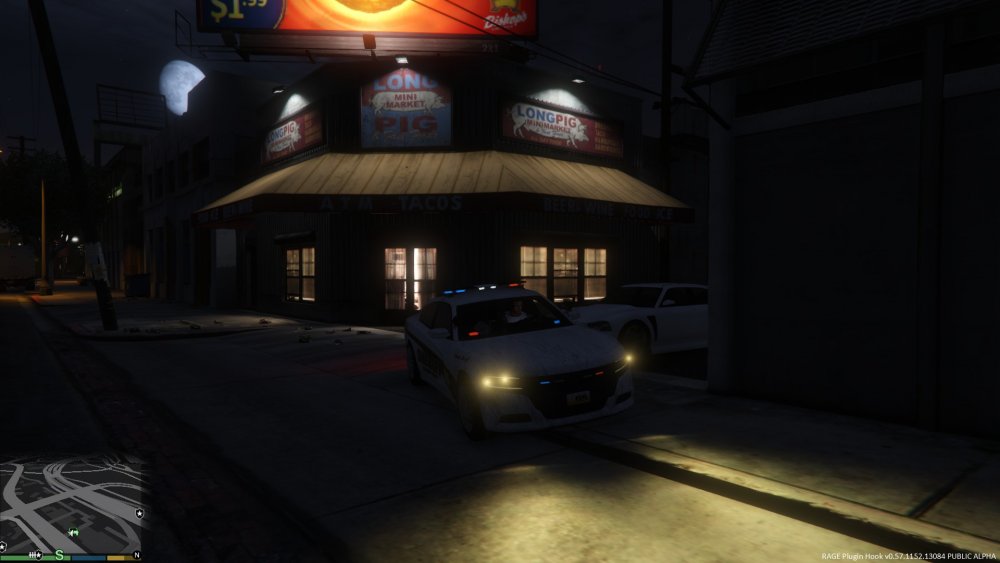
Okay, so I cannot get ELS to load in game, period. I will lay down a few bullet points for everyone before we get to the did you make sure your internet connection is plugged in responses. 1-That whole uninstall/reinstall ASI loader/OpenIV.asi through OpenIV does not work for me. I have tried it about 5 times, uninstalled/reinstalled/restarted, uninstalled/restarted/reinstalled, nothing. 2-I have tried this with 3 different ELS packs or vehicles and its always the same result. The only thing that I get is all of the lights coming on at all times, and sometimes a tail light/head light wig wag, but that is about it. 3-No, its not my scroll lock. I cannot get ELS to engage with scroll lock on OR off, either way, at the beginning or during the game session. LSPDFR has never worked correctly for me on this pc, for one reason or another, but I decided it was time to get this stuff moving, its about the only game I actually WANT to play at the moment. As shown above, this is literally all the lights do while the engine is running on this specific car. The tail lights will wag but that is all. I cannot get the ELS panel to open at all, not even beep. Reloading plugins does not help either. 4-I started a second time with a fresh GTAV install last night, and now I cannot even get my trainer to work. (I know, that is a me problem not for this thread, but still leads me to believe something is missing). 5-Yes, this pack did come with xml files which are placed in the correct folder. So after that, I am not sure what other troubleshooting I have not done 20 times or am forgetting. Possibly too much duct tape? This is the link to this current pack pictured. Not specifically the pack I was trying to use in the end, but I know the ELS works well on it. I had the same issue with 2-3 other packs from here as well, so I don't believe it to be the download or the pack itself. https://www.gta5-mods.com/vehicles/los-santos-county-sheriff-pack
-
Alright so it has to do with the crime stats then? And no I haven't disabled the taser, I will try that as well. Thanks for the fast reply, this is my 2nd year playing the mod and the first time I actually had to sign in to use the forums for help!?!
-
When I try to install the mod I keep getting this error message. Installation component 'LCPDFirstResponse' error'd! at G17MediaSetupEngine.Stuff.MakeServiceCall(String urloverride) at G17MediaSetupEngine.Installation_Components.LCPDFRComponent.endComponent() at G17MediaSetupEngine.UI.Interface.wizardControl1_SelectedPageChanged(Object sender, EventArgs e) at G17MediaSetupEngine.UI.Interface.wizardControl1_SelectedPageChanged(Object sender, EventArgs e) I have tried to fix this through Break's video and nothing has changed. I don't know if this has anything to do with me buying the game through steam or not as this has never been an issue in the past and I'm on a new pc now. The diagnostic tool doesn't detect gta4 but I would assume that is due to the fact that it only searches for the rockstar root folder?!? Anyways I have yet to try to run the mod but I do not think it will run because it does not install the advancedhook or dsound.dll files. I even tried xlive and that changed nothing. Specs are Win7 64bit, I5 3570K with Nvidia 650SC and it's a newer build so its gotta be something dumb that I'm missing here. Oh and yes I did change my root to install to the directory in steam apps/common and so on, I'm just not sure why it won't take.