Goregrind
Members
-
Joined
-
Last visited
Everything posted by Goregrind
-
-
-
-
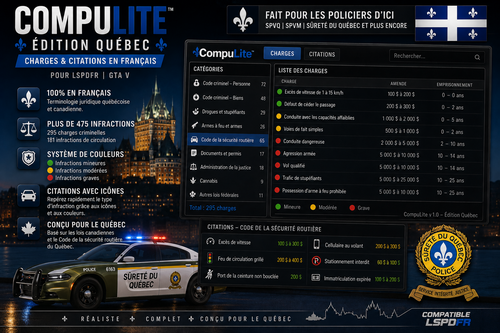 Damn! Si tu fais une version NexusMDT je suis prêt a payer!
 -
I just want to add, if anybody have problem, i have since totally uninstall NVE and almost 90% of my crash are gone.
-
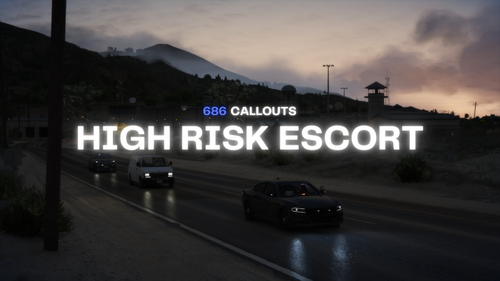 Goat mod, i have the paid version but you neeed to make it interact with NPCAI. Cause right now it make no sense, i think the NPC dont realize the callout they are in.
- 319 comments
- 62 reviews
-
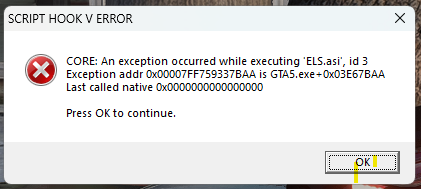
For now i delete 2 addon for NVE, the DLSS one and the brighter lights one and no crash on my last game session! I'm not 100% sure i'm crash free but sure is better.
-
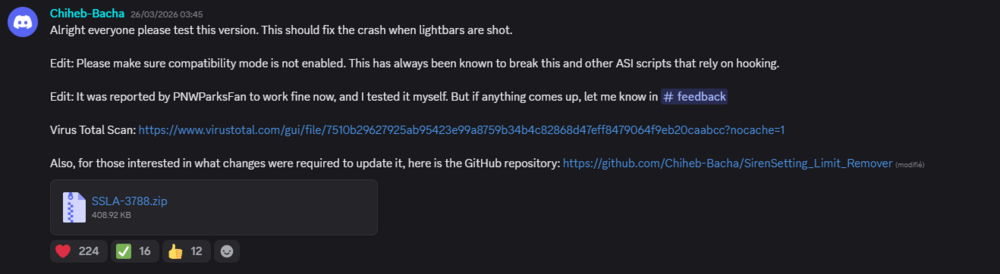
First, thank you for taking the time with my problem. For the Sirensetting, i use this one (26/03/2026) on the community discord : For the NVE, i will have to investigate this! And for the crash it's an arbitrary time within the game, but i would say, perhaps 10 min, if the crash talk about ELS, it's when i use the lights/siren, but sometimes, when i'm playing the game just crash, back to desktop and i have no error message whatsoever.
-
Of course, here they are! RagePluginHook.log ScriptHookV.log asiloader.log
-
Hello, i think my NVE is making my ELS crash. I read somewhere maybe i have to delete the NVE DLSS plugins ? Thanks in advance for the help.