
VV0LF
Members
-
Joined
-
Last visited
Everything posted by VV0LF
-
Thanks for advice I'll check it and eventually change the thing to different one and if you know which are good I'll be gratefull for your recomendation also, I think mods aren't the cause of the crash because If it would be the problem my default game (story mode) would be crashing too but recently I've played it non-stop for at least an hour.
-
This is more severe because most of the time it's a game but sometimes LSPDFR crashes (Ping sound playing), there's freeze and crash. Most of the time there's crash out of nothing. Here's the log. RagePluginHook.log
-
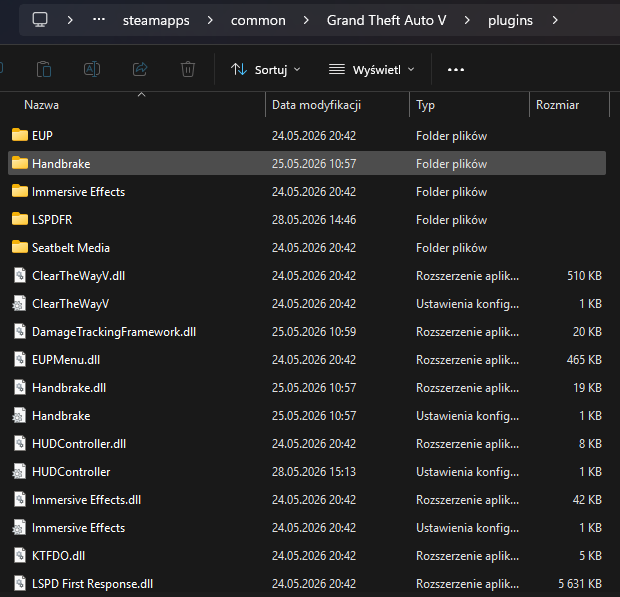
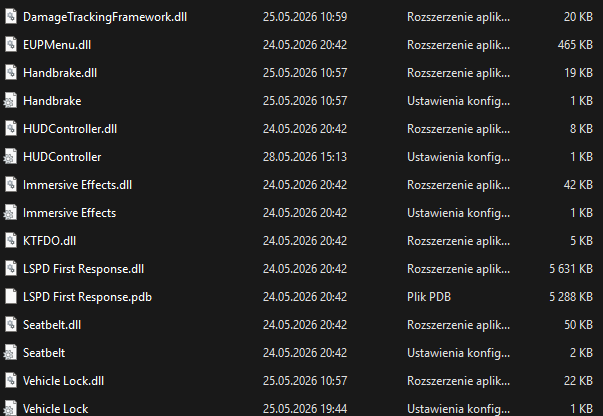
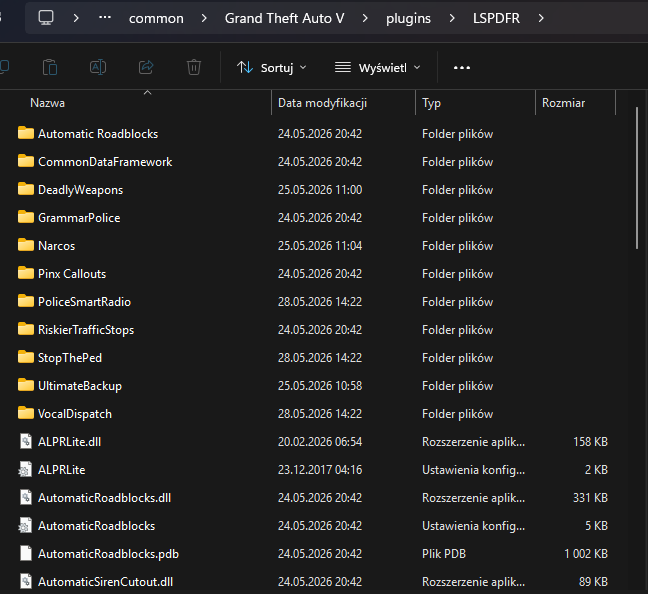
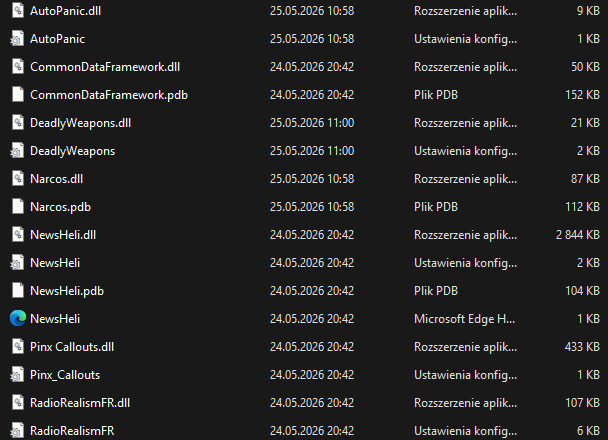
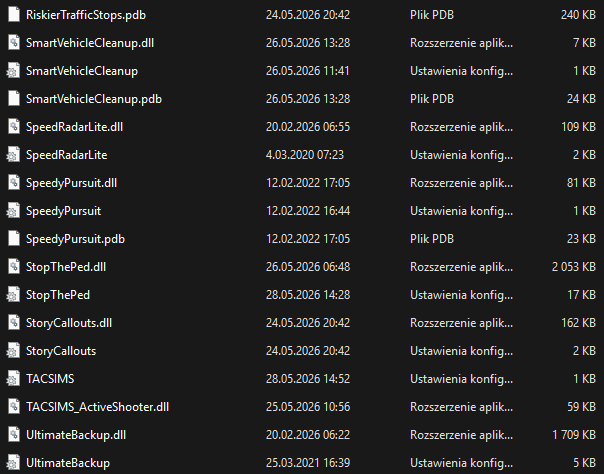
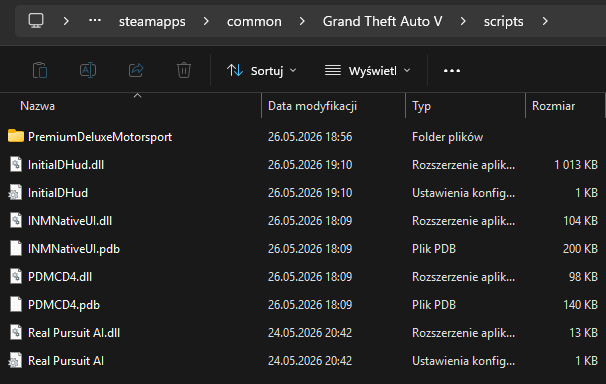
Hello, I'm new here so I won't be messing around but: - I've got problem with Crashes because they happend from time to time (sometimes at start, sometimes at "Go on Duty" Menu and sometimes randomly on Map) I've got few additional plugins (I gave up on LSPDFR Enchanced and Expanded because first caused more crashes but not that much as second) and mostly they're for "Real Life" representation. Why is it important for me? Because I can not play FiveM like I used to do and the cause is absurd - Packet losses (Good internet, Same settings but new problem). And now Im asking for an advice or suggestions about what should I delete and what should I install to make my game look good. (In mean while when I wrote the message the game crashed while out of window.) Here's my Specs for information - Intel Core I7 14700KF - NVIDIA GeForce RTX 4060 Ti 16GB - DDR5 32 GB (2x16GB) - 2TB SSD - ASRock B760 Pro RS - Windows 11 Home I tried fixing it myself but neither I or GPT can solve it