Skip to content
View in the app

A better way to browse. Learn more.

LCPDFR.com

A full-screen app on your home screen with push notifications, badges and more.

To install this app on iOS and iPadOS
  1. Tap the Share icon in Safari
  2. Scroll the menu and tap Add to Home Screen.
  3. Tap Add in the top-right corner.
To install this app on Android
  1. Tap the 3-dot menu (⋮) in the top-right corner of the browser.
  2. Tap Add to Home screen or Install app.
  3. Confirm by tapping Install.

Fryman

Members

Everything posted by Fryman

  1. I tried a fresh load with just lspdfr and PR and the plugin still will not load. No error messages just not loading.
  2. Comments and reviews are two different things I still stand by my statement. Also it would be difficult to make a legitimate review if you haven't played the game mod for at least a day.
  3. As the description says it's a BETA.
  4. Compulite actually had a bind for that however nothing in PR for that.
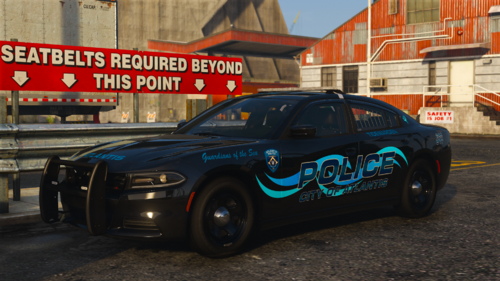
  5. Nice! Can you tell me what car I can apply it to?
  6. Seems to work pretty good. Be cool if there was a bind to just hand a citation to a ped or driver without using the menu.

Account

Navigation

Search

Search

Configure browser push notifications

Chrome (Android)
  1. Tap the lock icon next to the address bar.
  2. Tap Permissions → Notifications.
  3. Adjust your preference.
Chrome (Desktop)
  1. Click the padlock icon in the address bar.
  2. Select Site settings.
  3. Find Notifications and adjust your preference.