


GolF77
Members
-
Joined
-
Last visited
Everything posted by GolF77
-
Is this all what can I do about this crash?
-
NET Framework a newer version is installed and it doesn't allow to do anything with it. Visulal C++ repair all files But it still doesn't work. Still crash and same log with "slimdx.dll"
-
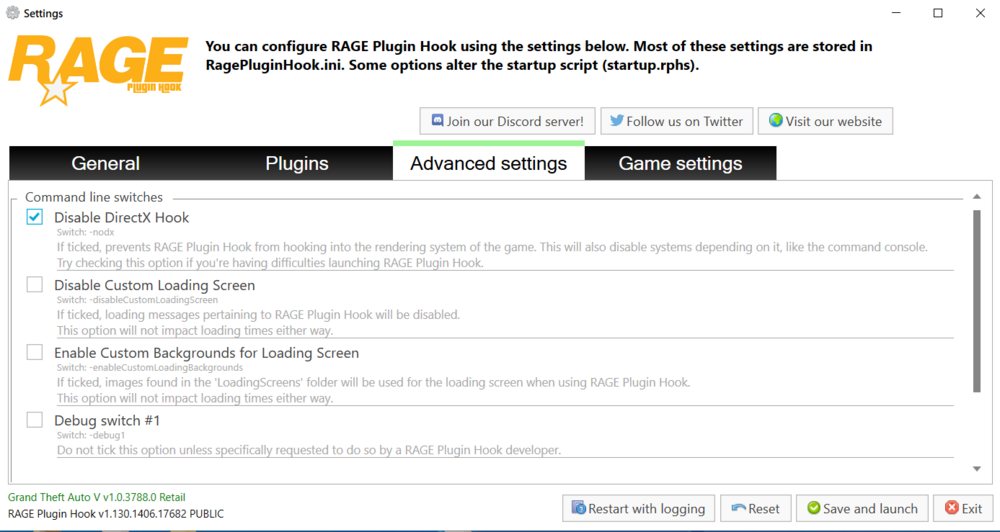
I wanted to add that if you turn off "Disable DirectX Hook" in the RPH settings, the game will launch, but nothing will work, the usual storyline will start
-
It's not working too Hello again. I did everything you said. I deleted Slimdx.dll, added exceptions for my antivirus, and completely disabled it. Download LSPDFR with RPH again and installed. But it still crashes me when I launch the game. What else can I do? RagePluginHook.log
-
Download Rage from lcpdfr.com or from ragepluginhook.net? Anyway I'll try it soon and give you feedback
-
Please tell me what to do. I'm playing the game through the Rockstar Launcher. Legacy. Clean, no mods. I downloaded LSPDFR from this site and installed everything according to the instructions. I gave full access to the game folder and the EXE. I don't have any antivirus software. The regular game launches and runs without any issues until I launch RAGE. RagePluginHook.log
