shudder00
Members
-
Joined
-
Last visited
Everything posted by shudder00
-
A bit of IL reversing and now my mod removes them live. Would be nice to see these hardcoded values be moved into a config file somewhere tho 😌😌
-
Yeah i was guessing this might be the case, but i thought id ask anyway. Going to try out harmony for this, its not something that massively bothers me but it would be cleaner not having 🫡😃
-
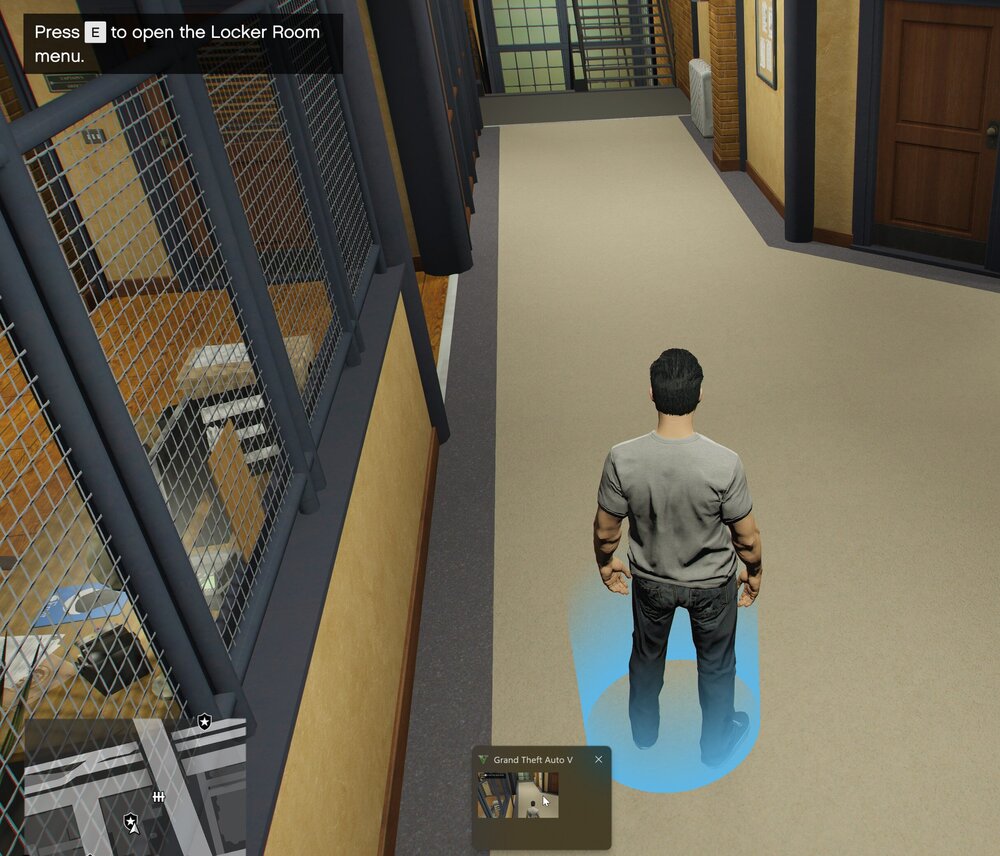
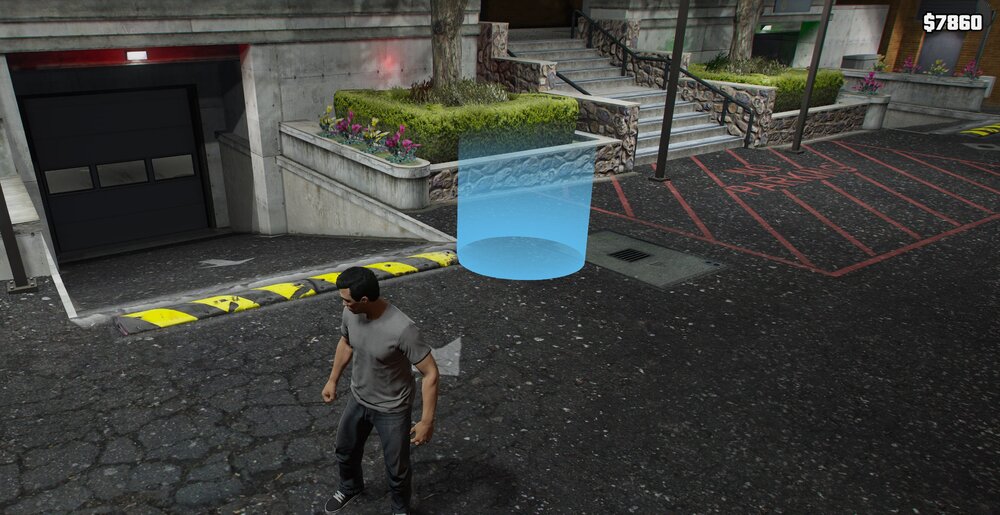
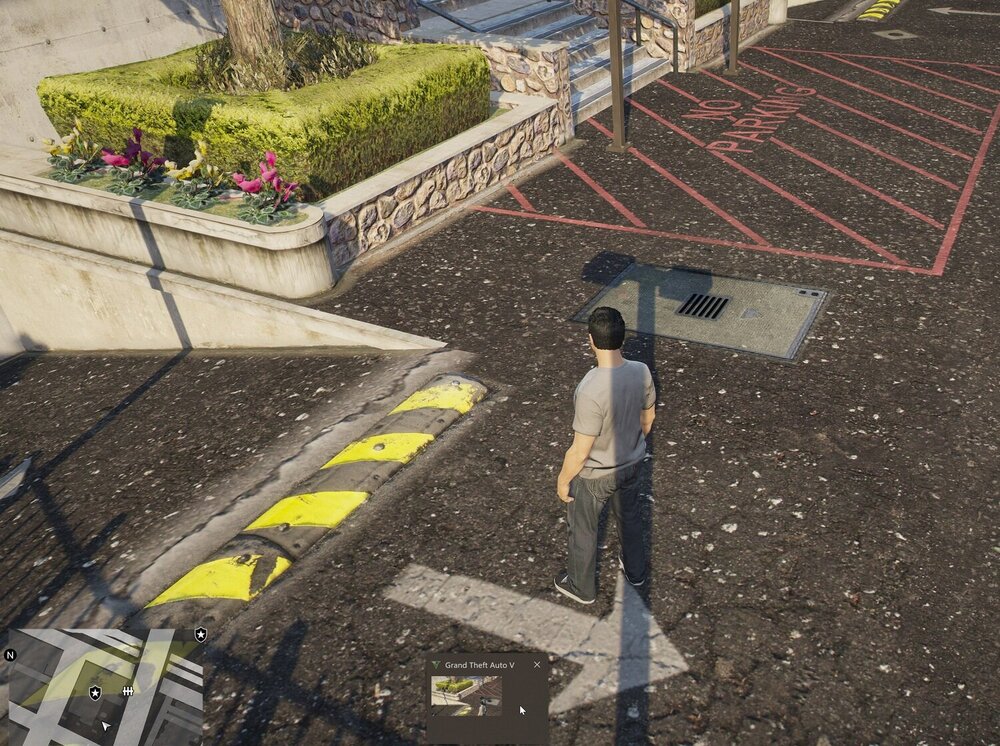
Developing a careers plugin and having the following show up in my mission row pd is a bit immersion breaking, I've edited the stations.xml for the garage spawn points to try put them under the map but it seemingly does nothing, also tried completely removing mission row but they still spawn? Basically I'm wondering if there is some way i haven't thought of to remove them or what. See attached screenshots to see what I'm talking about.