



toddm6
Members
-
Joined
-
Last visited
Everything posted by toddm6
-
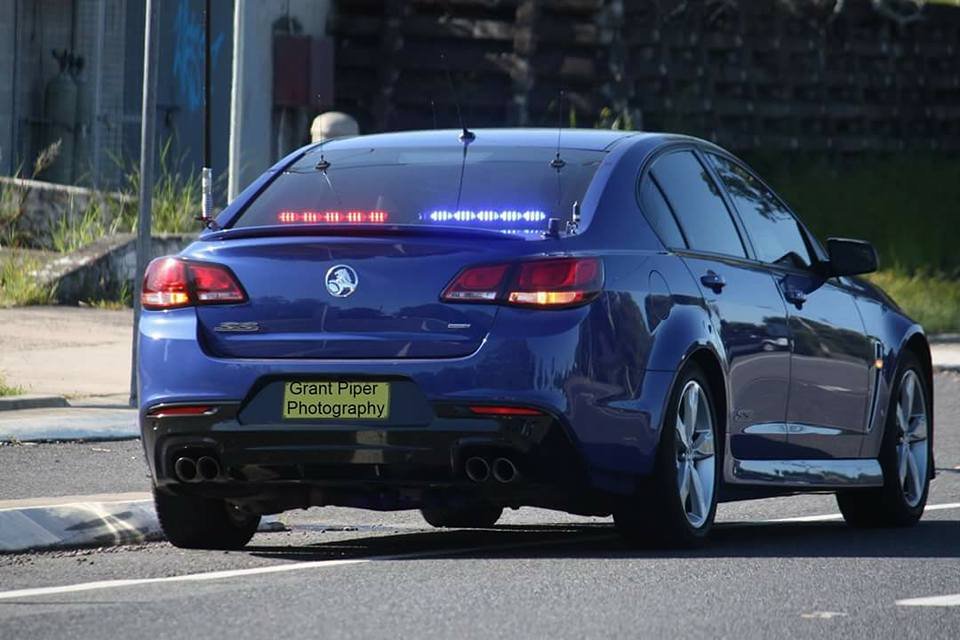
Nice VF released on GTA5 mods, looking forward to one from one of you guys 👍🏼
-
Love the VF, need this in the game + more!
-
Sorry mate, not trying to be a pain in the a**, my bad!
-
And we appreciate every model you guys make, seriously I would have put the game away long ago if not for all your efforts lads👍🏼
-
Just wondering if there is anyone at all releasing a VF??? Seen a lot of photos but no releases, would be good to see one.....😬😬😬😃😃😃😃😃
-
Wow Darkmyre, is that another script coming soon!???
-
-
This must be released now mate👍🏼👍🏼👍🏼👍🏼Love it
-
VF looks fantastic, looking forward to someone, anyone, releasing one, have been using the VE for a while now
-
The taxi's great mate , the stuff you blokes are churning out have made GTA5 so much more enjoyable, keep going lads
-
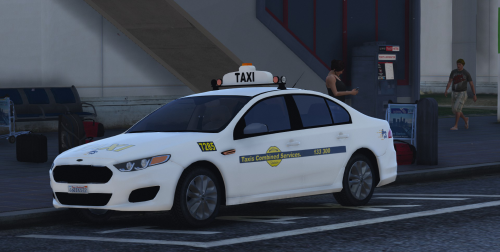 Fantastic stuff Moose, now get some VF hwy cars out there buddy, we need them out there👍🏼👍🏼👍🏼👍🏼
- 16 comments
- 6 reviews
-
-

- 2
-
-
 I do that but to the right as the screen tells me but still nothing and the computer message telling me to hold my d-pad down to the right also continuously flashes
- 1,742 comments
- 172 reviews
-
Hi, still having issues in trying to get it to work. When I use my 360 controller D-pad my headlights come on. I've changed the context key to 'o' to attempt to bring up the computer but still nothing. The Computer message telling me to press o to bring up the computer just continually flashes but I still get nothing. Any help would be greatly appreciated, thanks.
- 1,742 comments
- 172 reviews
-
-
- 1
-
-
-
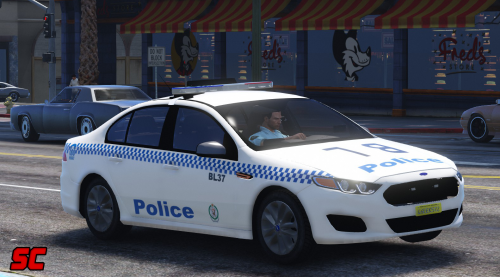
.thumb.png.fdcadb68f7f1450bfc1fbdd76248ac10.png) Loving it mate, perfection, having trouble switching between liveries, how do select completely unmarked??? Lost!!
Loving it mate, perfection, having trouble switching between liveries, how do select completely unmarked??? Lost!!- 33 comments
- 4 reviews
-
Legendary mate, you're making fantastic addons, looking forward to you hopefully adding them in GTA V also!
- 48 comments
- 5 reviews

.thumb.png.fdcadb68f7f1450bfc1fbdd76248ac10.png)