NewbieFresh
Members
-
Joined
-
Last visited
Everything posted by NewbieFresh
-
 New to LSPDFR. Have been struggling to get prowler radar on for hours. I got this up in about 5 minutes. Clean, easy, thank you for this!!!
- 4 comments
- 2 reviews
-
- lspdfr plugin
- rph
- enhanced
- legacy
-
Tagged with:
-
Hello! What ended up solving your issue?
-
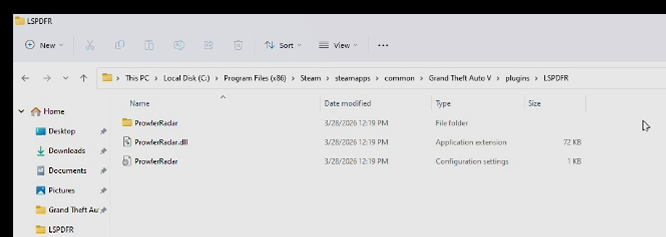
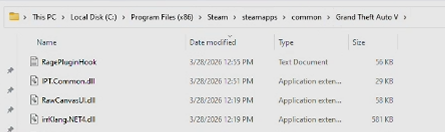
Hi everyone! I am new to the PC modding and LCPDFR world. I am trying to get the radar prowler mod to work. When I press num key 9, I can not get anything to happen. I am on shift when I am trying this. I do believe I have everything in the correct folders. From what I can tell everything is the most up to date version. I'll attach my RPH log! Any help is much appreciated! RagePluginHook.log