BErad1502
Members
-
Joined
-
Last visited
Everything posted by BErad1502
-
-
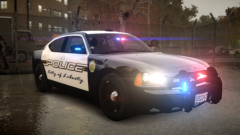 Still need to go back and work in wig wags then some interior equipment
 -
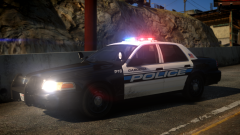
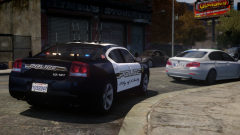 Based on Temecula Police
 -
-
-
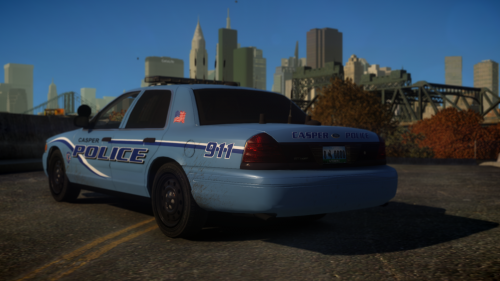 LMAO i might just troll the forums for a bit. but hope you are doing well bro!
- 11 comments
- 1 review
-
-

- 1
-
-
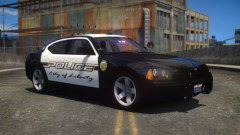
Skin was Released for anyone else interested.
-
This was a request i decided to do from the forums. it is an HD 4096 texture if you want to resize for you set up by all means go ahead. the model i used is something i put together specifically for screens only and is not released but this skin will fit the DSF Template.
- 11 comments
- 1 review
-
-
- 5
-
-
If you really want a texture made or model done properly think 360 degrees. if you only post one photo then you cant do much for accuracy of a model or texture. i think maybe you should add more images or even links to be able to get a full view of what you want. skins are not just whats on the side of a cruiser you cant forget about other parts like the trunk and roof. the community cannot read minds when it comes to what you want. go all out for your request so the people who do end up making them know what exactly they are making. http://imgur.com/a/naXwv GTAIV 2015-07-07 07-27-47-63.bmp GTAIV 2015-07-07 07-27-54-56.bmp GTAIV 2015-07-07 07-27-41-32.bmp
-
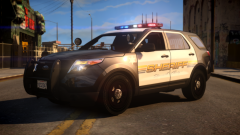 I just started on this Liberty version of Riverside County's FPIU
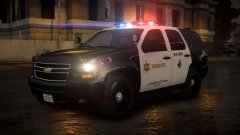 thanks
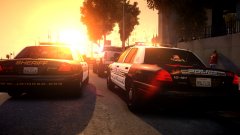 i will dig through my comp today and let you know. i'm positive i do.
From the album: My WIP Models
From the album: My WIP Models
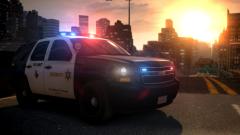 Been Extremely busy and trying to get back to finish up my LASD Pack