


Paloranjustin
Members
-
Joined
-
Last visited
Everything posted by Paloranjustin
-
-
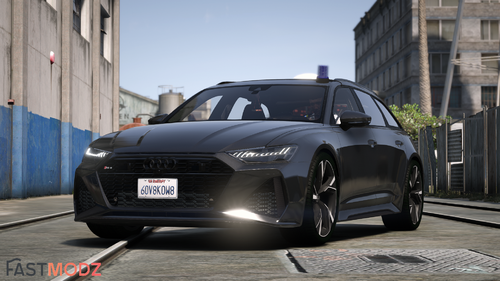 add-on for SP would be nice
 -
-
-
-
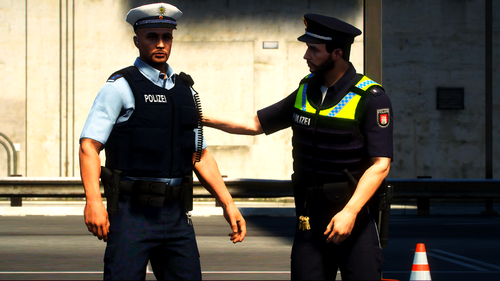 gibt es vielleicht eine backup config für Policing Redefined?
 -
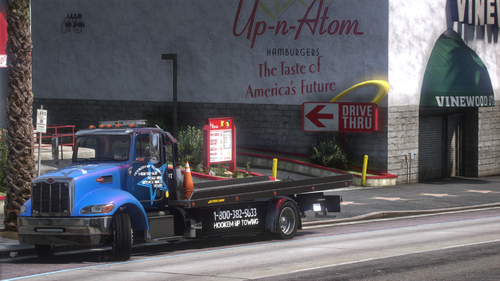
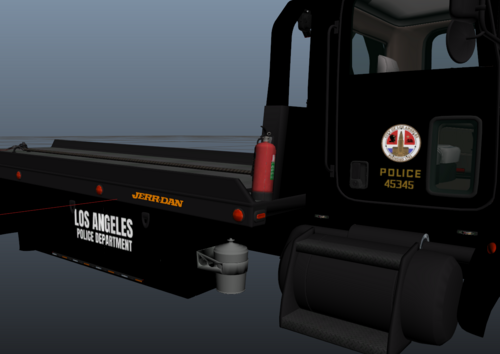 Do you maybe have the Template of the Flatbed?
 -
-
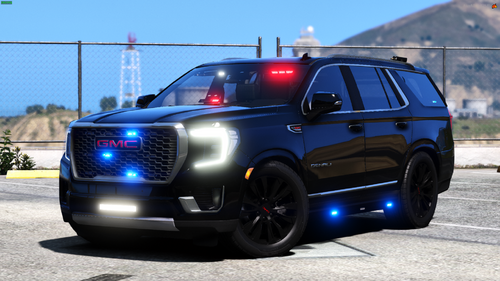 Is there a way to have more Liverys? Like adding 21yuk_sign_2 or something?
 -
-
-
-
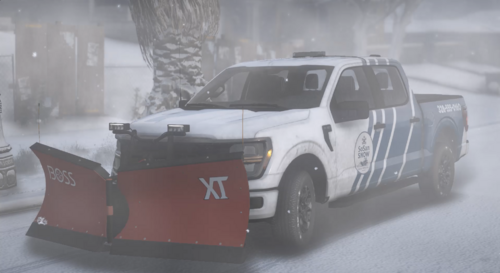 I would love to see an ELS Version!
 -
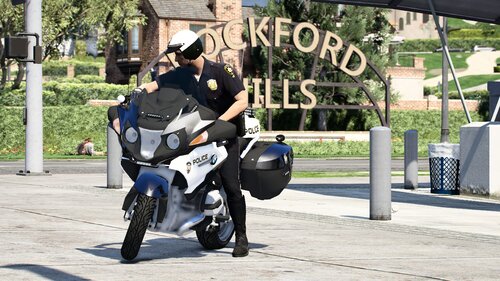 Its a nice Model but when i enable my ELS it gets me off the Bike. Even when im off the Bike and Press J, it freezes my Char
 -
-
 on some Emotes it crashes my Game. Like SitChair 2
 -
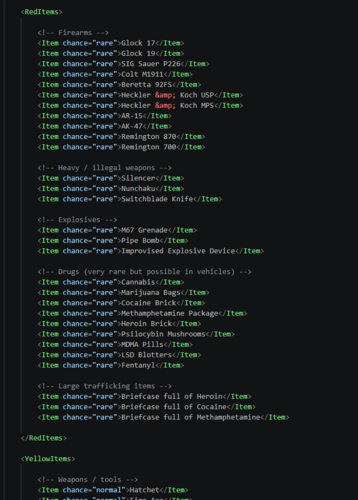 StopThePed Plus adds more variety to your vehicle searches and pat-downs. I've updated the lists with more items to make stops feel less repetitive. It’s a simple pack to give you more stuff to find during your arrests. Installation Make sure StopThePed is installed. Replace your original XML files with these. Done. Enjoy your patrols! AI was used to Translate the Description.
 -
-
-
 its very quite
 -
-
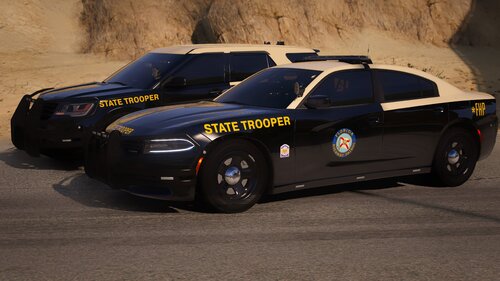 When i turn the ELS on its pure white its like 1000x Brightness or something its just white, blank white
- 135 comments
- 20 reviews
-
-
.thumb.png.00b47e3fbc1a84f800b0da788a29270a.png) Simple Spike Strips A simple, lightweight script for LSPDFR that lets you deploy and recover a spike strip with a basic animation. No bloated menus, no complicated setups—just press a key and drop it. Features Simple Animation: Your character plays a quick animation when putting the spikes down or picking them up. Auto-Cleanup: Old spike strips will automatically delete themselves after a few minutes so they don't block the road forever. Requirements Legal Copy of Grand Theft Auto V ScriptHookVDotNet3 LemonUI How to Use Press K (Default key, can be changed) while on foot to deploy the spike strip. Stand close to your deployed spike strip and press K again to recover it. ini Configuration ToggleKey: Set your preferred key (e.g., ToggleKey=G or ToggleKey=K). AutoDeleteTime: Time in seconds before the spikes disappear automatically (e.g., 120 for 2 minutes). Set it to 0 if you want them to stay forever. [Settings] ToggleKey=K, AutoDeleteTime=120 Installation Drop the spikestrips.dll and spikestrips.ini into your Grand Theft Auto V / scripts/ folder. Launch the Game.
Simple Spike Strips A simple, lightweight script for LSPDFR that lets you deploy and recover a spike strip with a basic animation. No bloated menus, no complicated setups—just press a key and drop it. Features Simple Animation: Your character plays a quick animation when putting the spikes down or picking them up. Auto-Cleanup: Old spike strips will automatically delete themselves after a few minutes so they don't block the road forever. Requirements Legal Copy of Grand Theft Auto V ScriptHookVDotNet3 LemonUI How to Use Press K (Default key, can be changed) while on foot to deploy the spike strip. Stand close to your deployed spike strip and press K again to recover it. ini Configuration ToggleKey: Set your preferred key (e.g., ToggleKey=G or ToggleKey=K). AutoDeleteTime: Time in seconds before the spikes disappear automatically (e.g., 120 for 2 minutes). Set it to 0 if you want them to stay forever. [Settings] ToggleKey=K, AutoDeleteTime=120 Installation Drop the spikestrips.dll and spikestrips.ini into your Grand Theft Auto V / scripts/ folder. Launch the Game. -
 How to install it?










.thumb.png.00b47e3fbc1a84f800b0da788a29270a.png)
