


Carlos Argueta
Members
-
Joined
-
Last visited
Everything posted by Carlos Argueta
-
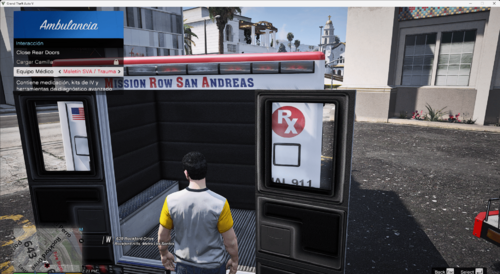 este es mi primera traduccion solo tiene que copiar esos archivos donde van cada uno y remplazarlos PARA PODER PONER EL LOCALIZATION LA RUTA GTAV\plugins\EmsPlus\Settings\Localization Y SOLO REMPLAZAR EL ARCHIVO PARA PONER EL EMS PLUS LA RUTA GTAV\plugins\EmsPlus Y ASI DE SIMPLE TENDRAN EN ESPAÑOL EL EMS PLUS
