UnrecordedRocket
Members
-
Joined
-
Last visited
Everything posted by UnrecordedRocket
-
Got the new RAGENativeUI. LSPDFR still crashed RagePluginHook.log
-
 Both the addon and replace vehicle files did not work. I followed the instructions on the pdf as thoroughly as I could, yet the issues prevailed.
- 255 comments
- 75 reviews
-
-

- 1
-
-
-
After reinstalling both GTA V and LSPDFR on a clean install after not having played in a while, I went to download Grammar Police to accompany NPCI. However, NPCI loaded fine, but Grammar Police didn't. All it said to me was "Grammar Police could not start, missing required libraries" even when I already had MSP and its language packs installed. And also LSPDFR crashed behind my back somehow, idk why. RagePluginHook.log
-
Every time I create a new character in LSPDFR and use it, by the time I'm done, I quit. Then when I log back on, LSPDFR crashes and gives me this (I found it in the crash log): "Rage.Exceptions.InvalidHandleableException: Operation is not valid because the specified Rage.PedInventory is invalid." which likely happens during "WeaponSkin.ApplyToPed" I'm looking for a fix, but as of right now I'm left to create a new character manually.
-
 For whatever reason, when I tried to import the siren, the openFormats validator spat me this: "Some files not imported, more information below. vehicles.oac(Line 16): File "vehicles\0x000E3CFA.wav" not found."
 -
Nevermind I got it working for once. Thanks for the effort to help though
-
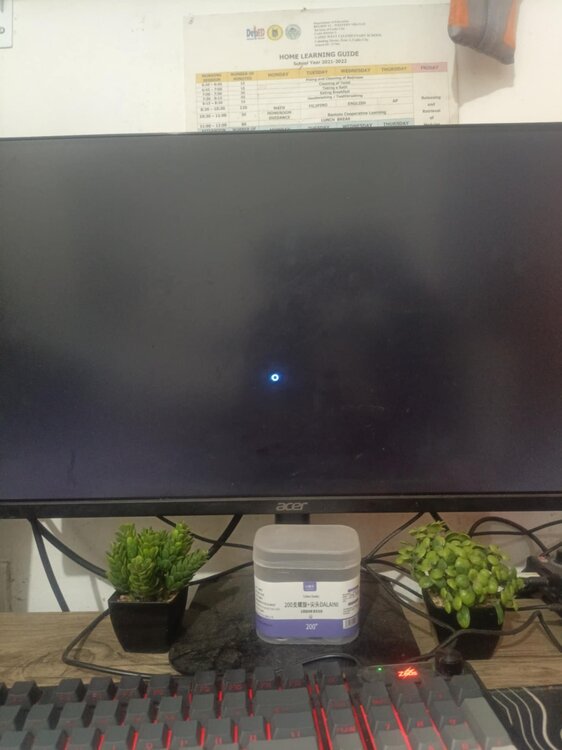
Now the reason I turned that on was because I read "If you have issues launching, this may help" And also it went from being stuck on "Launching game..." to now being a black screen
-
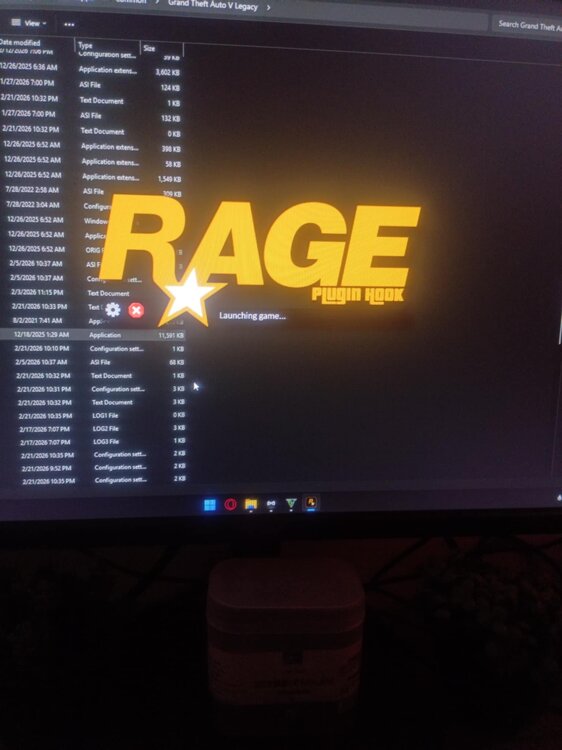
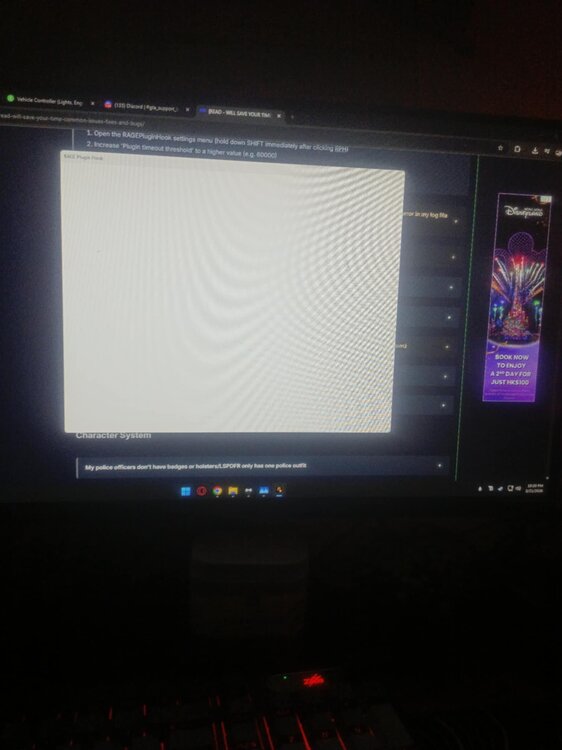
So after I put the plugin timeout threshold to 60000, I clicked "Save and Launch" and it showed me this for 10 minutes from 10:10 PM to 10:20 PM PHT. Even clicked "Restart with elevated privileges" and ticked "Disable DirectX Hook" and it was still stuck like this. How could I fix this?
-
Good morning, afternoon, or evening to all. Can anyone provide a mirror link for ScriptHookV and RPH compatible with Build 3725.0? I'm in a place (the Philippines) with no WiFi because a recent tropical depression named Basyang screwed me over and I can't update to 3751, but I have my story mode finished and just want to play LSPDFR offline.