DerDungeon
Members
-
Joined
-
Last visited
Everything posted by DerDungeon
-
Nah no
-
Yea it works but when i press F4 Nothing Happens
-
you mean my Game but yea its working now
-
i can´t i installed the game new
-
still dont workYea I did it with every user
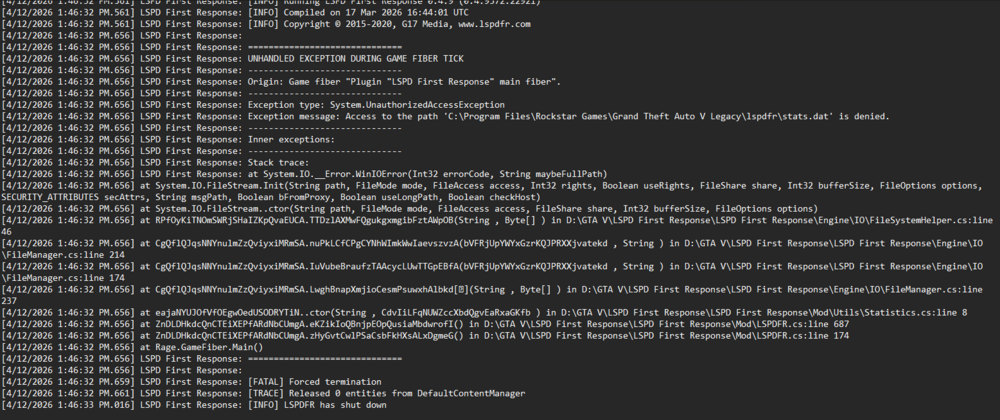
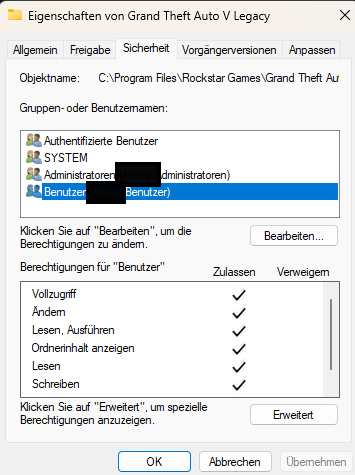 I asked an AI, and it said, “Hey, you're missing a file called stats.dat that I don't have, and that's why my lspdfr is crashing.” ich hab ne AI gefragt die hat gesagt hey dir fehlt ne datei irgendwie stats.dat die ich nicht habe und deswegen crashed mein lspdfrMy LSPDFR Crashes on Startup Can someone Help me and to find a Solution? This is my crash log. I tried to install the new version of LSDPFR, but it didn't work.
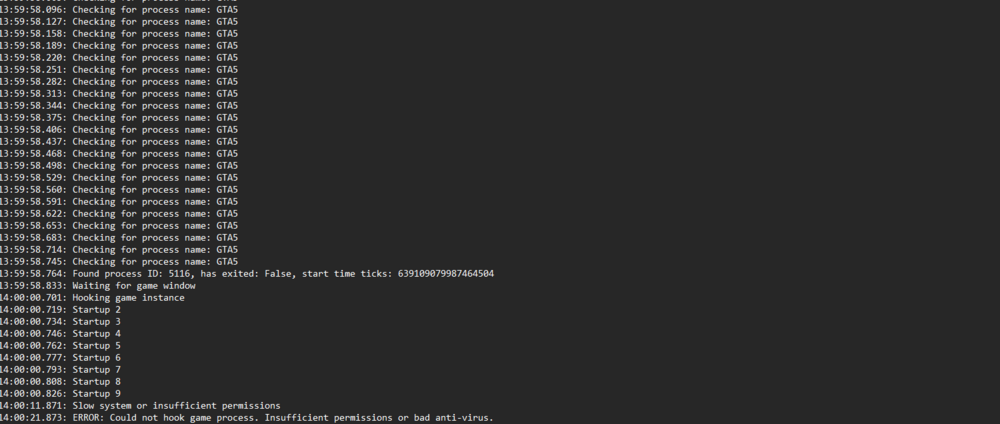
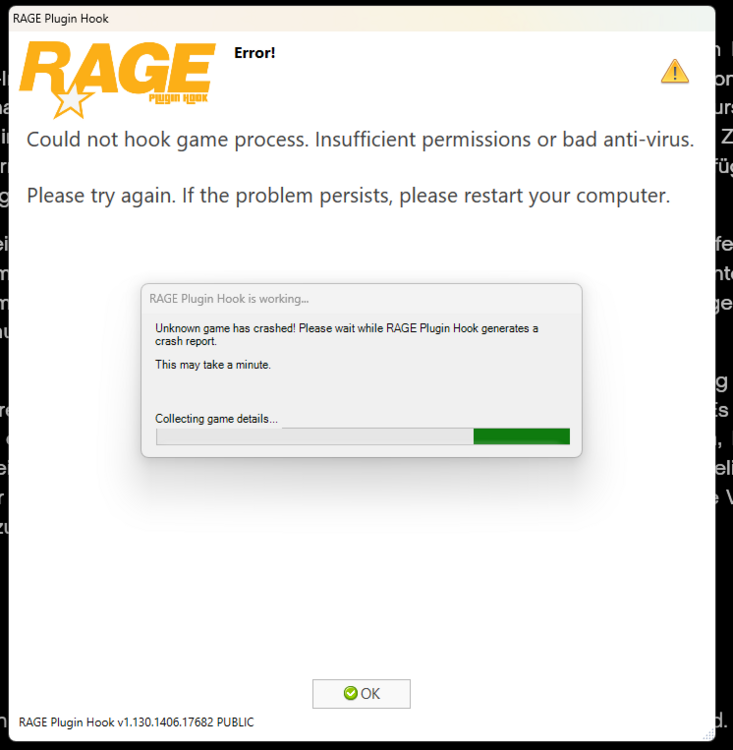
 Thanks anyway for your help, but I fixed the problem yesterday (Somehow)My Rage Pluginhook crashes as soon as the game window opens. I'll post a few screenshots below if I can. I've completely redownloaded GTA V and my RPH, and my antivirus is turned off. I'm really at my wits' end—can anyone help me?