


bombo000
Members
-
Joined
-
Last visited
Everything posted by bombo000
-
no it still doesnt work
-
and also can u send the scripthookdotnet link
-
i only installed scripthook not scripthookdotnet is that why its not showing up?
-
no it still doesnt work
-
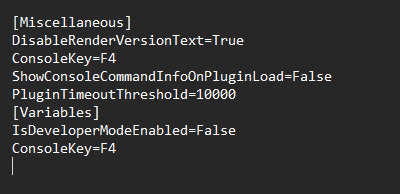
i tried what u said but it still dont work even with the new lspdfr yes it says f4 here is a photo for the ragepluginhook.ini
-
there u go RagePluginHook.log
-
hello so i just tried it and it still dont work even with the new rph
-
i dont got any other mods only added the scripthookv do i gotta reinstall that too or not?
-
hi sorry for the late reply i was busy i tried everything and it still dont work
-
i dont have any plugins installed maybe we can go on discord so i can screenshare if u got time for it
-
i moved it to the lspdfr folder but it still dont work
-
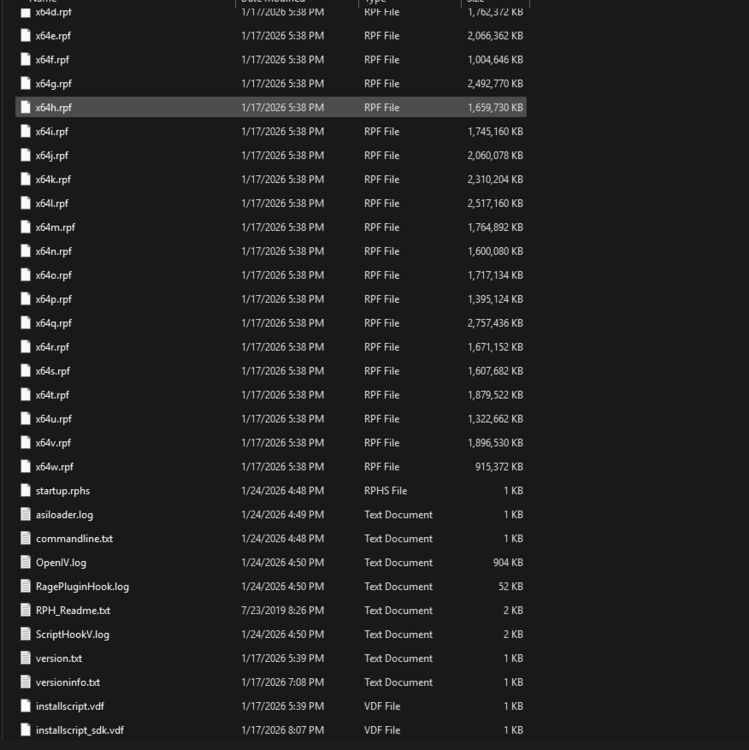
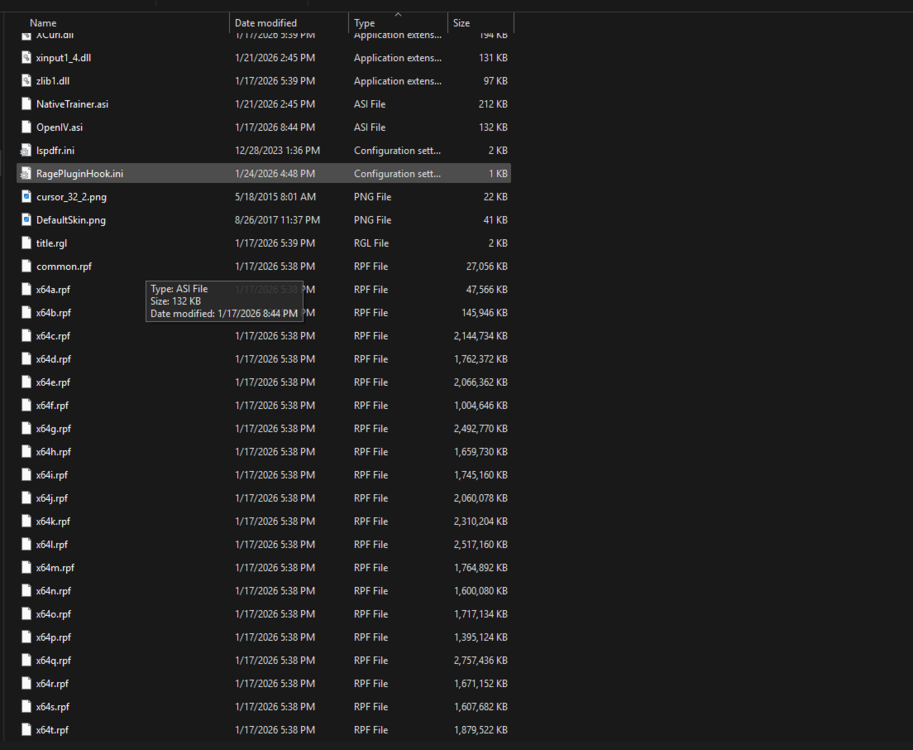
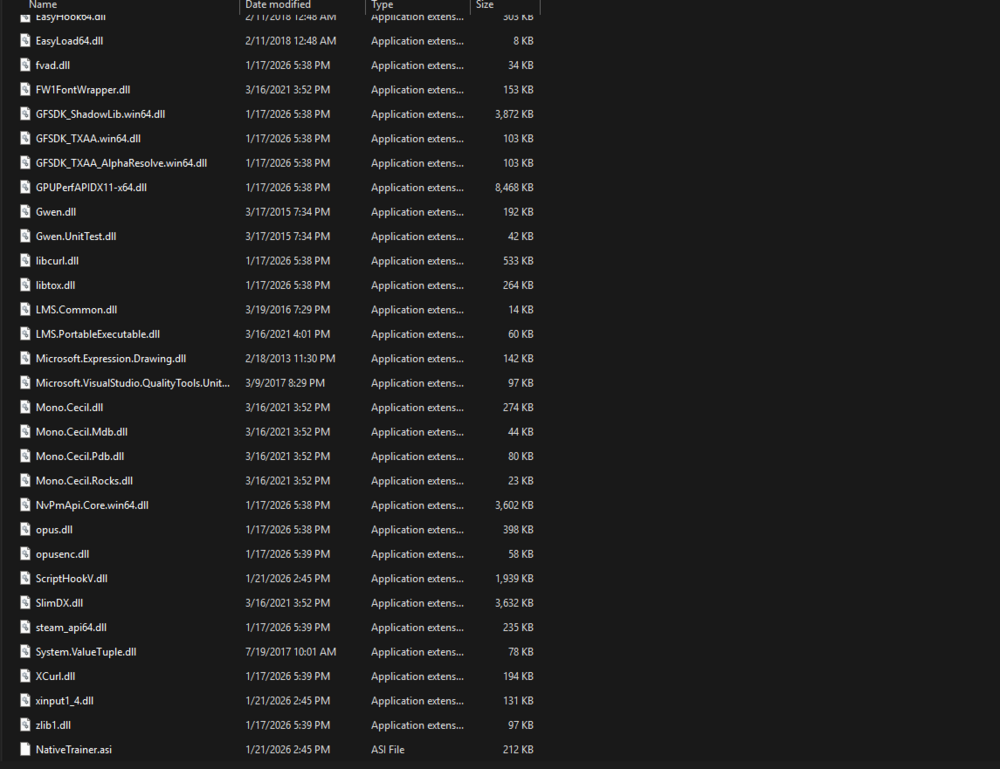
yes sure there u go
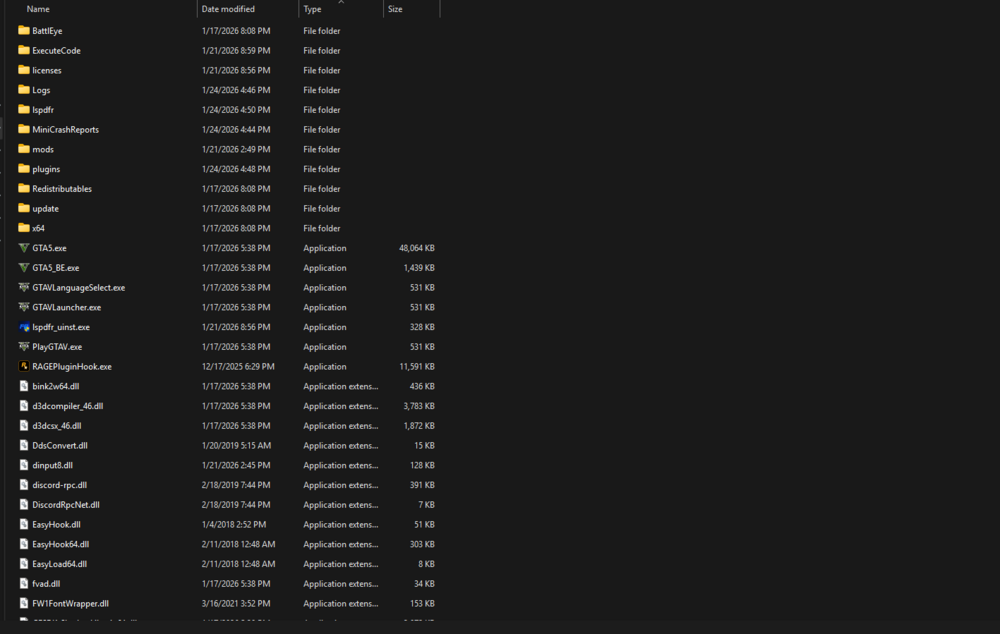
-
no i mean like the lspdfr f4 menu command where i can spawn cars and more stuff i dont know the rest RagePluginHook.log if u dont know what i mean i can try to find a picture of the menu
-
lspdfr menu does not pop up when i press f4 i tried somethings but it doesnt work can somebody please help me fix this bcs ive been trying to fix it for like a week and i cant find a way to fix it



