


TERFE77
Members
-
Joined
-
Last visited
Everything posted by TERFE77
-
no, i check it. If you run the story mode and then run RPH, EG will display an error saying that GTA 5 is already running. It doesn't matter if I run it as an administrator or just run it, I still get this error.
-
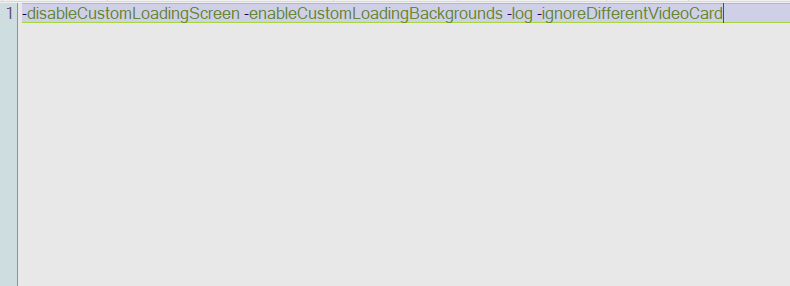
I entered the command -log, but nothing happened and the RPH log file was not created.
-
Okay, I'll try it now.
-
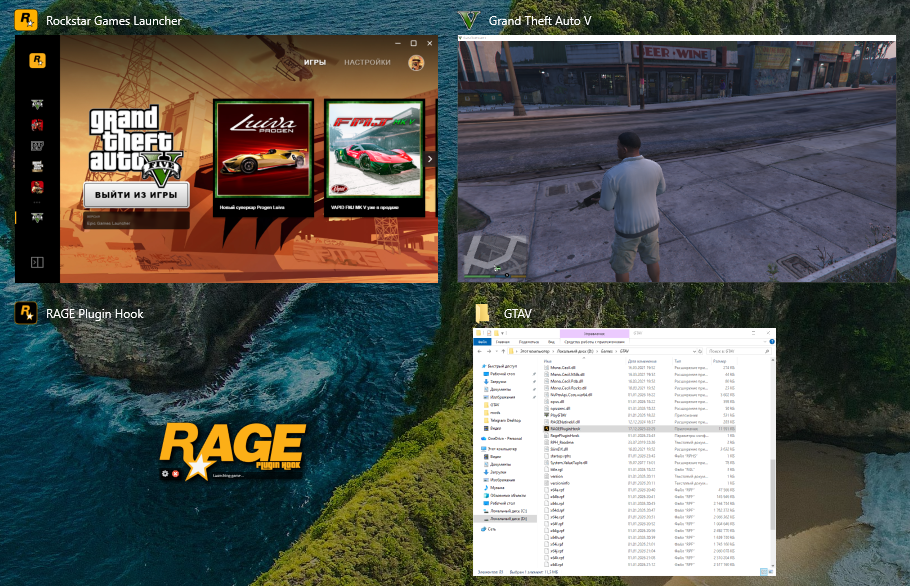
Hi, I'm having problems again. It also doesn't want to run GTA through RPH, and there's nothing in the commandline Just in case, I'm checking the files now.

-
I understand, I'll try to reinstall lspdfr, create this file, and add an exception in the antivirus.
-
Can you solve my problem please? I've been trying to solve it and waiting for answers from the forum for two days.Can anyone help me?
-
Do you know how to solve this problem?
-
Hi, yes the game starts but after I go to the story and start RPH then in EG will pop up error GTA 5 already started. Also when I press f4 in story mode then the game freezes and after 5 sec crashes. I have no mods,the most clean GTA only with this plugin.
-
Сan you help me please?
-
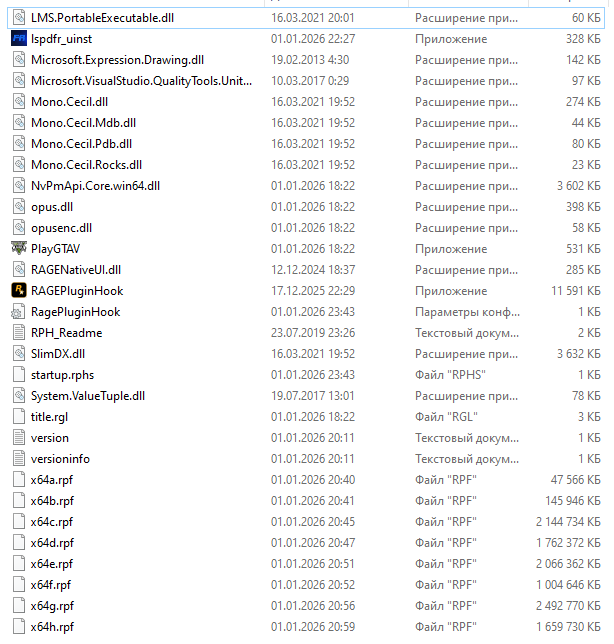
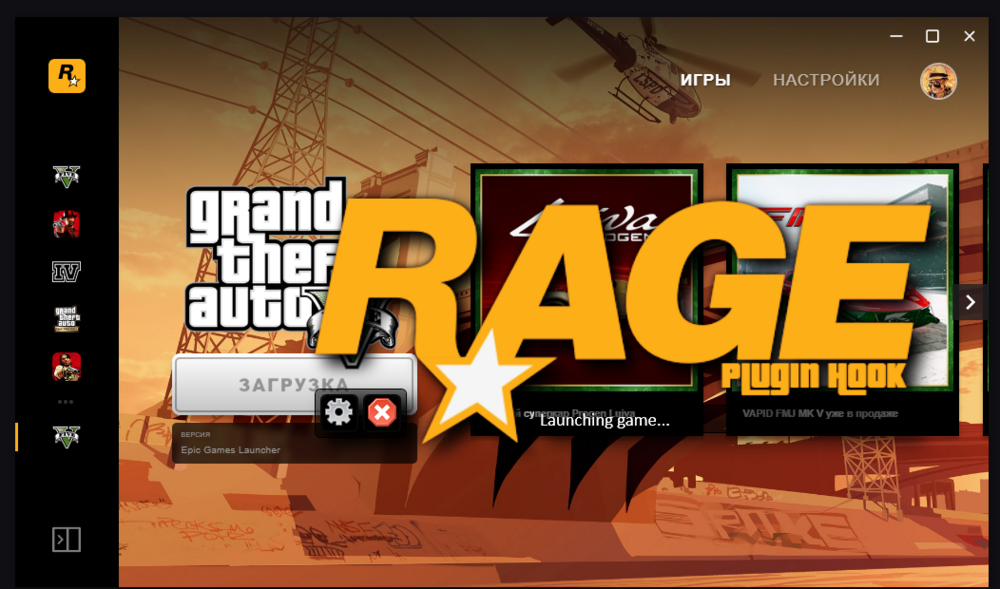
Good afternoon, I don't think I have that file. Hello again, as you can see, I'm launching the rage plugin hook launcher, but the game doesn't start through it.

-
Good evening, I'm launching the rage plugin hook. It says "launching game" and then opens epic games, followed by rockstar games, and finally the game starts. However, when I enter the story mode, nothing appears on the map, and I see that the rage plugin hook launcher is still running with the message "launching game." I tried pressing F4 in the game, but it freezes and then crashes. I downloaded everything correctly, and the plugin was enabled in the settings. Please help me resolve this issue.
