


DeadshotGodshot
Members
-
Joined
-
Last visited
Everything posted by DeadshotGodshot
-
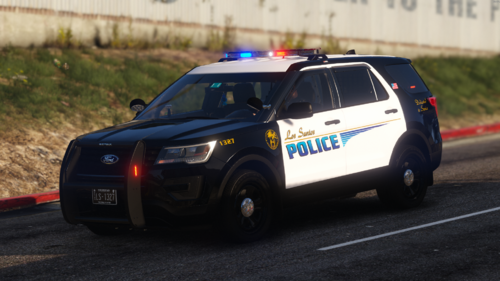
 Aye, Community, I have a question on a problem I have. My light and Sirens work, I have no problem with this, the only this is that my game stutters when switching code. It's not terrible as it stutters for like 0.5 of a sec, but it really ruins the immersion, especially when I go from 1 to 3. Does anyone have a solution to this? I've tried everything from disabling ESL traffic and AI from using it. I'm using JEP's LSPD ELS vehicle pack. I'm thinking of trying another one just to rule out that its not the vehicles. Any advice?
- 2,706 comments
- 241 reviews
-
 For this I found that Advance Hooks newest update broke alot, go back to its previous version and should start driving
 -
I'm just so confused on how to install this, I don't see any Police ytd files, does this pack add the vehicle models and everything or do i need to download another? Nvm, I understand it now. New problem I noticed, there is not a manifest.ymf for the vehicles, when i head into a pd station there is only 4 of the vehicles which are the tarus, charger variants and there isn't a any suvs. Found where they are at its the add vehicles in simple, but for all vehicles lights work, except to top ones. looking on how to fix it.
