


rosseclifton
Members
-
Joined
-
Last visited
Everything posted by rosseclifton
-
-
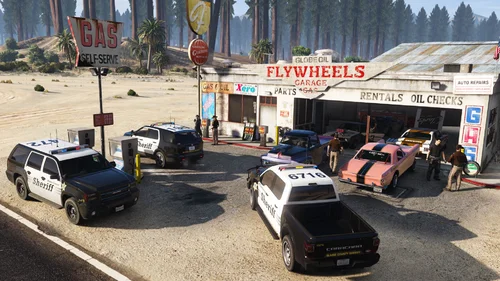 totally DOPE pack! Haven't played LSPDFR in a few years and didn't really want to go through the hassle of downloading all the old car packs that were listed under EUPFR Ultimate Edition at the risk of them not working anymore as they have been deprecated afaik. Was recommended this - quick and easy 4, 5 step installation process and it works exactly like I envisioned. Immersive backup liveries and uniforms, ambient vehicles. Thanks for the mod Banana and I will be looking forward to updates!

