ThermalMist
Members
-
Joined
-
Last visited
Everything posted by ThermalMist
-
-
From the album: Skinning WIP's
-
From the album: Skinning WIP's
-
From the album: Skinning WIP's
-
Hello all and thank you for reading this: I currently have ELS 7 but however i find that although the lighting patterns are nice I dislike the fact that some of them aren't realistic / don't apply to most real vehicles - aka NYPD vehicles. The Secondary patterns are totally not realistic. I liked them from ELS 6. However here is my main question. I love the siren control in ELS 7 but is there something of the sort that I can use with ELS 6? or would I have to go back to holding down the siren key and wait for a random tone to pop on?
-
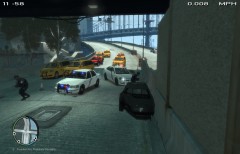 LOL! Yup..
 -
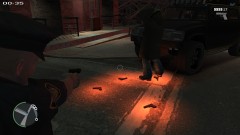
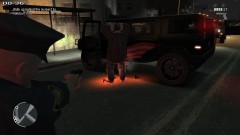
An album of random things, funny thing, weird things and more while on patrol
-
From the album: While On Patrol...
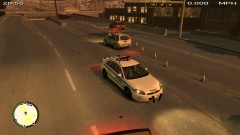
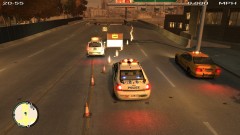
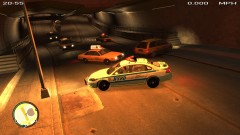
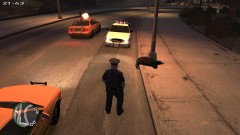
Second due arrived and assisted with traffic diversion -
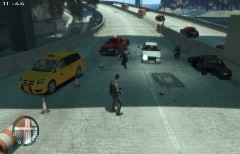
From the album: While On Patrol...
Rolling code to an explosion - NOOSE caught fire and exploded, 1st Due unit on scene shut down the highway -
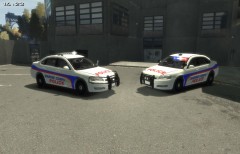 Thanks, but I already compared the badges on the vehicles to those on Google Images, Bing Images, Yahoo Images, and they aren't the correct ones. The correct vehicle badge looks like this: http://www.albany.marines.mil/News/NewsArticleDisplay/tabid/4246/Article/134954/marine-corps-police-department-vehicles-sport-new-look.aspx
 -
From the album: Skinning WIP's
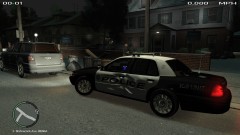
Just started, what I did so far - however, with trying to make it as realistic as possible, I cannot find the proper badge to place on the vehicle so it may fall apart. -
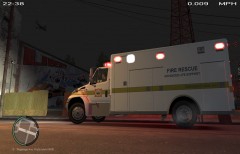 Will be releasing shortly
 -
-
From the album: Skinning WIP's
Boca Raton Fire Rescue ALS Paramedic ambulance (old paintjob) -
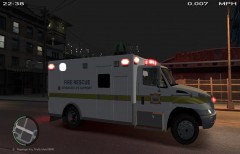
From the album: Skinning WIP's
Boca Raton Fire Rescue ALS Paramedic ambulance (old paintjob) -
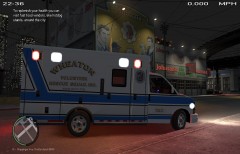
From the album: Skinning WIP's
Wheaton Volunteer Rescue Squad Ambulance 742D Wheaton, Maryland -
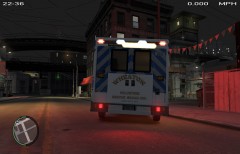
From the album: Skinning WIP's
Wheaton Volunteer Rescue Squad Ambulance 742D Wheaton, Maryland -
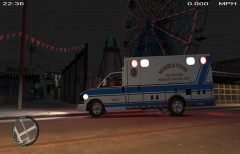
From the album: Skinning WIP's
Wheaton Volunteer Rescue Squad Ambulance 742D Wheaton, Maryland -
SWEET! 10/10 I've been looking for a SPVM minivan and this one hits the spot, nice job!
- 12 comments
- 13 reviews
-
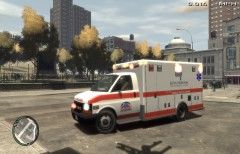
From the album: Skinning WIP's
In-game screenshot -
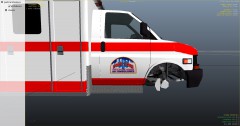
From the album: Skinning WIP's
Kingsbrook Jewish Medical Center EMS Ambulance WIP - FDNY EMS 911 PM logo -
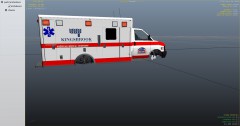
From the album: Skinning WIP's
Kingsbrook Jewish Medical Center EMS Ambulance WIP -
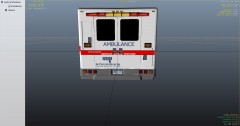
From the album: Skinning WIP's
Kingsbrook Jewish Medical Center EMS Ambulance WIP -
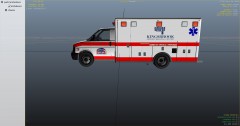
From the album: Skinning WIP's
Kingsbrook Jewish Medical Center EMS Ambulance WIP -
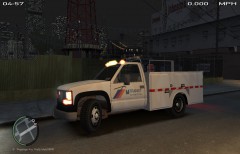 Thank you Chippy