


HazM4t
Members
-
Joined
-
Last visited
Everything posted by HazM4t
-
 Most definitely the best mdt this my first MDT and It will be my last wayy better than compulite 1000%.. new some different textures in the future tho!!
- 116 comments
- 17 reviews
-
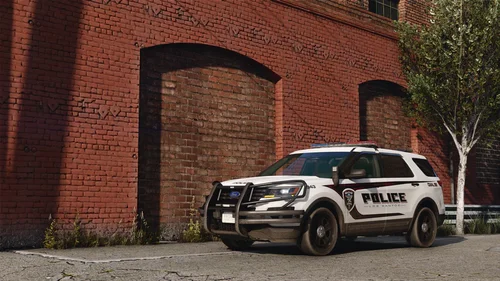 Yo where did you find the car name in the hashes?
 -
I fixed it it was a bad keybind for policing redefend I had a keybind that the game couldnt find
-
Everything loads up fine i load into gta 5 normal and then when i load lspdfr it loads but once i force duty it crashes or when i go into the lockers to go on duty it crashes as well. Ive tried to uninstall the most recent stuff but still crashes.. i ended up uninstalling EUP, Active Schooter, and Campus callout, to see if that would work but then it didnt.. my RAGEnativeUI is 7/26/2025 so i didnt think it was that.
