BlueSignalPatrol
Members
-
Joined
-
Last visited
Everything posted by BlueSignalPatrol
-
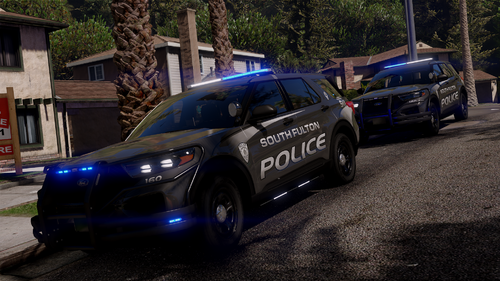 I tested this vehicle pack and found an issue with some of the vehicles. I installed everything correctly (vehicle.meta, carcols.meta, carvariations.meta, handling.meta, YFT/YTD files, ELS files, etc.). After testing each vehicle separately, only the 4th vehicle (sfpd20fpiu) worked correctly with lights and sirens. The first three Charger vehicles (sfpd23chgr, sfpd23chgr2, sfpd23chgrun) caused GTA V to crash when loaded together. I also tested removing them one by one: Removing sfpd23chgr2 alone did not fix the crash. The problem seems to be related to the Charger vehicles or a shared file/configuration. sfpd20fpiu works perfectly. I noticed that sfpd23chgr2 also does not appear in the carcols/light configuration while the others do. Maybe this pack needs an update or a missing configuration file. Hopefully this information helps someone troubleshoot the issue.