spuntik1205
Members
-
Joined
-
Last visited
Everything posted by spuntik1205
-
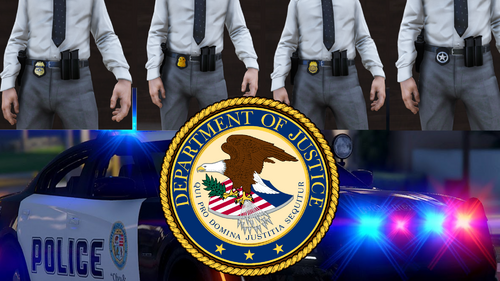 This is the FiveM ready version of the DOJ-Uniform-Pack[EUP 8.1] which i converted to FiveM THIS IS NOT MADE BY ME I JUST MADE IT FiveM Compatible • This File currently includes: - Badge -> CIA -> FBI -> DEA -> ATF -> US-Marshals - Cap (FBI/DEA/USMS/ATF) - Vest [Small/Big] (FBI/DEA/USMS/ATF) - Windbreaker (FBI/DEA/USMS/ATF) install guide: 1. install the file and extract it 2. drop it into the resources folder 3. ensure it in server.cfg ----------------------------------- I GOT PERMISSION FROM THE ORIGINAL CREATOR original file: