J T
Members
-
Joined
-
Last visited
Everything posted by J T
-
-
-
 you would have either to remove the cop cars from patrolling by setting it to 0 or set it to 1 in the ini, or use lower poly cars
 -
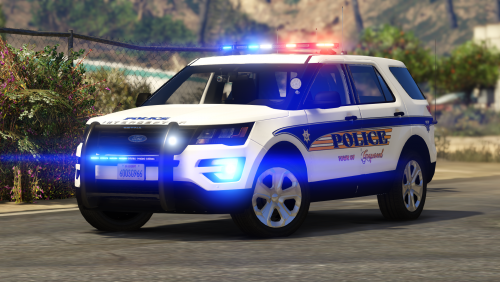 i am not the one that releases the overused whelen liberty on a site that has a ton of them and im a troll? lol k, you are just out of touch
- 25 comments
- 11 reviews
-
nothing more toxic then repetitive set ups being released all the time and having no reason to come on here, why dont you stfu? you didnt have to reply to my comment but you did
- 25 comments
- 11 reviews
-
-
-
-
-
just giving a suggestion since i think a lot of people dont seem to have a clue on here about what setups have already been released hundreds of times over
- 25 comments
- 11 reviews
-
another whelen liberty pack? theres like hundreds of these with this same set up
- 25 comments
- 11 reviews
-
-
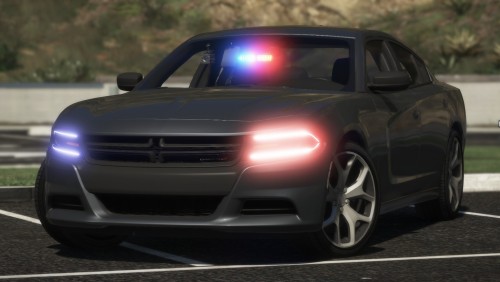 nice and clean, a true unmarked car, maybe add an amber traffic advisor in the future
- 43 comments
- 14 reviews
-
-

- 1
-
-
-
-
-
-
-
-
-
-
-
-
-