




J T
Members
-
Joined
-
Last visited
Everything posted by J T
-
-
-
-
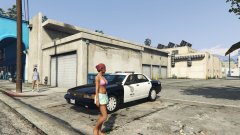
From the album: vanilla gorilla
-
might get this on the consoles, now if only they did a modern version
-
-
-
-
-
-
-
-
-
-
oh thats a bummer...because of the rear window lights? osc4r made a pattern very similar to lapd for his fictional 16 valor charger
-
desmond, I found a video of the valor flash pattern in case you need it for the els config
-
I still use the same patchday folders since modding began....I don't have to use the latest patchday so not sure how its affecting some people....it baffles me but it should still work regardless of the updated ones I use x64e, patchday 2,3, and 4
-
-
yeah
-
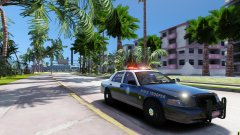 yes....that is why I said no cars to ticket because of lack of traffic in a lot of the map mods
 -
that's weird...all I need is ragehook and openiv and I can still install cars and they are in the same place they have always been since modding started, in x64e and patchday 2, 3, and 4
-
and no cars to ticket
-
-
damn dude the utility looks spot on, cant wait for your other cars
-
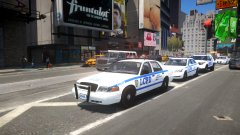
(1).thumb.png.82c2465cb8c0defccabdc776ac706309.png) you didn't make these cars.....why is this in the vehicle section instead of the texture section?
you didn't make these cars.....why is this in the vehicle section instead of the texture section?- 20 comments
- 2 reviews









(1).thumb.png.82c2465cb8c0defccabdc776ac706309.png)