


MONKEYMANBOSS77
Members
-
Joined
-
Last visited
Everything posted by MONKEYMANBOSS77
-
Thank you both!
-
-
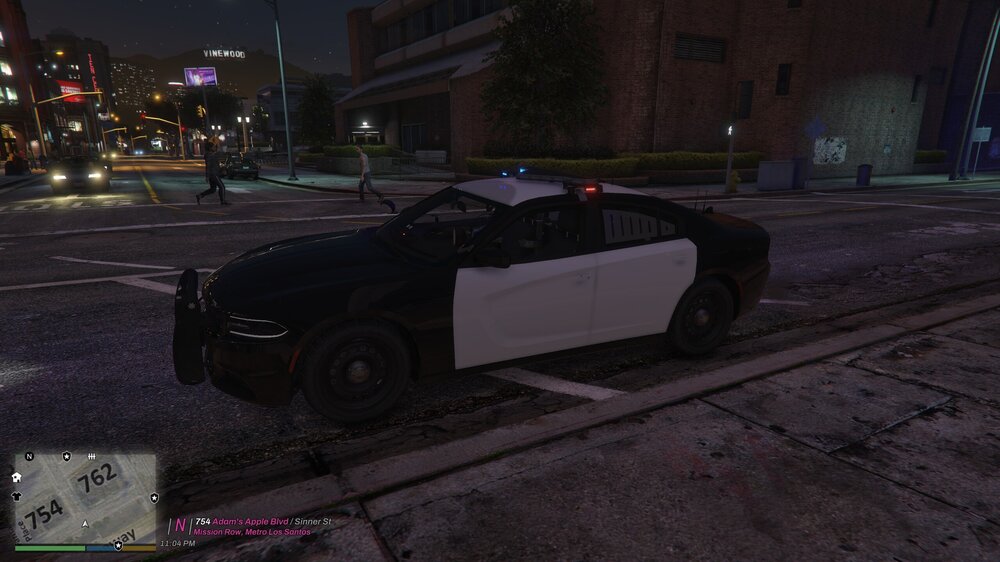
Did it, no change.
-
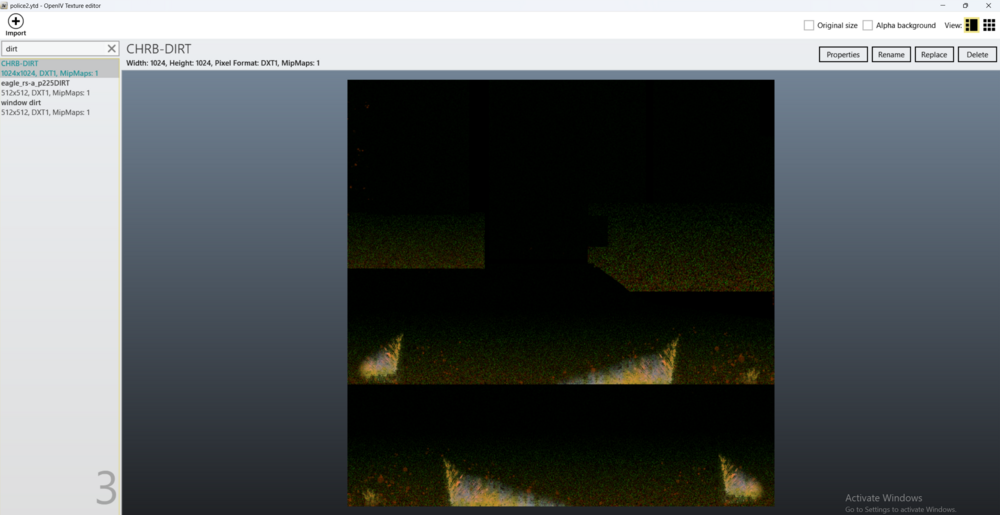
There are three dirt in there, which one should I do?
-
I had to reinstall all my files because I kept getting an error, and when I reinstalled all of them, including the LIDAR it stopped working again. I finally got it working, but idk how tbh, just pure dumb luck. I think the file itself might be buggy and needs updating or something. Also here is a HUD file for future use if anyone wants to use it.
-
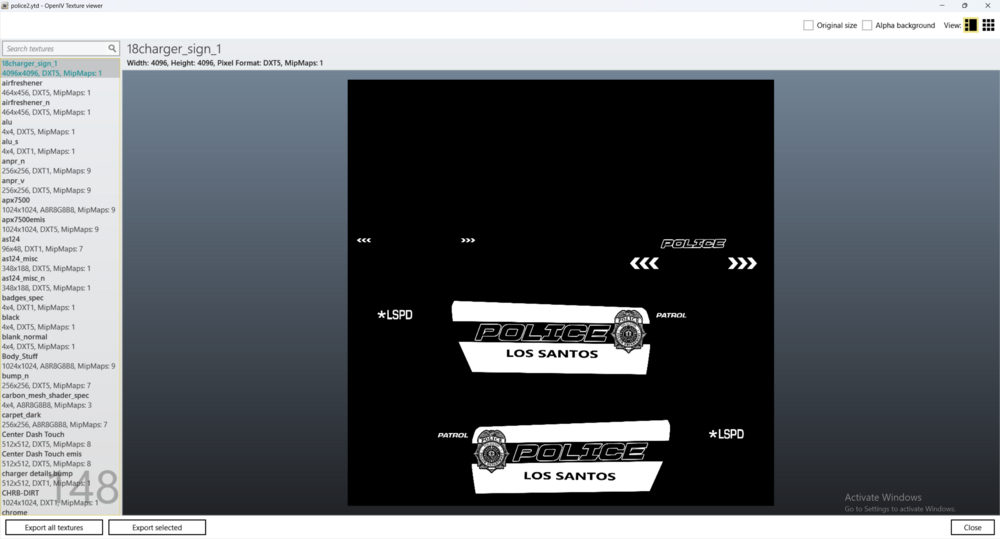
I changed it to 18charger_sign_1 like you said, and there was no effect
-
Wait, so the picture I sent you that one has to be renamed "18charger_sign_1" and then the one after that is the air freshener, as you can see in the image, that would be "18charger_sign_2" and so forth and so on until the end of the texture dictionary file? Cause some of the names make sense in the file, like the air freshener, gloves, gunrack, handbook, etc? EDIT: I changed the first one to 18charger_sign_1 like you said btw and there was no effect
-
I accidentally deleted my vehicle.rpf file in my mods folder for patchday25ng when I go through the updates folder on OPENIV it says in red "The archive you are currently editing is not located in 'mods' folder." It gives me two options, 1. to show in mods folder and 2. change mods folder settings. When I click show in mods folder it doesn't show anything. Does anyone know how to fix this? Any help would be appreciated, thanks. EDIT: I extracted the file to my desktop by right-clicking on it in OPENIV and then moved it from my desktop to inside the mods folder. I will try to update the topic if it works.
-
I got it to work. I changed the key in the LidarGun.ini file to "7" instead of the default "Num7" or whatever it was. I am pretty sure that's what got it to work. I think I may have also updated my RageNativeUI files. So it could be either.
-
Tried doing this, and it still did not work. "Set whether you want to turn the realistic weapon system on startup (yes/no) EnabledOnStartup=no"
-
-
I downloaded the Lidar Gun Plugin but for some reason it is not working. I can roll the windows up and down with . which is supposed to be a feature of the mod however the lidar gun doesn't show up or work when I press or hold 7. I do have the StopthePed plugin, but I disable the realistic weapons system in the menu each time to no avail. Here's a link to the mod. https://www.lcpdfr.com/downloads/gta5mods/scripts/38506-lidar-gun/page/6/
-
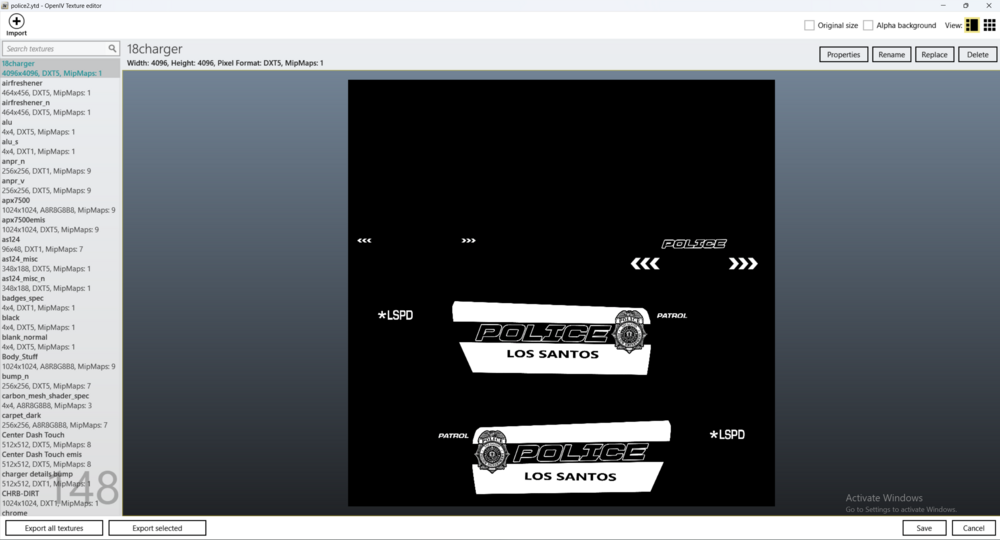
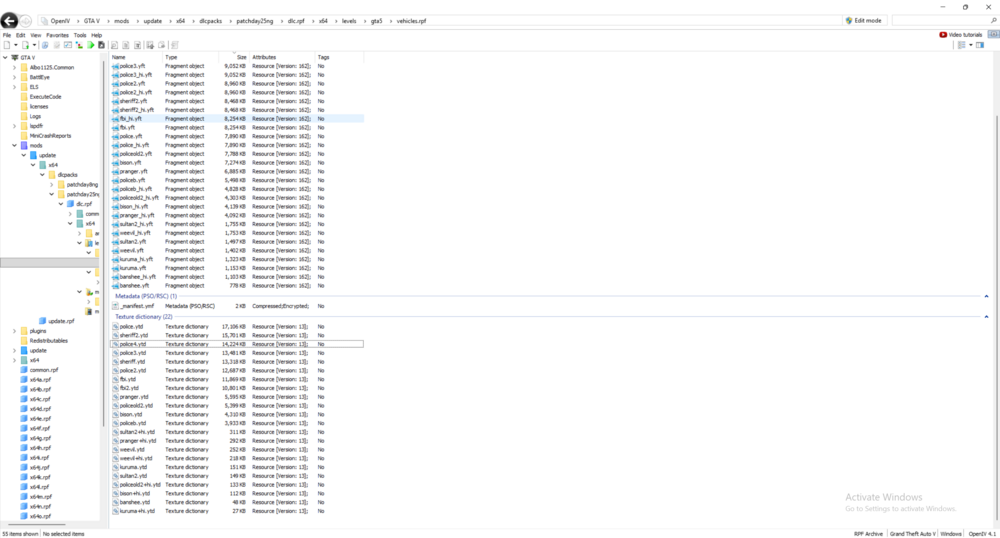
I uploaded an image for the dctionary, also what do you mean by base game files?
-
I downloaded the Valor car pack and added the Buffalo to my LSPDFR; however, the police livery/decals are not showing up on the car. Does anyone know what could be causing this? The second issue/question I had was, can I rename a car's files to make it from sheriff 2 to sheriff 4, and it will still function? That way, I would have an open slot to add another vehicle. Also, if that works, up until what number does it work? For example, does it go all the way up to sheriff 10 or 100 or etc. Thanks for any help.
-
You're the goat lenny thanks brother
-
I was wondering where to find working versions of plugins; almost all the good plugins that seem to make LSPDFR worth playing are outdated. The plugins I am looking for are in the link I posted below where it says full list of plugins in the document. They include policesearch, police smartradio, arrest manager, search warrant, traffic officer, etc. I looked at the GitHub where it is supposed to be open source, but everything in there seems outdated as well. I was wondering where you guys find functioning plugins, and if you knew how I could get them. Thank you for any help.
-
x64 > dlcpacks > patchday25ng > dlc. rpf > x64 or common and then some more, is this the path you're referring to when you say it is correct?
-
I was downloading car packs and was wondering where I put/move/install vehicle meta packs? I saw on a YouTube video that it was supposed to be through OPENIV > GTA 5 > MODS > UPDATE > UPDATE.RPF > COMMON > DATA > LEVELS > GTA 5. However, the issue I ran into is at UPDATE instead of having UPDATE.RPF I have x64 > dlcpacks > patchday25ng > dlc. rpf > x64 or common and then some more. Any help would be appreciated. Thank you.


