Korrupt.uhq
Members
-
Joined
-
Last visited
Everything posted by Korrupt.uhq
-
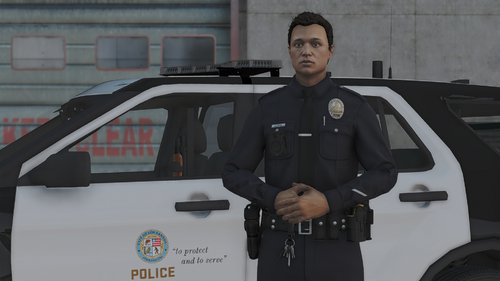 Yeah Lewis' shirts
-
Can't be asked to create your own character? Can't make or find any good ones anywhere? You're in the right place then! This character presets pack gives you 10 different characters all with unique features so you can switch & mix your patrols around. Introducing:Kai BullockMalik HaleKenji TakahashiKaito SuzukiRomeo AtkinsDarnell BrooksAdam SandersPatrick AsherDexter BrownKarim SummersRequirements:Legal copy of Grand Theft Auto V LSPDFR 0.4.9 (or latest) EUP Menu Winrar, 7zip or anything to extract a zip file A brain Installation:!!!Make sure to backup your original characters.ini before you install this!!!Drag and drop the plugins folder into your main directory and enjoy! Short Description Character presets for those that don't have time to make their own or can't be asked to.
-
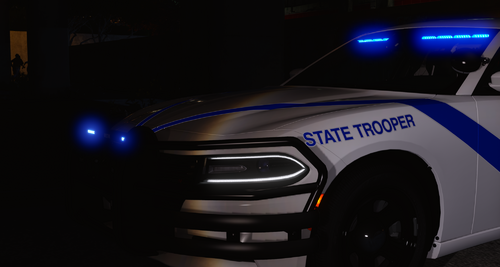 Lowkey fire liveries keep up the good work look forward to seeing more of your ASP work❤️