Luke27262
Members
-
Joined
-
Last visited
Everything posted by Luke27262
-
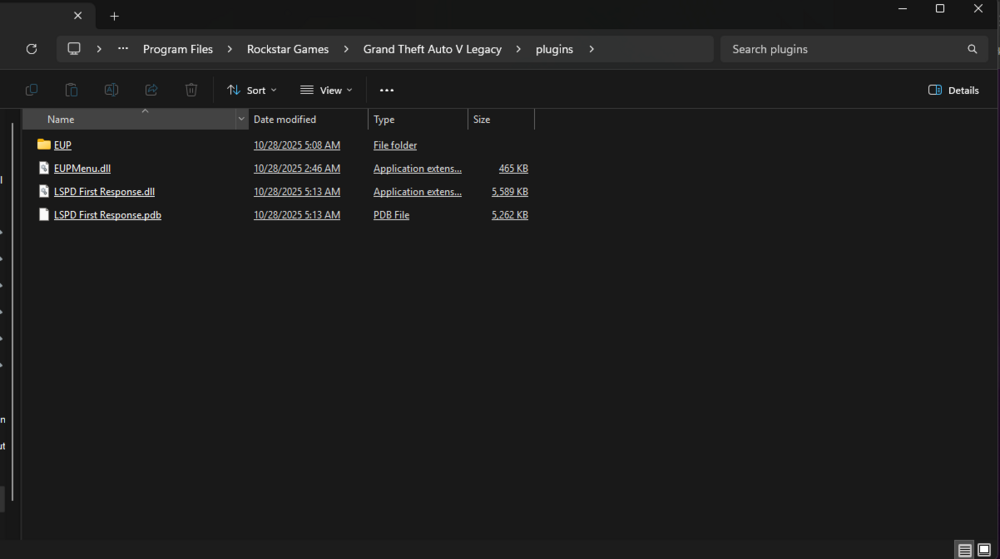
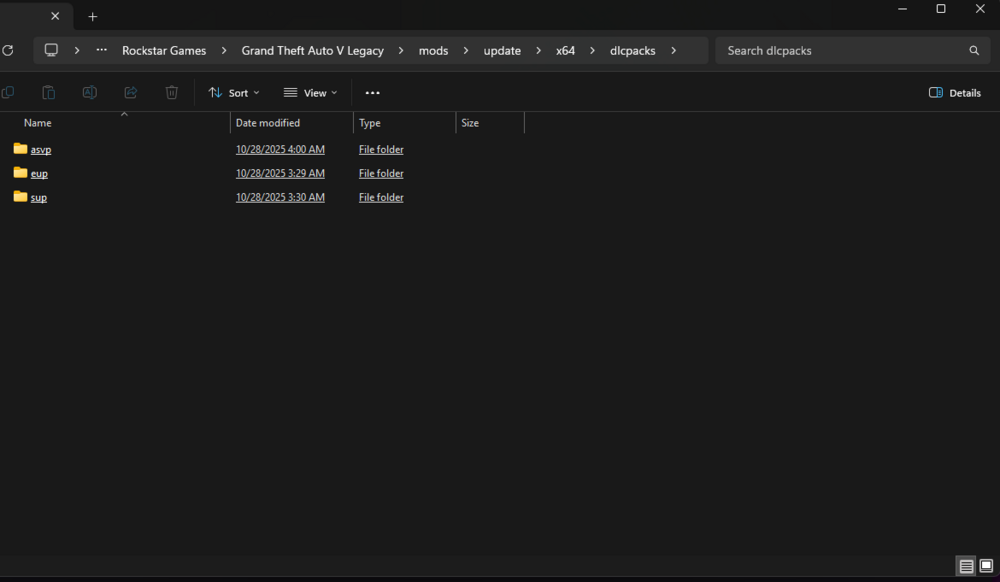
Hello, I am a first time user of LSPDFR. I did the automatic install (I uninstalled it and tried the manual install as well) and it has been crashing a fair bit. These are the mods I have installed (ELS, LSPDFR, Asheville Police LSPD package (with Port Authority reskin), EUP). First, it would crash around the character creation screen (I couldn't also apply eyebrows, hair to my character oddly enough) and now it crashes at the loading screen after I reinstalled EUP. I'm sure it may be a error with a mod as I did the recommended "_mods" test and was able to load in fine. I would prefer although if I figure out what is causing LSPDFR with EUP to crash as I am new to LSPDFR and have very few plugins installed and I am using the Port Authority uniform (that EUP adds to go with the Port Authority vehicle mod I found) Attached to this post is my crash log (the ragepluginhook log thing), a picture of my plugins folder. (Yes, you can tell I've been reading 😅) RagePluginHook.log