


TronR
Members
-
Joined
-
Last visited
Everything posted by TronR
-
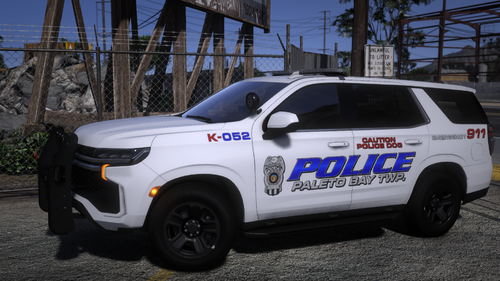 Hi I love your mods I don't know if you do requests but i wanted to see if you'll make a 2019 police tahoe like this mod but with a different light bar but you know how this kinda switches from fast to faster for a second then goes back to fast i want something like that but the inspiration is a mobile alabama police car they use orange and blue so it does blue goes from fast to faster for a second then it does orange from fast to faster and will you add lights n the side like it is in the pic and as you can see we don't use a bunch of back lights js two lights by the plate and one little light like on the side on the pillar of the car by the glass and Idk if you know how to recognize lightbars but ima give you a pic to see if you can if not i think we use the Whelen Liberty II lightbar please. Thank you if you do it if not also thank you for making good mods.
- 31 comments
- 9 reviews

