PhillipGraves0101
Members
-
Joined
-
Last visited
Everything posted by PhillipGraves0101
-
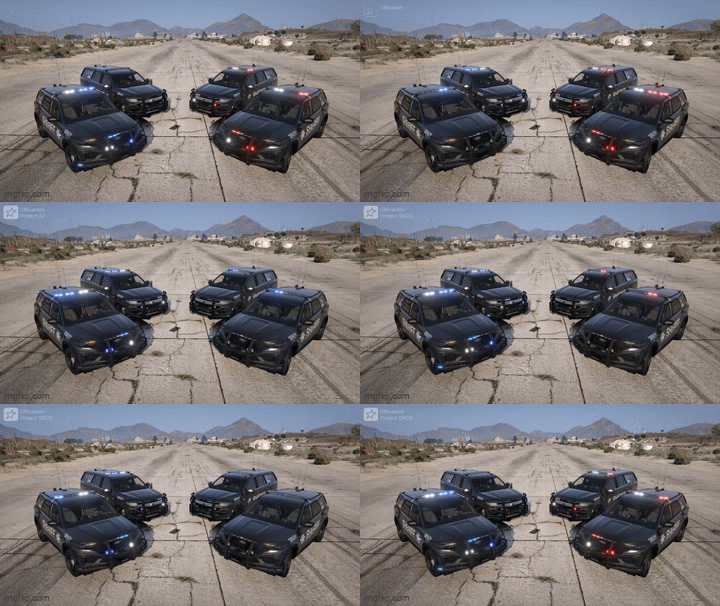 figured the coding out but theres still writing on the back bumper(old photo but the same issue)image.png
 -
still doesnt make much sense- what numbers tho im only seeing 0 0 3 156 0 0
-
where are the numbers and i want it black yes what do i do exactly, like do you have a video? i dont know where the numbers are, and yes i want it to be black, and where would i copy them into, sheriff and sheriff2?
-
what about the AI?
-
help me why does the car look like this
-
Good sir why is the car all white: (I'll send a photo of it in a few hours to show what I mean) but how do I choose its livery or base color
-
My vehicle is just all white with the logos and has writing thats not meant to be there on the back bumper, how do i change the livery?