drumright
Members
-
Joined
-
Last visited
Everything posted by drumright
-
Looks neat! I love the new site theme and how everything is sorted, but there is one problem I face with the UX on it. On the previous iteration I could use the search theme no problem, just above the LSPDFR, Essential Mods buttons, yada yada yada. I have to scroll ALL the way up past the LCPDFR Logo if I want to search for anything. I know, It'll look empty if you remove it but I think the redundancy would be appreciated. Cheers
-
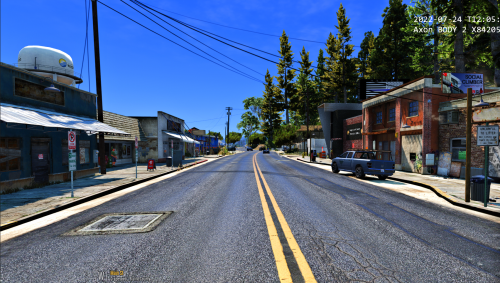 Found this while trying to find FoSA - Installed it after a bakers dozen mods & the stated dependencies, Appears to no longer work as nothing really change. Install with caution. Edit: After removing all the files, It then promptly broke LSPDFR.
 -
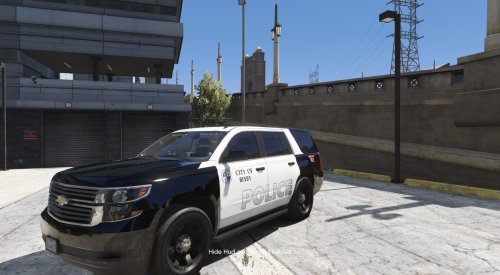 Hey! No idea if you're still active but the modder for the vehicles redacted their file. Can I get the year of the Ford Explorer and any others that used Tulsa County / Bixby?
 -
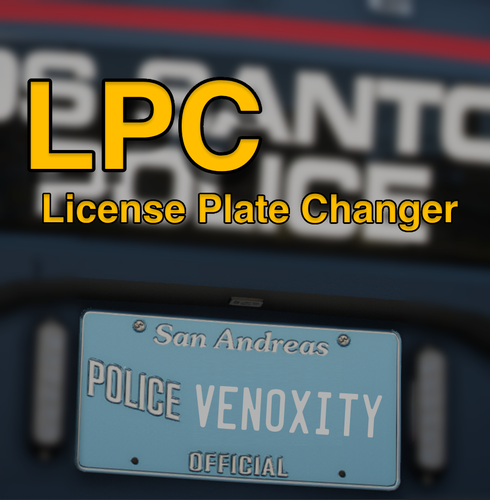 This is a great mod! But it's a learning curve for a joe-schmoo like me. After I got it working, It's a great addition especially after modding in my own County plates! And as a bonus makes everybody have the same plate as I want it. Even pairs up with License Plate Packs or whatever the mods called, i forgot and cant find it... The biggest pain in the ass was the installation... No offense, of course. I got confused when I saw the .ini in GTAV/Scripts, but turns out the text that you customize is very wacky. It's a .toml file (Why?) which took me quite a while to figure out (because i had nothing to open it) until finally I just dragged it into Notepad and it gave me the information. I even tried OpenIV and editing it to no avail surprisingly. The flags for the plates are disabled OOTB, so manually turning them to true is required. And XXX-0001 isn't the default either, It's ??? for letters and ### for numbers. I found out after digging through the comments that this is the case. I also found out that ... also gives numbers? For some reason? I literally put it in there because the plate wasn't aligned correctly and bob's your uncle. For what I have my plates set up as is as close to Real Life as possible. and grand reveal: It's Oklahoma. WHICH, Brings me to my next point. As anybody who's been around Oklahoma, the older Blue Bird style plates have a small Oklahoma emblem in the dead center. This mod keeps the standard alignment that was the San Andreas' 8 digits leading to the plate text looking like a misprint by Hominy. The left plate was achieved by doing 3 dashes as they seem to be invisible, so take that as you will. ...I would definitely appreciate a toggle in the .toml file to center the plate. It's not exactly game breaking, but it's not as annoying as having 8 digits for a 6 digit state.
- 56 comments
- 8 reviews
-
Alright, SO! I have a problem. I found this awesome Creek County Sheriffs Office model from a guy called StraightGlitchez (i say awesome because im biased and i live in creek myself), and I daily drive it for the most part for LSPDFR. The one pet peeve I have with it is that I do not have the siren. I HAVE A CLOSE ONE INSTALLED, But not THE one. I was wondering if I could get somebody to ID it? I don't see anywhere what siren they use, so... Sand Springs Police Department (appears to use the same siren): Creek County Sheriffs Office (best video i could find on youtube): Many thanks! Drum