


Brxqian
Members
-
Joined
-
Last visited
Everything posted by Brxqian
-
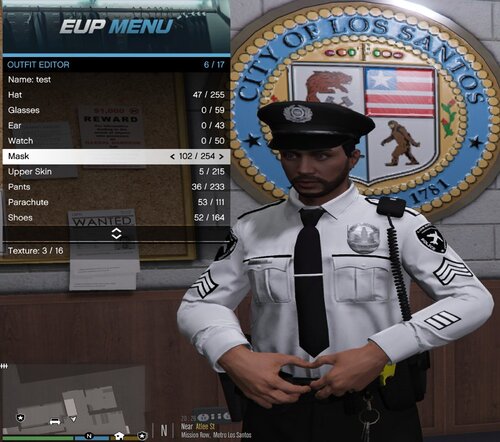 Thank you very much for fulfilling my request. C: Edit: Just tried them in game, HELL YEA brother!
 -
.thumb.png.f09a736c0120eca2e6b24182a708dc05.png) About time somebody made this mod!! Could you do service stripes next?
About time somebody made this mod!! Could you do service stripes next? -
 I imagine this probably isn't even updated or looked at anymore—but, if for some reason if it still is, please update the mod so you can draw your weapon much faster at any time. For example, if you're already out of your car and approaching a vehicle during a traffic stop, and the suspect aims a gun out of the window and starts shooting, you can press the corresponding button on your keyboard (6 for sidearms) to draw your weapon at an accelerated speed than the base game allows for. In real life, I've seen officers and your regular civilians who train with their firearms able to draw their gun within fractions of a second. Unfortunately, the game takes almost an entire second of taking fire before your weapon actually draws. TLDR: Being able to quickdraw at any time is much needed, instead of just while getting out of your car. It's realistic for trained officers and civilians to be able to draw sidearms within fractions of a second, but the game forces you to draw like a slow, untrained unprofessional noob.

.thumb.png.f09a736c0120eca2e6b24182a708dc05.png)
