


KennyD8894
Members
-
Joined
-
Last visited
Everything posted by KennyD8894
-
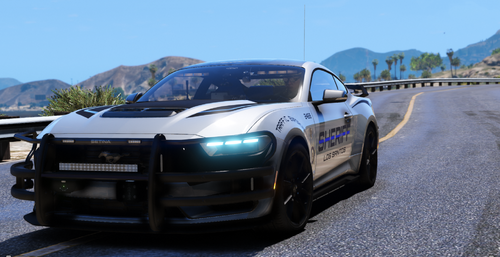 This car is awesome. Period. One of the best all around cars. ZERO issues, drives great, lights are great, speed feels right. Every detail done right. If i didnt know how to do it i would 100% buy the all blues. For those of you who dont know how to make that change to all blues.....pay the man. Hes earned it. Im bad about coming back to review/tip for great mods. This one STANDS out.
 -
I shall try this at once. I believe that is the problem tho, needa upgrade.
-
This is exactly what my game is doing right now. Newly installed. Was working installed, a few more things eup and heap now im at this freeze.
