


Nazox01
Members
-
Joined
-
Last visited
Everything posted by Nazox01
-
-
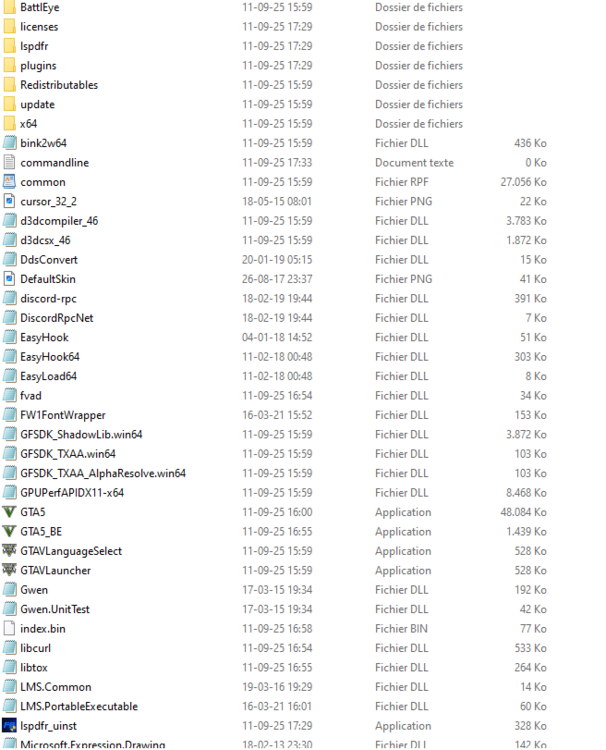
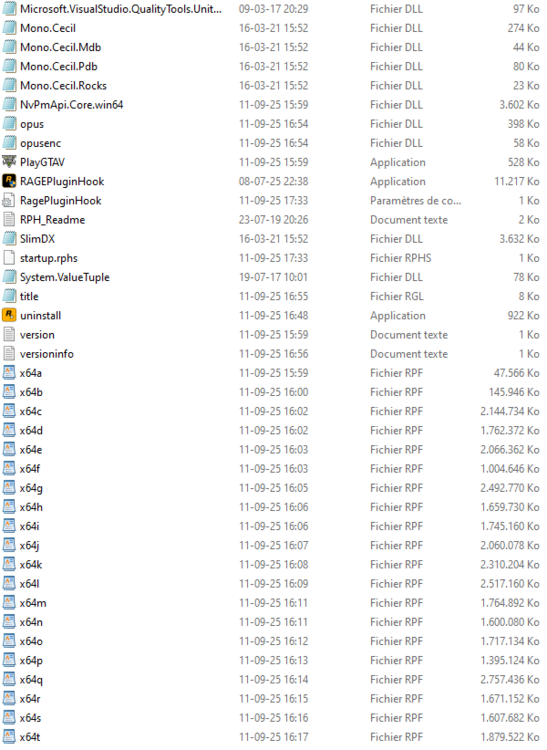
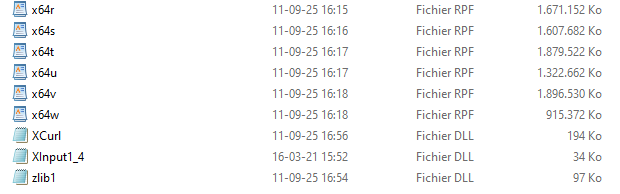
Hey, Thanks for replying, So that is the problem since that RPH does not start I have no log to send, For all I know everything is up to date from lspdfr and gta ScripthookV I did not install this time, had it for several months but did not change anything on the fact that RPH stayed on " Launching game ". All the rest I think is up to date????? When im looking my main directory i see nothing of args.txt and on the last question (mods) i think i have downloaded and deleted my gta 60 times in the last few months because nothing would work so to my knowledge i have no other mods except " fivM and open4 " thanks for helping


-
Dear Sir/Madam, I am writing this post as a last resort. It has now been about seven months that my Rage plugin remains stuck on “launched game.” I have tried everything... First my game, then RPH, turning off my AV, launching everything as admin, uninstalling and reinstalling, restarting my PC... Nothing has changed. Everything just stays in story mode when I start up. When I first start my game, I drive around to make sure story mode is installed correctly, then I start my RPH, but then I get an error message from Rockstar saying that my game is already running. I know this message is a drop in the ocean, but I would really like to play LSPDFR again and stop getting angry... I am open to any answers to fix this... thanks.


