Jahlil2017
Members
-
Joined
-
Last visited
Everything posted by Jahlil2017
-
Way much better lol everything is clean now, maybe a bad and old oiv that i've installed caused the problem! Thank you for your patience and the support, you're a good one !
-
it doesn't work as well....i'm about to uninstall the game and restart from scratch ! Thank you for the time UnknownBastion !
-
Yes, i press F4 and the game blocks then crashes.
-
I tried to put the underscore and the game finally lauched but i can't play LSPDFR by type on F4 RELOADALLPLUGIN Here's the fresh log. RagePluginHook.log
-
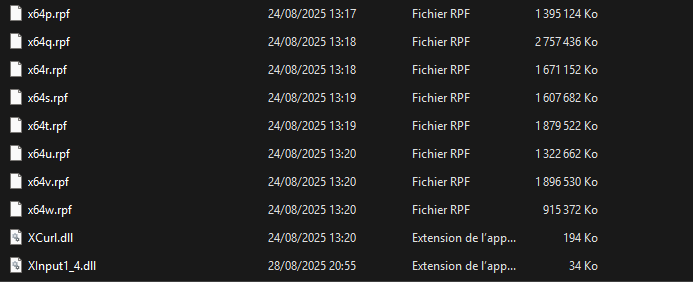
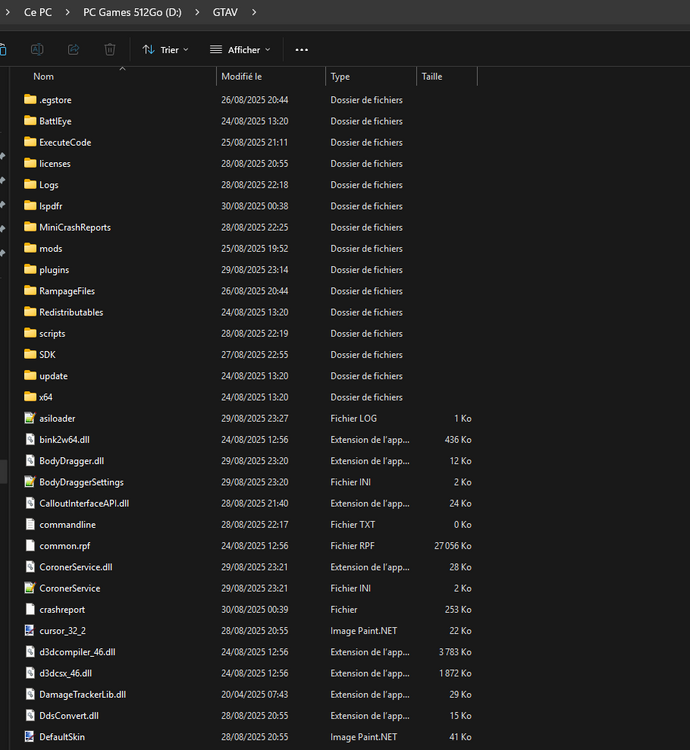
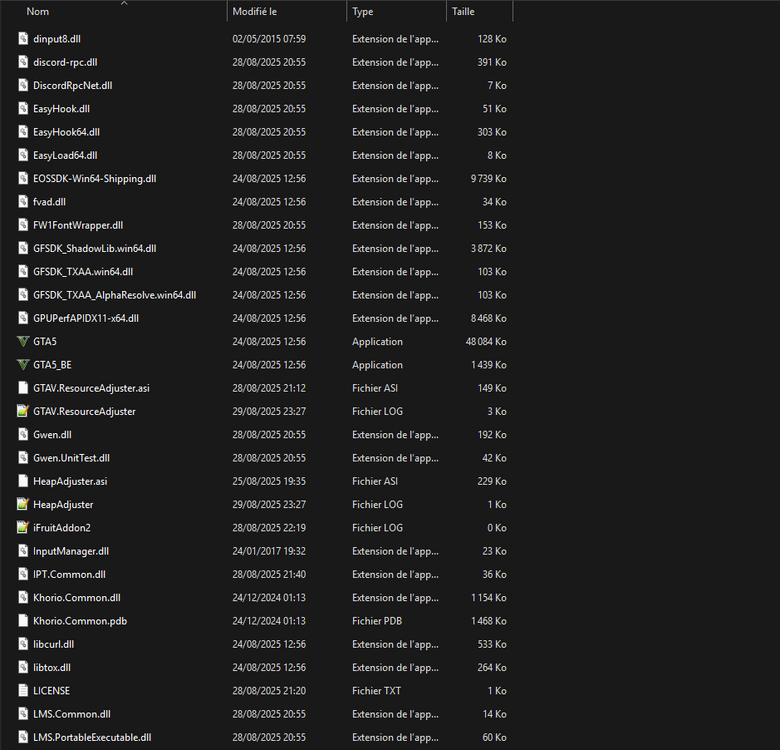
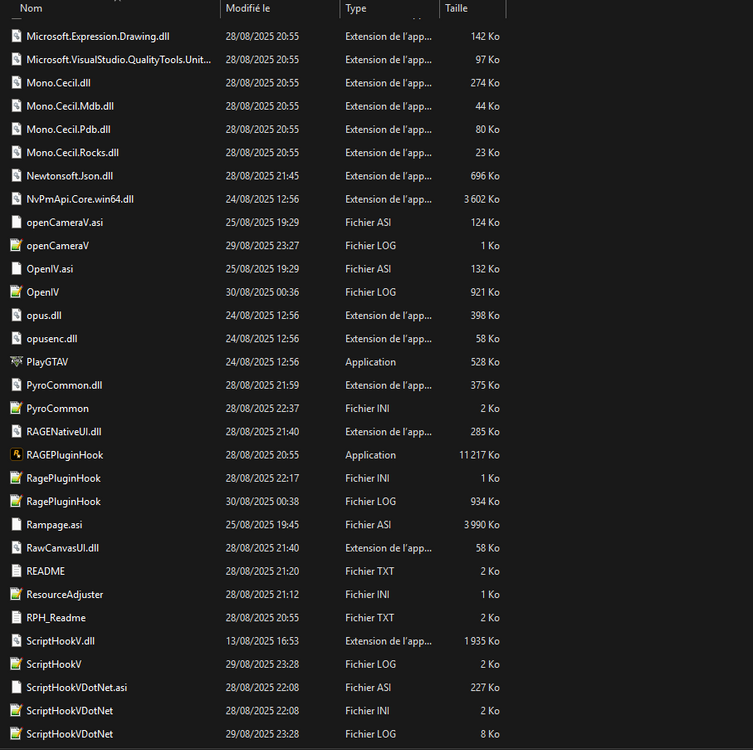
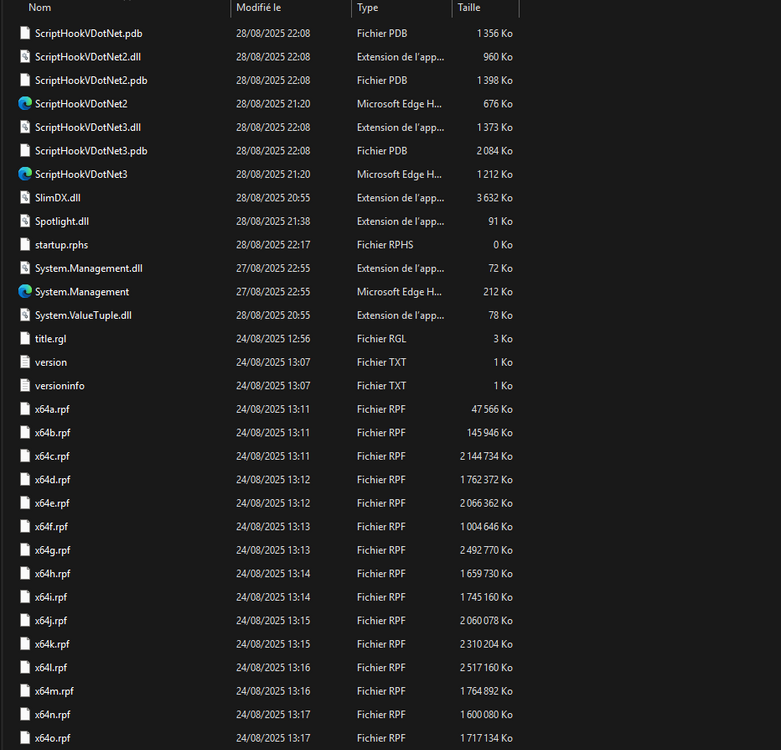
-
For sure !
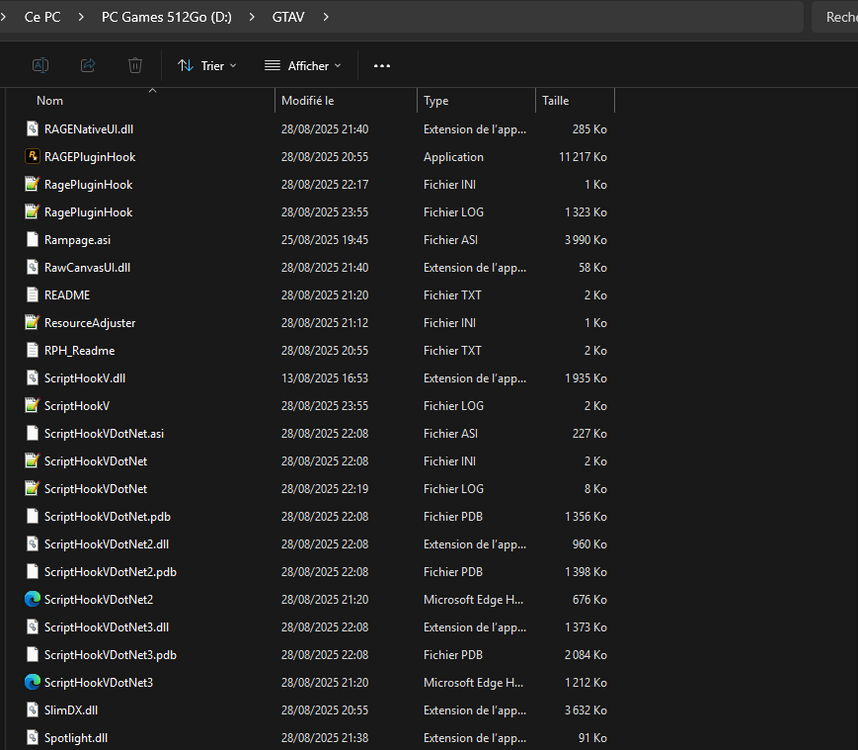
-
Thanks mate ! RagePluginHook.log
-
Hello and thank you for the fast reply ! Yes, that's the only plugin I installed. I now get a message saying that LSPDFR 0.49.dll has crashed. I just managed to restore my NVIDIA graphics settings and switch to STORY MODE, but I can't launch LSPDFR. I uninstalled and reinstalled GTAV Legacy twice and checked all the files from EPIC GAMES. I never had this problem a few months ago, I used to play it often, which is what surprises me. Thank you, IceGuy!
-
Could you tell us how did you fix it ? THANKS !
-
Hello everyone, My game crash everytime i launch RageHookPlugin, generated the crashreport "attached", i did everything step by step but i can't go foward. Edit : i don't have any plugin or scripts whatever, fresh installation GTAV and LSPDFR. Thank in advance ! Kind regards. CrashReport_Administrateur_638918310107735684.zip RagePluginHook.log