Gump
Members
-
Joined
-
Last visited
Everything posted by Gump
-
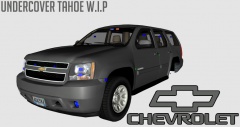
From the album: My cars in Zmod
Gonna add lights in the grill and on the side. Going to try to keep it undercover as much as possible. Will be releasing some time. -
'> just saying.
-
So, say I download a car. And I want to make a dashcam for it with a extra texture for it. How do I know what to name it? Can I just name it anything?
-
 If you dint make the map nor the car. What are you releasing? a ENB?
 -
-
-
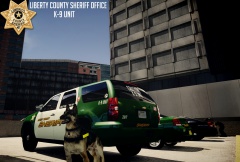
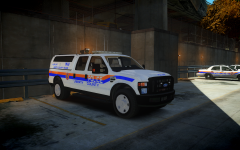 Liberty County isn't real.
 -
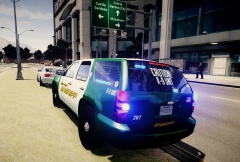 Yep!
Yep! -
-
From the album: My cars
-
-
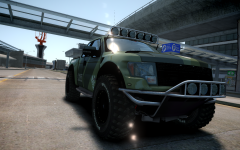 Wheels are a wee bit big.
 -
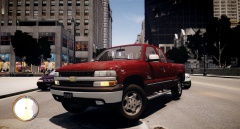
From the album: My cars
Trying to find a parking spot, apparently not fast enough for the lady behind me. -
-
2005 F-150 4.6 33 Buckshot's Sittin with my windows down waiting for a friend....when this guy comes flying in and lands right there....
-
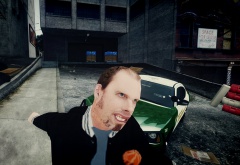 Haha. It sure does.
 -
The driving physics was a big let down to me. Seemed like I was back to GTA 1 physics.
-
From the album: My cars
-
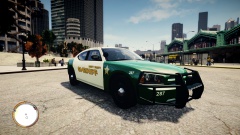
From the album: My cars
-
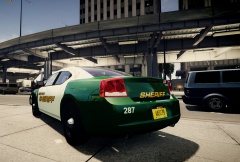
From the album: My cars
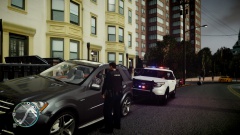
Pic of my patrol car(that I can say I proudly modded myself) directing traffic at a concert/ -
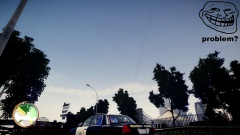 Haha, I was just messing around in zmodeler xD
 -
Just got my first car in game.Only way i could get the light bar to work was to replace the emerglights.png with the new one. But now the rest of the lights don't work and aren't mapped right. So what am I supposed to do If I want to have lightbar or something across the back. If that makes any sense.
-
-
That's what I was thinking, that they were storing it for the national guard. I didn't even think about a new swat team.
-
From the album: My cars
Just had to make the antenna 20 foot long xD