Gump
Members
-
Joined
-
Last visited
Everything posted by Gump
-
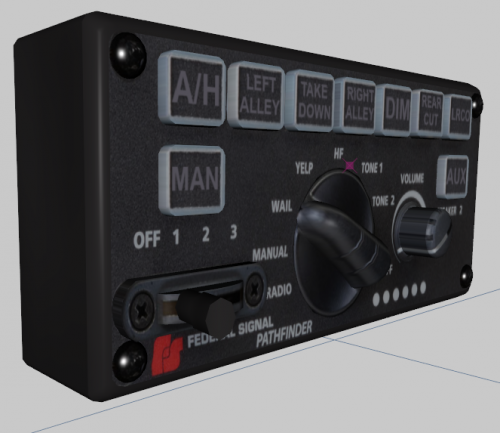 Saw one wasn't made and wanted to do one! Enjoy guys! You must have legit copy of Zmodeler 3. Credits: Officer Underwood for base and buttons(from his smart controller) Gump for making it into pathfinder Stay thirsty and vigil my friends..
 -
You need to get some glasses my friend.
-
Big shout out to officer underwood for the help! Heres what I got thus far!
-
Didn't forget about you guys...Border Patrol Tahoe was *done*....but, I can't get the skidplate to look right..only thing holding me back..Soon as I get it looking right,i'll get it to you guys.. Here is a new project I am working on..haha
-
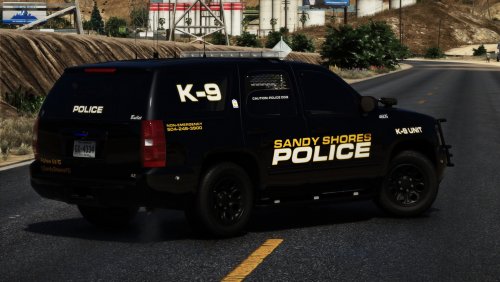 It's not just a k-9 unit! It's k-9 with a prisoner transport! So, now you can have best of both worlds! I spent a month on this Tahoe, perfecting this! There isn't a thing that wasn't looked at and fixed...Love this Tahoe..Even has working spotlights corona's!Own VCF. Some extra options should you decide you want them. Give it a download and check it out! Also, the twitter on the back of the Tahoe is real. I was making the livery from Georgia Tech PD and thought it would be cool to have a Sandy Shores PD twitter. If you want to check it out..just saying. Haha. Credits: To install the models: 1)Get OpenIV 2)Navigate to mods/update/x64/dlcpacks/latest patch day number/dlc.rpf/x64/levels/gta5/props/click on vehicles.rpf 3)Make sure edit mode is on at the top right and click the green "plus" up top. 4)Import the police.yft,police_hi and police.ytd To install ELS .VCF 1)With normal window browser(not openIV) got to local disk C/Program Files/Rockstar Games/Grand Theft Auto V/ELS/pack_default 2)Drag and drop the police.xml that was provided in the download. The provided .VCF is to ensure correct lighting patterns and extra's. To install extra options in the folders: 1)With OpenIV navigate to mods/update/x64/dlcpacks/latest patch day number/dlc.rpf/x64/levels/gta5/props/vehicles.rpf and look for police.ytd 2)Make sure edit mode is on 3)Click import 4)Naviate to where the extra optional textures are and click on them 5)Click save Stay vigil and thirsty my friends..
- 14 comments
- 14 reviews
-
-

- 24
-
-
From the album: Tahoes
-
-
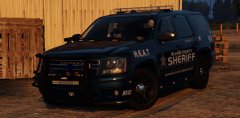
From the album: Tahoes
-
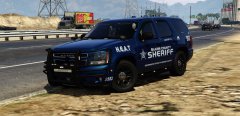 I appreciate it. It's not based off it...even though it resembles it a lot...I just built what I liked and put the livery on there. Haha.
 -
Hell yeah
-
From the album: Tahoes
-
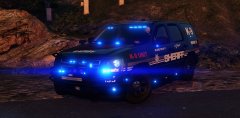
From the album: Tahoes
Looks damn good brother! Keep it up! -
-
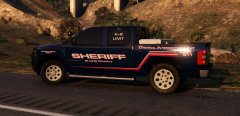
From the album: Silverado's
-
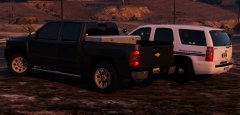
From the album: Silverado's
-
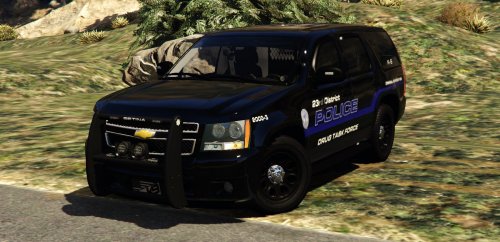 This K-9 Chevrolet Tahoe is based off the 23rd District Drug Task Force out of Dickson,Tennessee.It's accurate as I could make with the videos and little pics I could find. As extra9 and extra12 I have put 11 kilos of cocaine wrapped and 130,000 cold hard cash on the hood. Shoutout to ISPfan12 for helping me with what the lighting looks like and Getinmybelly0627 for the liveries! 2007 Tahoe by Unknown Modifed into 2013 and converted to GTA V by OfficerUnderwood Certain parts by Orex429/Shady Interior parts by Ubisoft, edited by OfficerUnderwood Wheels by GTAxBOSS Kennel by Carper MDT by BxBugs123 Console by BxBugs123 Rain deflectors by Gump Whelen Micron by HDgamerzPC Whelen ION by BxBugs123 with edits by Gump Can't remember where spotlight came from Golden Eagle radar by Gump 4RE by BxBugs123 Setina PB by RobertTM PAR 32 by Bxbugs123 Cabinet by panoszaf Lighteads by Bueno Inner Edge by Five0 Outer edge by Gump with heads by TruamaPak Liveries by Getinmybelly0627 Stay vigil and thirsty my friends..
- 5 comments
- 5 reviews
-
-
-

- 16
-
-
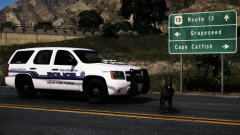 That wasn't a simple traffic stop my man..
 -
From the album: Tahoes
That right there is 11 kilo's of cocaine running down US-13 -
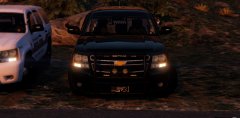
From the album: Tahoes
-
-
-
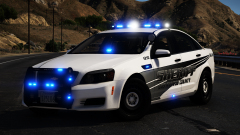 How is the Talon saying in place?? Velcro to the radar??
 -
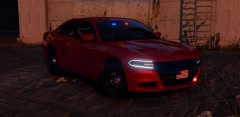
From the album: Chargers
-
-
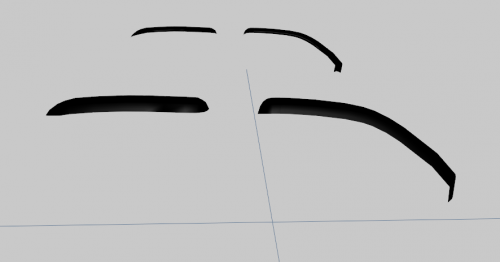 I love them. Haha.