FNZ1BRUNIN
Members
-
Joined
-
Last visited
Everything posted by FNZ1BRUNIN
-
Nothing is blocking it, the antivirus is disabled, I've already added the folders to the exclusion list, I've tried everything but nothing works.
-
No, I use Windows 10.
-
I've already added the exceptions, but nothing works, man, I'm almost giving up. I really like the RHP mod, but unfortunately I'm getting disappointed with it. If there's any way we can have a call via Discord or something to make the explanation easier, that would be great.
-
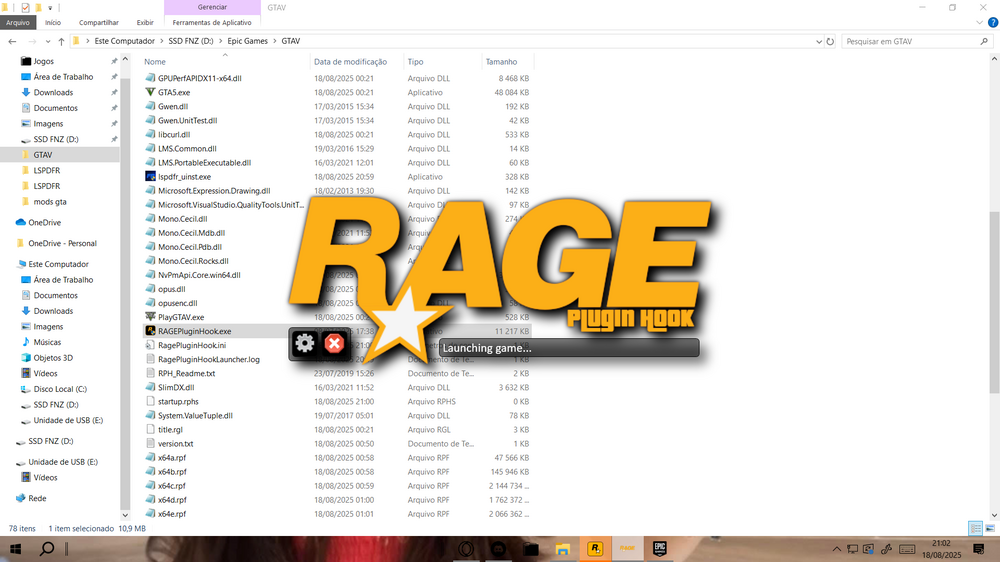
Ah yes, I think the ".log" file wasn't showing up because I uninstalled RHP and reinstalled it. I already tried opening GTA V first and then RHP, but it's still stuck on the "lunching game" screen. Where exactly should I add this "-log"? Inside the commandline or just rename the "commandline" file? I'm completely lost, I've tried everything I could find, reinstalled, opened GTA V first then RPH, reinstalled the game, watched countless videos, NOTHING works, I don't know what else to do. I love LSPDFR, I really want to play it but I can't figure it out in any way.
-
I bought the game through Steam to see if the problem was indeed with Epic Games, but unfortunately it didn't work. I open RHP and even then the game opens normally, but RHP gets stuck on the "launching game" message, and after a while a message appears saying "it's taking longer than normal" or something similar, and I couldn't find that ".log" file.
-
Sure, how do i find that ".log" file?
-
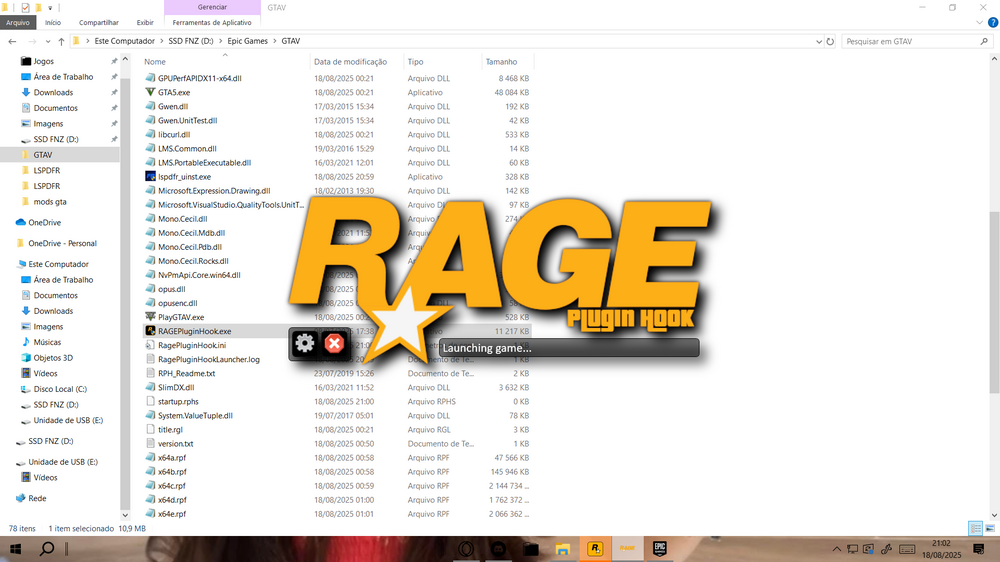
Olá, como vai? Estou com um problema ao tentar executar o RAGE Plugin Hook junto com o GTA V. Meu jogo é da Epic Games. O que acontece é: Eu abro o RAGEPluginHook.exe; A janela exibe a mensagem “Iniciando o jogo”; O inicializador da Epic Games abre, o GTA V inicia normalmente, mas sem o RAGE (o jogo roda sem o mod); O RPH fica travado na tela "Iniciando jogo" e nunca injeta o conteúdo. No console do RPH , a última linha sempre exibe: Aguardando o inicializador. Poderia me ajudar a resolver esse problema? Eu já tentei: Executar todos os programas como administrador (Epic, Rockstar Launcher, GTA V e RPH ); Começando pelo GTA V e depois RPH ; Reinstalar e atualizar o Rockstar Games Launcher; Baixando a versão mais recente do RAGE Plugin Hook; Reinstalando o jogo.
-
Hello, how are you? I’m having an issue when trying to launch RAGE Plugin Hook together with GTA V. My game is from Epic Games. What happens is: I open RAGEPluginHook.exe; The window shows the message “Launching game”; The Epic Games Launcher opens, GTA V starts normally, but without RAGE (the game runs without the mod); RPH stays stuck on the “Launching game” screen and never injects. In the RPH console, the last line always says: Waiting for launcher Could you please help me fix this issue? I have already tried: Running all programs as administrator (Epic, Rockstar Launcher, GTA V, and RPH); Starting GTA V first and then RPH; Reinstalling and updating the Rockstar Games Launcher; Downloading the latest version of RAGE Plugin Hook; Reinstalling the game. Thank you very much!