ayamane
Members
-
Joined
-
Last visited
Everything posted by ayamane
-
-
 Can you optimize the vehicle's turning? The current vehicle is too prone to rollover and tumbling when turning, making it unsuitable for high-speed pursuits.
 -
MY FAULT.I can use menu to place evidence marker,but I dont know it until now
-
I tried many keys but didn't work. Is this should be auto–triggered? I really need some help, really appreciate that
-
 there's a bug,after I drove VIP to the police station,he didn't leave the vehicle
- 318 comments
- 62 reviews
-
 When I open the game after installing it and press the N key, the game freezes immediately. I really want to use this plugin, can you solve this problem?
- 70 comments
- 2 reviews
-
 Could you add a plugin to translate the key codes,bcz some mods use codes rather key.That's may be convinent
- 11 comments
- 1 review
-
-

- 1
-
-
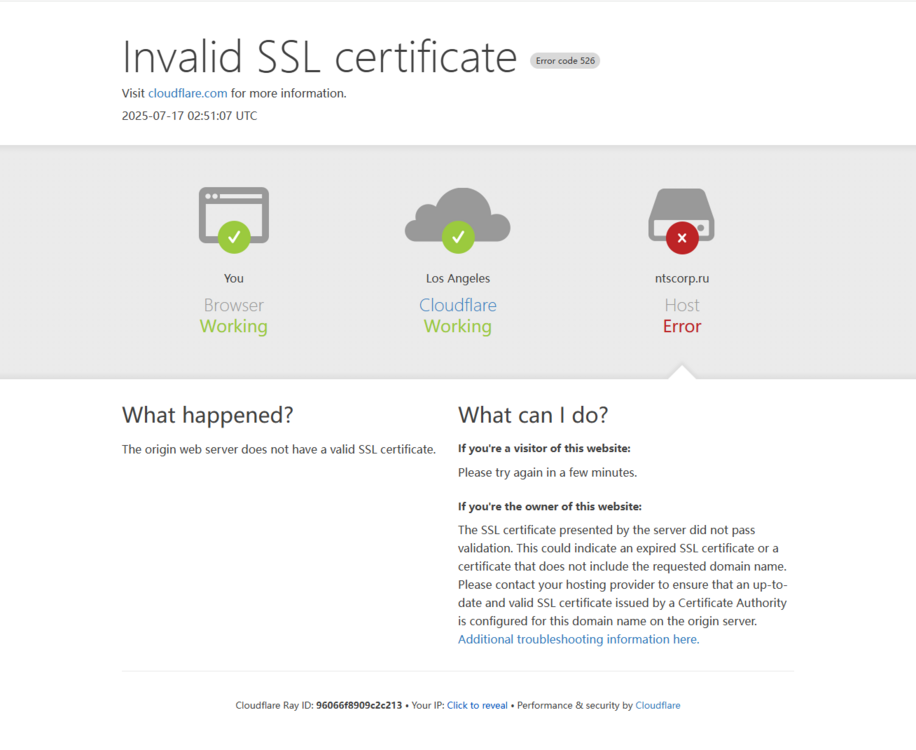
https://ntscorp.ru/ovi/setup/ovisetup.exe Could anyone offer a available website to download Open IV?plz
-
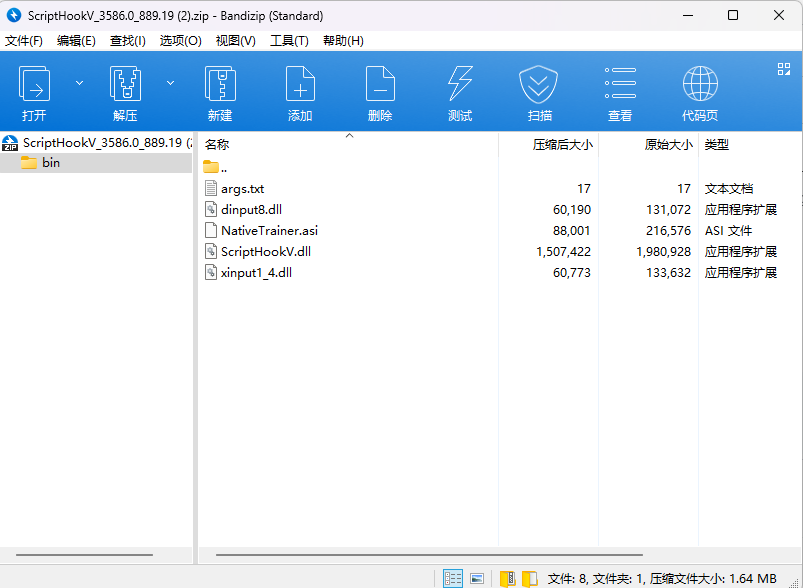
A tutorial on the Internet said to install three of the four files when installing scripthookv, but when I installed it today, I found an extra "xinput1_4.dll". Should I also drag it into my gtav main folder? Theres a photo