


dcooke072712
Members
-
Joined
-
Last visited
Everything posted by dcooke072712
-
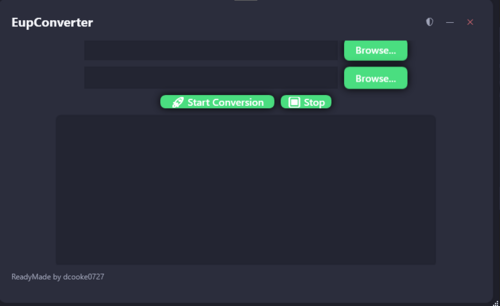 It may says it is a virus when its not I have seen on virustotal only 1 thing says it is its because it goes into your files and checks to see if you have gta 5 so I was thinking what if you could convert your favorite fivem eup to Singleplayer eup Well I made such thing You can now convert fivem eup to singleplayer just by using my Menu you don't need to buy it all you have to do is Open the exe and press convert and your good to go node.js is required so please install node.js This only works for GTA 5 Legacy Version 1.0.3586.0 I will keep it updated every gta 5 version. Put the eup files in the input folder and then open the ui and press convert and then after its done go to output everything will be there Edited yesterday at 09:16 PM by dcooke0727
