SupercarJay14
Members
-
Joined
-
Last visited
Everything posted by SupercarJay14
-
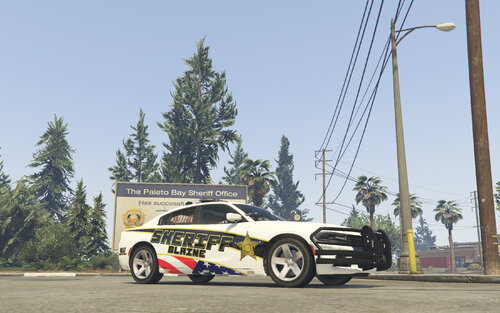 Hey PhaZe, was wondering what software you use to make your liveries, planning on making some myself, just need to know what's needed before I get carried away for it just not to work, so mind sharing you knowledge? If so, that'll be great.
 -
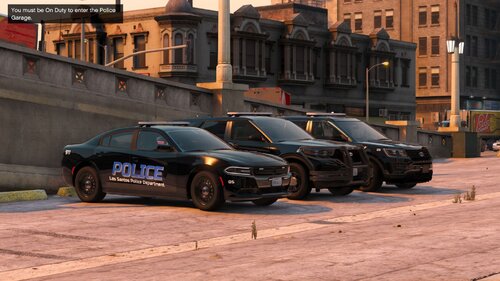 Very late post, but is there rambars for the Charger, and the FPIU?
 -
 Okay, thanks for the video explanation. Love the work though!
 -
@MattexD I did a full deletion of the game, LSPDFR, and Rage. Ever since its been working, so I believe the Rage wasn't updated as you stated. I thank you for the response back!
-
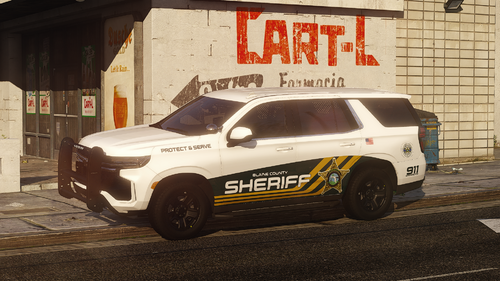 Am i supposed to replace anything to get the addon to work for the lore version?
- 8 comments
- 1 review
-
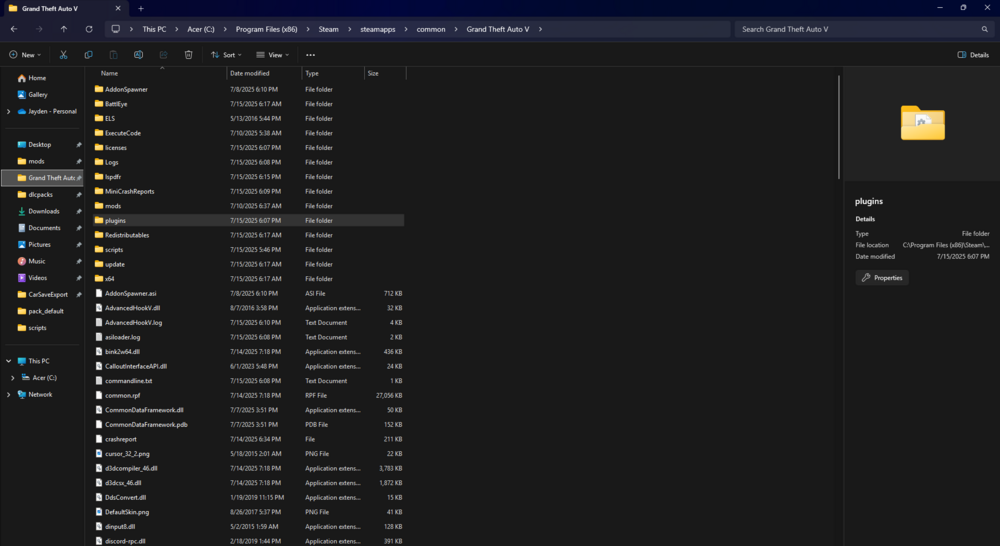
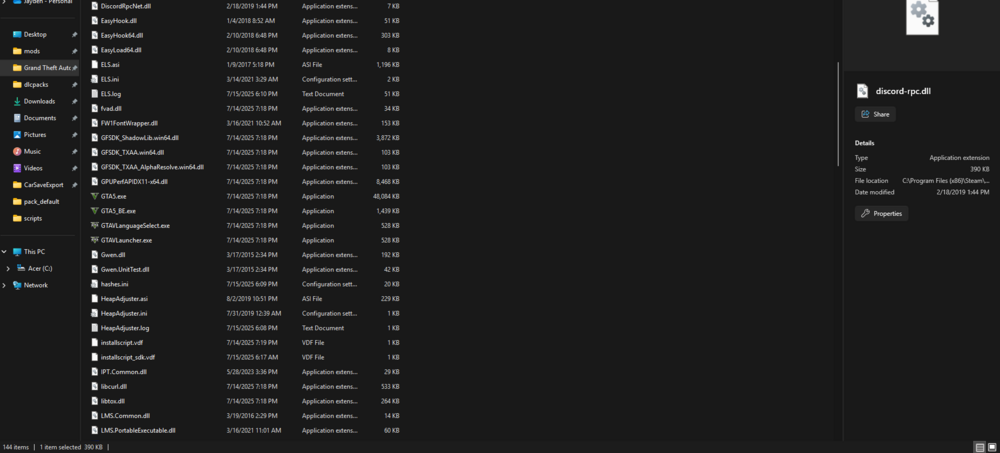
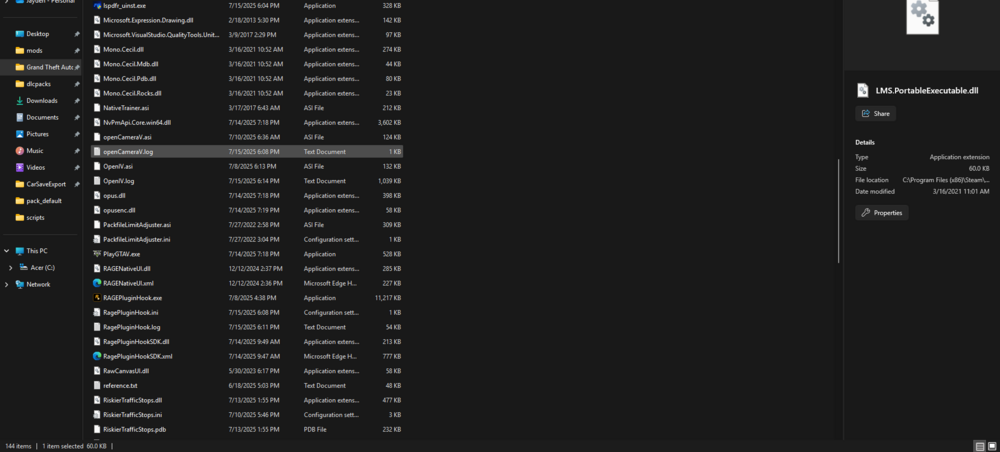
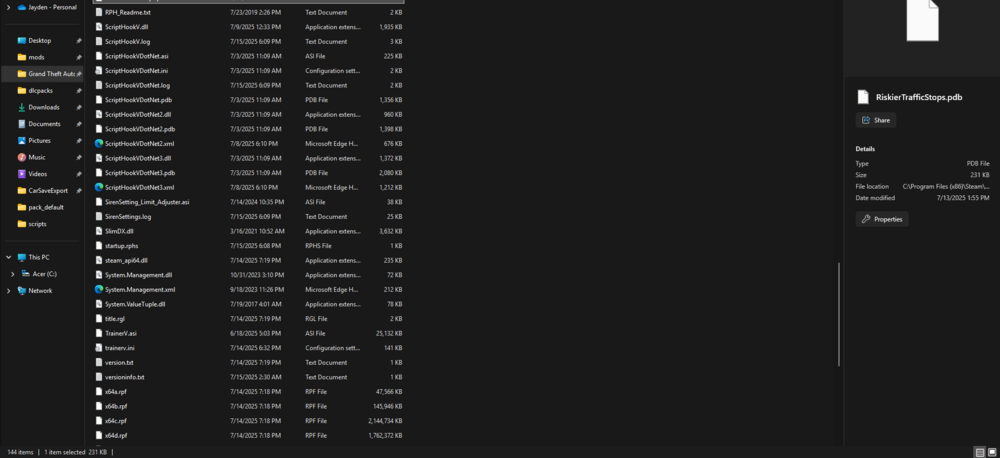
Mods related to LSPDFR - Callout Interface, 686 Callouts, NotUltimateBackup, RiskierTrafficStops, EUP. LSPDFR loads infinitely on a back screen with the bottom right corner. When I do change load on startup in RAGE's settings it works, but it only works for a little while before LSPDFR doesn't let me do what it should do. Such as I am unable to conduct a traffic stops, the police backup menu won't popup while click it hotkey (B). I have uninstalled the game, LSPDFR, as well as RAGE. No clue what's the issue is, but here's a recent log [TIMESTAMP] 6:08pm EST. If anyone can help me understand on what's happening please let me know. Here's also the game directory juts in case if that is needed or matters. (I have placed all the screenshots from the game directory in this.) RagePluginHook.log

-
Posting this a little late since its been out, but I am not sure if it works with Siren Mastery. I have been new to LSPDFR since July 8th, and I'm trying to make my game the best singleplayer realism possible. If you could get back to me that will be amazing.