

Justarandom4565
Members
-
Joined
-
Last visited
Everything posted by Justarandom4565
-
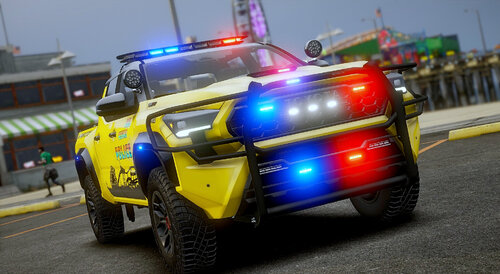 The 2023 GMC Sierra 3500 2.0 replaced the Base Games Tow Truck it is Bugged. Resulting to the doors not working and the tow Hitch from the Base Games Visible.
- 362 comments
- 26 reviews
-
Just a great Pack in General, the lighting Setups are Amazing and the Vehicles are well Detailed and Drive Great. If You get a Siren Pack And Edit the Sirens for each vehicle it Makes this pack Even Better!
- 362 comments
- 26 reviews
-
-

- 1
-
-
It is a DLC Pack One of the Best LSPDFR Packs I have Used. Great Job Keep it up!
- 362 comments
- 26 reviews
-
-
-

- 2
-
-
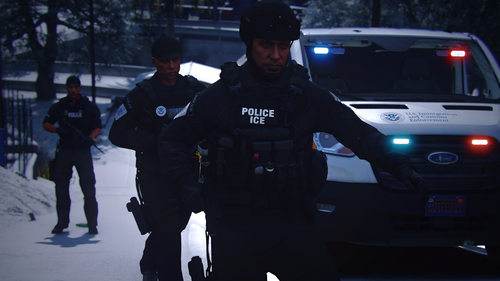 They are the ELS files put them in Pack_defualt in the ELS folder
 -
 They don't show up in the trainer I use
 -
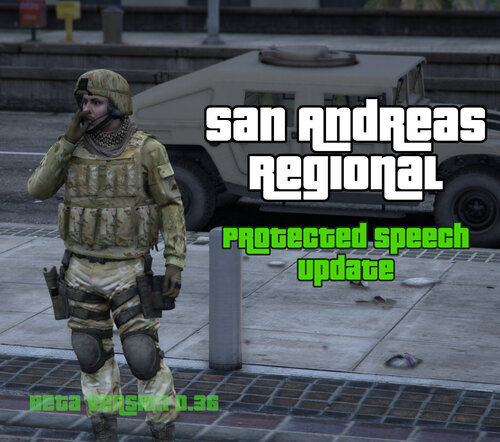 I just figured it out thanks man!
 -
Im having the same issue Pasted content
-
unable to install Pasted content
-