

zbscofficial
Members
-
Joined
-
Last visited
Everything posted by zbscofficial
-
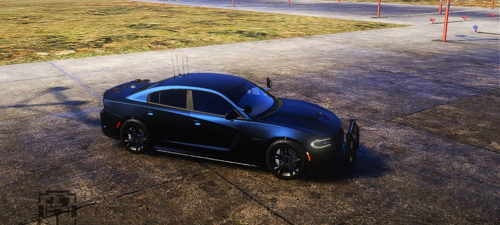 When i downloaded and installed this car and started using this car, i noticed that some of the lights were not working properly even after installing Siren Setting Limit Adjuster the lights were still broken. Is there a way to fix all the lights? If so, then i will reinstall this car and use it as my main car for all my patrols and pursuits.
 -
 How come ya just didnt name the yfts n ytds like lapdcvpi.yft etc cos it prevents from replacing certian vehicles that the ai uses is there a way i can rename the files cos idk what xmls are what for certain yfts for this pack
- 251 comments
- 75 reviews