


cinnamonlspdfr
Members
-
Joined
-
Last visited
Everything posted by cinnamonlspdfr
-
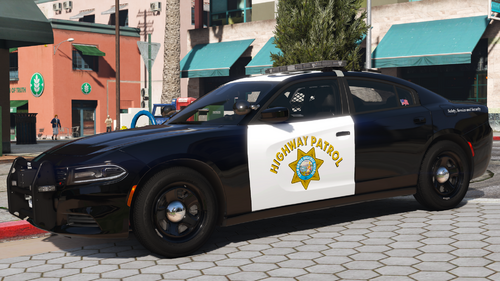 Do any of your chargers have the old lighting pattern? As in for the yelp it flashes twice each time, but what about the one where it stays for a sec
 -
Thanks thats a shame for me
-
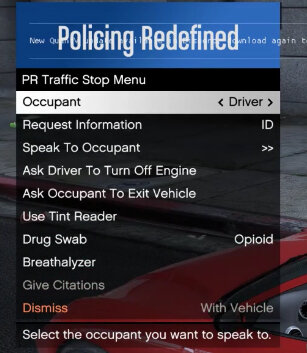
I’ve saw that policing redefined is a plugin like stop the les but with more stuff and better but I can’t see anywhere to download it please help
-
Whenever i push the PTT button it says "Speech engine not started. I have the new grammar police and made the new custom file. RagePluginHook.log
-
I also used grammar police but i also couldn’t hear dispatch
-
I have vocal dispatch installed but i cant hear dispatch whatsoever.
