RenoNex
Members
-
Joined
-
Last visited
Everything posted by RenoNex
-
Hi all Previously I was able to use LSPDFR with no issues, then randomly got an issue with GTAV not working. So, uninstalled GTAV and reinstalled. Tested the base game and it loaded fine. I then installed LSPDFR and the game loaded fine once again - I could see the police stations on the map but didn't attempt to interact with any; instead I just quit the game. I then went to install the Los Santos PD MegaPack (LAPD) and as part of this it appeared that ELS was also required, so I installed that, too. I replaced the args.txt file as part of this installation (I didn't realise the video installation I was following said not to replace this file). I tried to load the game up but it wouldn't load the story mode - not via Rage nor base GTAV. Searched and thought it might be the args.txt file, so moved this out of the folder. Tried again, nothing. I then removed the mods folder and the base game loaded fine. Put the mods folder back, issues again. So, it's definitely something that's occurred during the install of ELS/Mega Pack. Attached is the crash log, any help would be appreciated here! CrashLog.txt
-
This worked! Thank you so much!
-
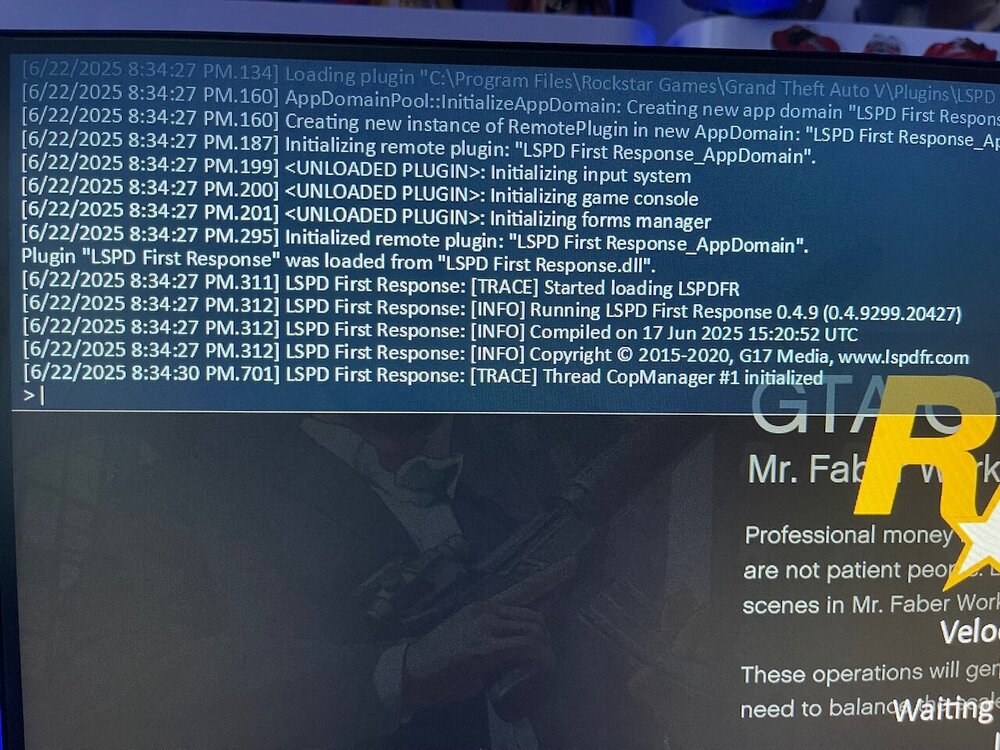
Hi, so I’ve just installed this for the first time and followed the guide exactly. However, when I try to load story mode with LSPDFR it just continuously loads and doesn’t go in-game. The background images change and the Ragehook list keeps bouncing around; so it doesn’t look like it’s frozen. But it never actually loads. When I try to play it without clicking Ragehook the game will load normally. I’m using GTA V Legacy and have no other mods installed. Checking some previous posts out I’ve created a mods folder and copied the update files in there. I’ve also whitelisted the GTA V folder in AVG and followed page 3 of Ragehook FAQ to set up all permissions. But still, nothing. How can I fix this?