
killercopz
Members
-
Joined
-
Last visited
Files posted by killercopz
-
🔧 Configuration
Be sure to review the SecurityPlus.ini file for all available settings. If you’re repeatedly seeing “Code 4 – Disregard”, try disabling the distance check in the config.
🗑️ Uninstalling the Plugin (Callouts)
1. Remove the plugin files Navigate to: Grand Theft Auto V\plugins\LSPDFR\ Delete:
SecurityPlus.dll
SecurityPlus.ini
2. Remove scanner audio Navigate to: Grand Theft Auto V\LSPDFR\audio\scanner\ Delete the folder:
SECURITYPLUS
🚗 Uninstalling the Vehicle Pack
1. Delete the DLC folder Using OpenIV, go to: Grand Theft Auto V\mods\update\x64\dlcpacks\ Delete:
gspack
2. Clean up dlclist.xml Open: Grand Theft Auto V\mods\update\update.rpf\common\data\dlclist.xml Remove this line:
Code
<item>dlcpacks:/gspack/</item> 3. Clean up extratitleupdatedata.meta Open: Grand Theft Auto V\mods\update\update.rpf\common\data\extratitleupdatedata.meta Remove this block:
Code
<Item type="SExtraTitleUpdateMount"> <deviceName>dlc_gspack:/</deviceName> <path>update:/dlc_patch/gspack/</path> </Item> 📦 External Requirements
Open All Interiors
Recommended: Enable All Interiors (GTA5-Mods)
Optional: EUP + Vehicle Support
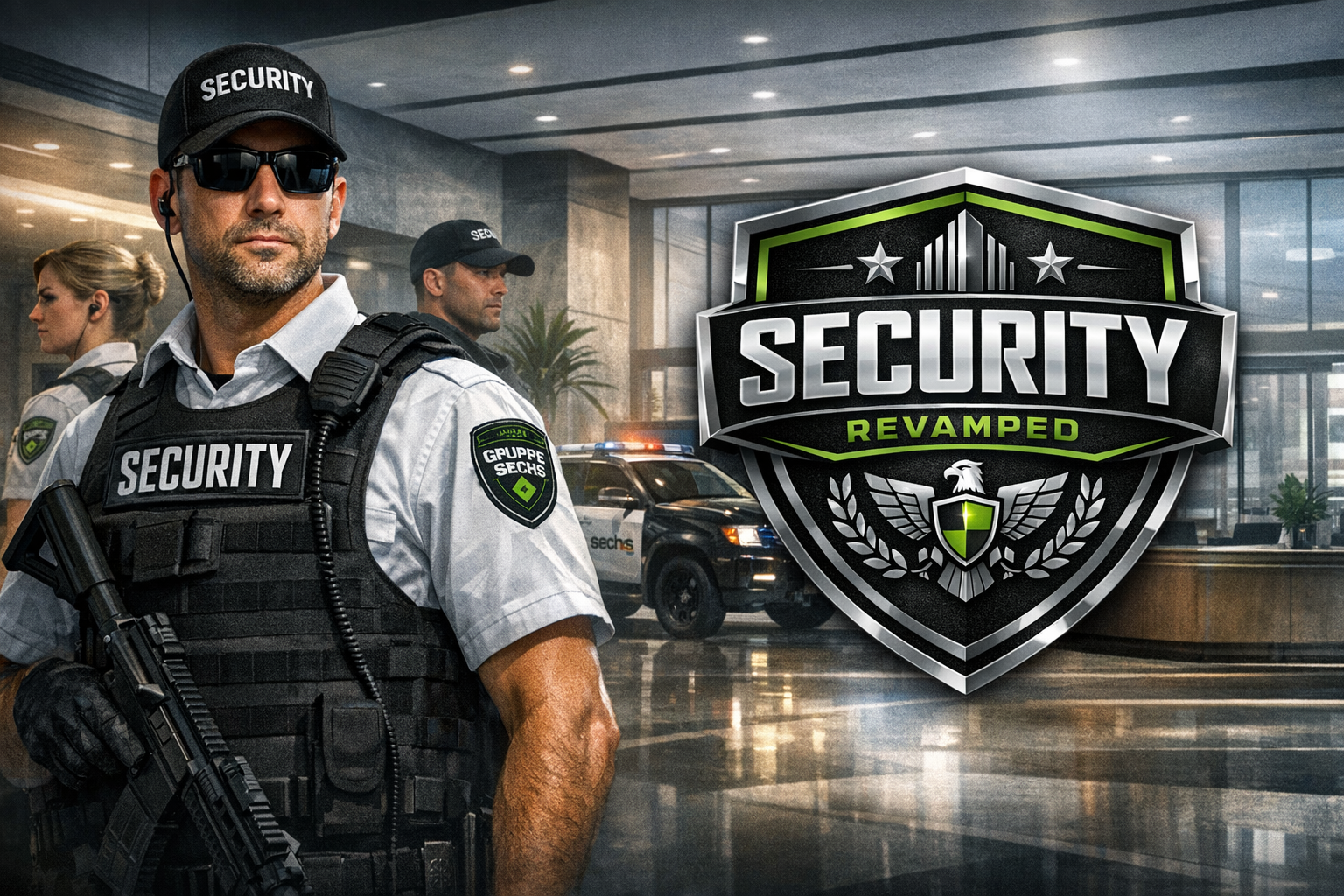
For the full experience, consider: Gruppe Sechs Corporate Security [AGENCY] [LSPDFR 4.1] – GTA5-Mods
EUP Requirement
Serve & Rescue 1.3 https://www.lcpdfr.com/files/file/16256-emergency-uniforms-pack-serve-rescue/
- 213 Downloads
- 7 Comments
Updated