
fwsrhh
Members
-
Joined
-
Last visited
Everything posted by fwsrhh
-
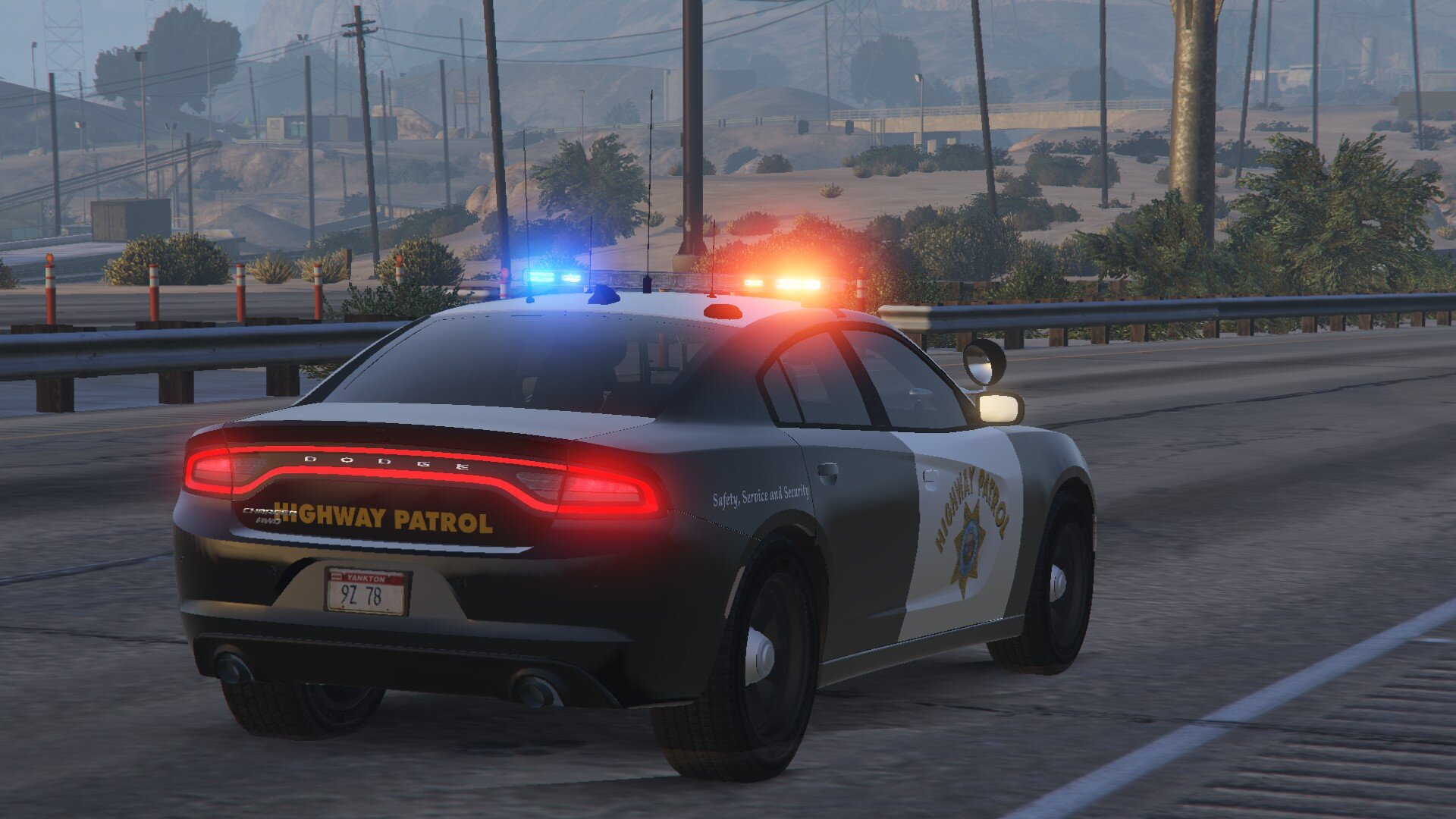
Some photos from CHP cars yay! and scenes ofc 😛
-
From the album: California Highway Patrol
Weewooweewoo! -
From the album: California Highway Patrol
Wuwiwuwiwuwi -
Its the GSP cars that i installed crashing the game.🤦♀️ I think imma go with chp cars and be chp ig because GSP ones have like to change livery from other ones. Installing the cars rn will test everything when installed. And fyi i have gameconfig, limit abjuster.
-
I found the problem by stopping my mods folder from working doing _mods and then went into dlcpacks on normal gta file and then i tested every thing 1 by one. I located that the cars do the problem i dont know how to fix the cars tho. The cars that i installed. GSP Car Pack The cars that i installed ^ as DLC/Addon.
-
So i closed the mods folder by doing _mods and then i saw that lets me get in the game but when i turn on the mods still doesnt let me.
-
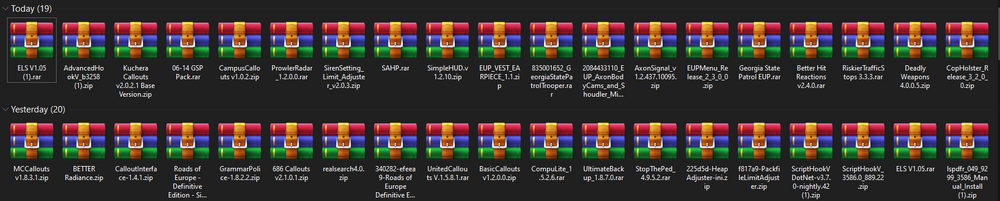
Greetings, I freshly reinstalled my game and installed these files that i will leave below with a photo. And when i launched the game it crashed like 3 times when i tried. I will like an help from anyone that knows how to fix the problem.
-
I updated SHV and its still the same.
-
Someone help?
-
Should i need to wait for new SHV update?
-
I installed nightly the updated one and still doesnt work. Someone help please.
-
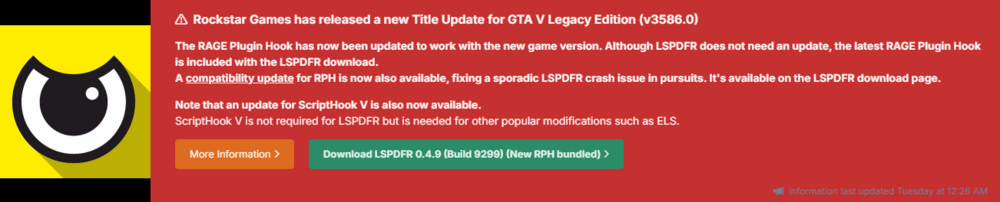
LSPDFR has a fix i think so. Goto the download of lspdfr and download RAGEPluginHook_1_122_pursuit_crashes_test. Well i hope that helps you.
-
I think its that Fast Draw Plugin/Mod. i hope i found the one that youre asking for.
-
I deleeted dinput8.dll and when i started it it let me in but. EUP Couldnt be openned. I think shv is not updated. And it messed up the uniforms at station.
-
I already have installed the uniforms and hair and that. And i dont have an GTAV process on going at my task manager.
-
So, I installed these that i will link below that text. Short Wavy Hair Female MP Model LEO Unifs. I dont know what happend but it doesnt open now. It says the thing at the title.
-
It works fine.
-
Now its fixed. But when i openned the folder i had 2 mods files. One was _mods the other one was mods so i tried all of them by removing them one by one testing and the one that is _mods works when renamed to mods. Thank you for help bastion.
-
It was to_mods I made it _mods now it doesnt crash when clicked F4. but The Peds/Cops are the same like all corrupted shirts and that.
-
Do yk how to fix the ped problem?
-
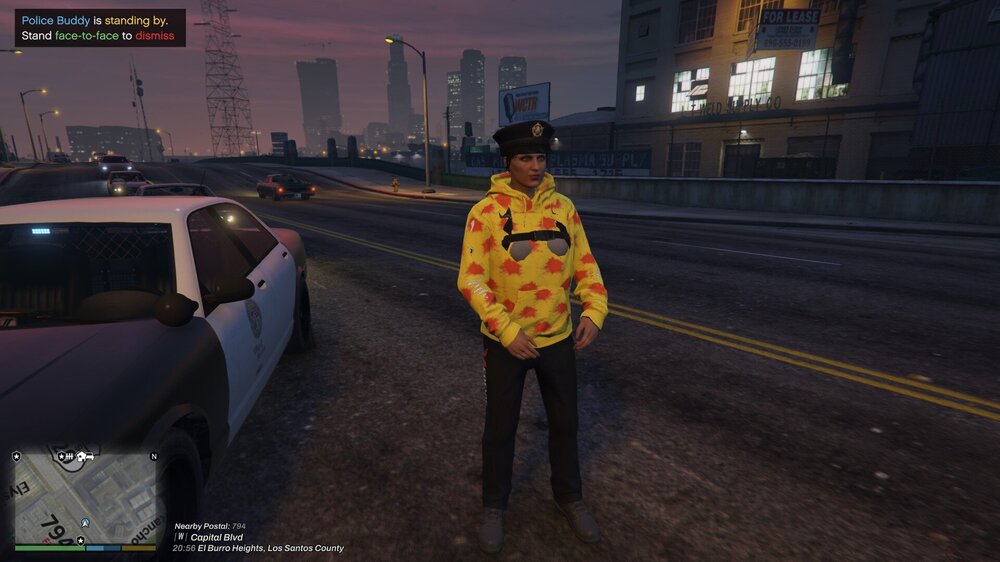
Now i figured out that it crashes when i click F4 The command bar. And my npc uniforms are messed up somehow as in the picture.
-
So i recently downloaded Copholster and Better Hit Reaction. Then i logged on LSPDFR after some 2-3 some minutes it crashed. I will attach an crash report here if it helps ig? CrashReport.txt
-
Well, The same happens to me too but maybe try updating RPH (Rage Plugin Hook) here is the link for it at down. https://github.com/alexguirre/RAGENativeUI/releases BUT You can try reloading the plugin like i do.
-
It may be some mod/plugin that crashes it when i downloaded DLS it crashed on me but if its not an plugin crashing it. You can try to update ScriptHook, AdvancedHook And Ragepluginhook. I hope that helps you.
-
There is one at bejojo's discord server here is the link: https://discord.com/invite/et8wFat You can download the UB converted from resourches channel at discord. And here is a tutorial video link: https://www.youtube.com/watch?v=nv2yQ9b47NE&t=661s I hope that helps you.