Skip to content
View in the app

A better way to browse. Learn more.

LCPDFR.com

A full-screen app on your home screen with push notifications, badges and more.

To install this app on iOS and iPadOS
  1. Tap the Share icon in Safari
  2. Scroll the menu and tap Add to Home Screen.
  3. Tap Add in the top-right corner.
To install this app on Android
  1. Tap the 3-dot menu (⋮) in the top-right corner of the browser.
  2. Tap Add to Home screen or Install app.
  3. Confirm by tapping Install.

Wompitz

Members
  • Joined

  • Last visited

Everything posted by Wompitz

  1. Wompitz replied to Wompitz's topic in Legacy
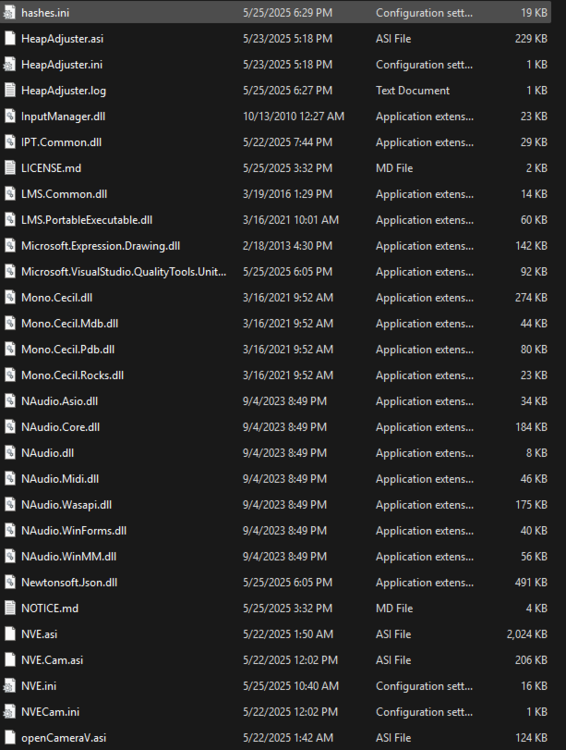
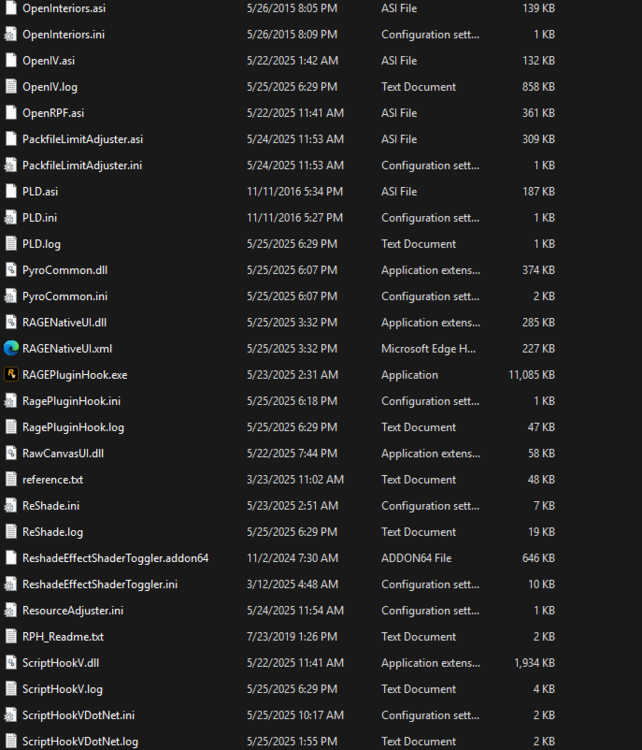
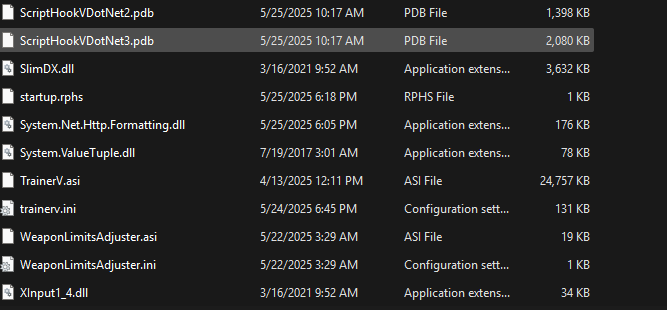
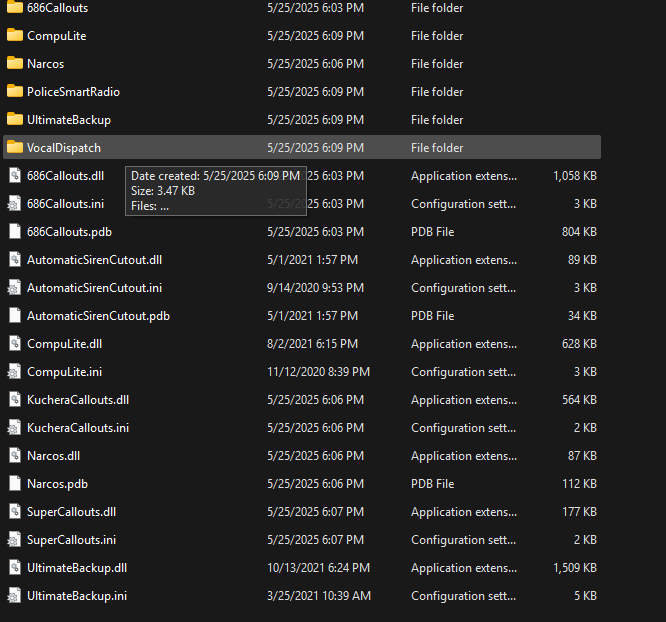
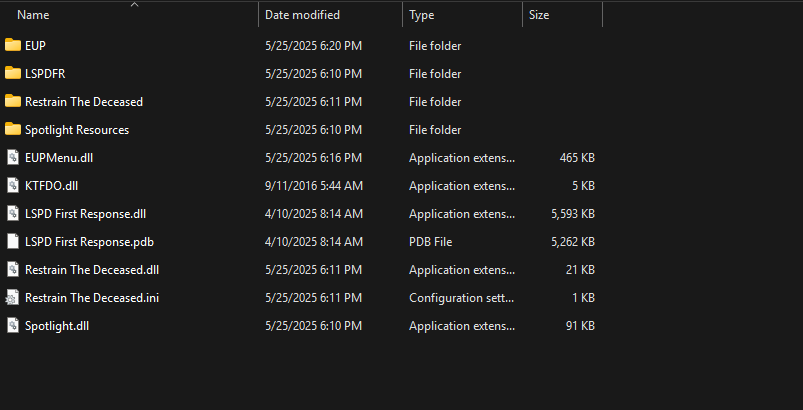
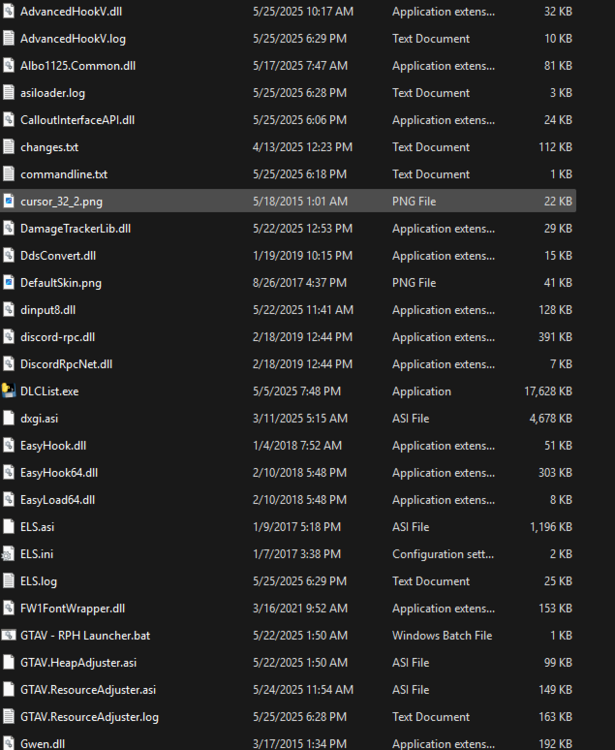
    this is gta 5 directory then the last two imagees are my plug ins folder and lspdfr folder
  2. Wompitz replied to Wompitz's topic in Legacy
    i sent the log file before i got rid of the plug ins so i updated it. i did a fresh install of lspdfr and still crashes, doesnt even load it just automatically shuts down. im currently doing a fresh install on steam to see if it'll help. if there is a script outside the plugins file what would be a possible solution?\ thank you
  3. Wompitz replied to Wompitz's topic in Legacy
    pls help 😞
  4. Wompitz posted a topic in Legacy
    i was installing mods and ran into this problem. the game was working fine for me for a few days until i installed a ambient dispatch mod. i fixed everything and then my lspdfr first responder mod stopped working. any ideas on what i should delete? i tried deleting and reinstalling my plugins and lspdfr folders because i assumed it was a plug in but it wasnt, i then put tlspdfr first responders in the plug ins folder and it still doesnt work RagePluginHook.log

Account

Navigation

Search

Search

Configure browser push notifications

Chrome (Android)
  1. Tap the lock icon next to the address bar.
  2. Tap Permissions → Notifications.
  3. Adjust your preference.
Chrome (Desktop)
  1. Click the padlock icon in the address bar.
  2. Select Site settings.
  3. Find Notifications and adjust your preference.