


FEO2210
Members
-
Joined
-
Last visited
Everything posted by FEO2210
-
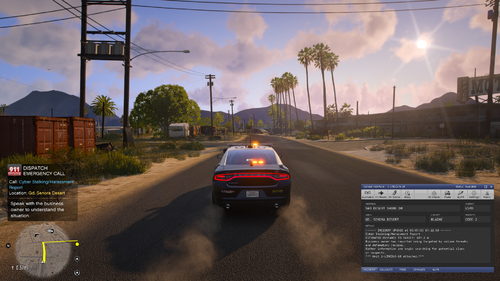 I think the latest update is including the old version. I've downloaded it but my game still recognises it as the old version
- 71 comments
- 8 reviews
-
-

- 2
-
-
Looking for some help here guys. My LSPDFR crashes when i go on duty but ONLY when I go on duty via the lockers. Force duty works absolutely fine. It's just manually going on duty. I have: The Latest LSPDFR, Rage plugin hook and ragenative and scripthook V I use: EUP Traffic Policer Arrest Manager Stop the ped TACSIMS active shooter callouts TACSIMS Casual callouts Policesmartradio ELS MCCallouts All of these are the latest versions and have NOT caused me any problems all of them work completely fine. I've attached my rage log RagePluginHook_20052025_100820.log
