quirkycracker
Members
-
Joined
-
Last visited
Everything posted by quirkycracker
-
Thankyou @Twuben, Its working now and I believe I'm getting the hang of it. Is there any general rule of thumb for what files go in the root folder vs. plugins folder or any other folder? Like is it based on file type? Or the function the file provides? Many thanks again.
-
Hi @Twuben, Thanks for the help. I've attached what I think is what you asked for and what looks to be a crash log? Let me know if this is incorrect. RagePluginHook_19052025_055637.log
-
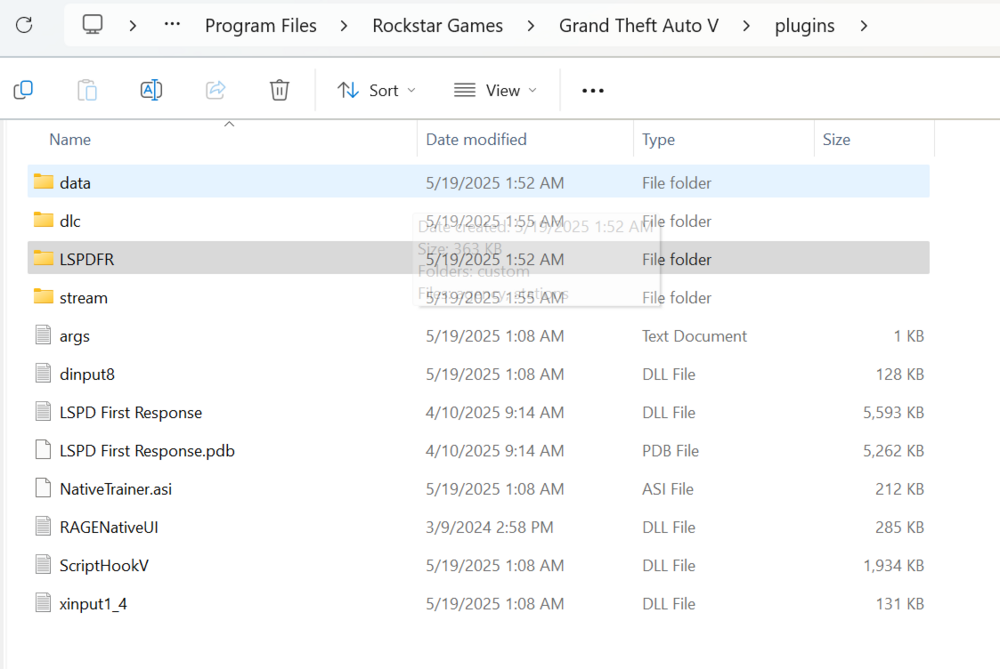
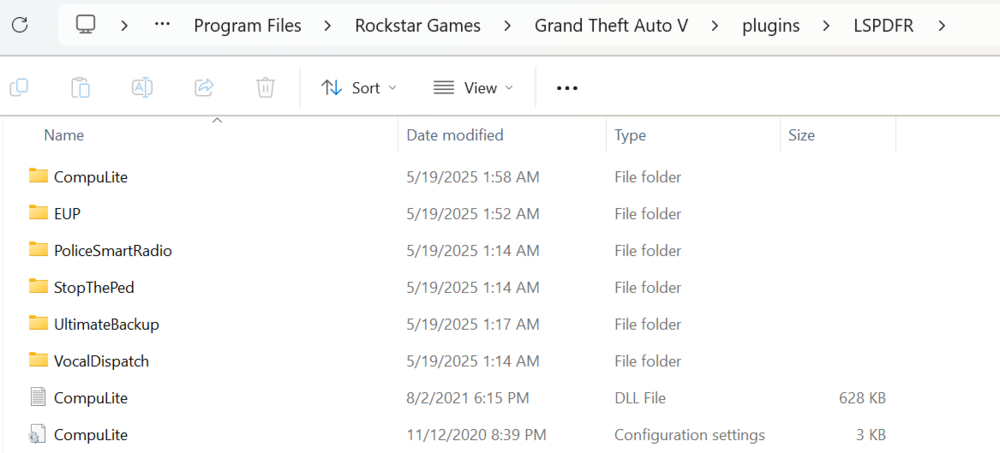
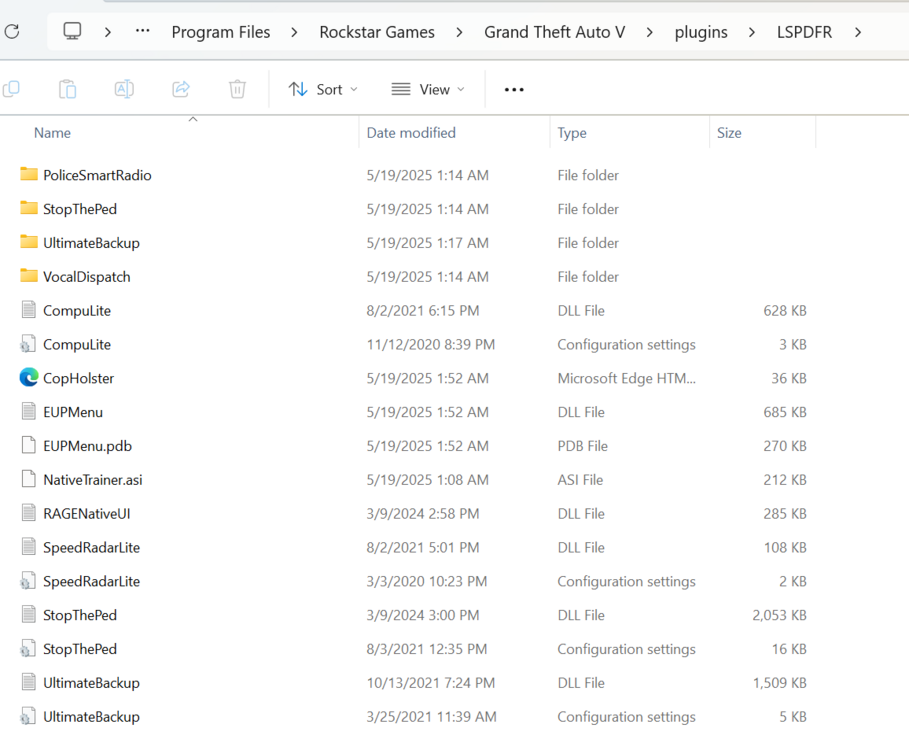
The only extra plugins I have are EUP and Bejoijo's stop the ped, compulite, radarlite, and ultimate backup. When I go on duty lspdfr crashes but it says that stop the ped, compulite, and ultimate backup loaded successfully. I have ragenativeUI in the folder as well. See attached my file setup. Apologies in advance, I am new to lspdfr and modding in general.