
AirNotez42
Members
-
Joined
-
Last visited
Everything posted by AirNotez42
-
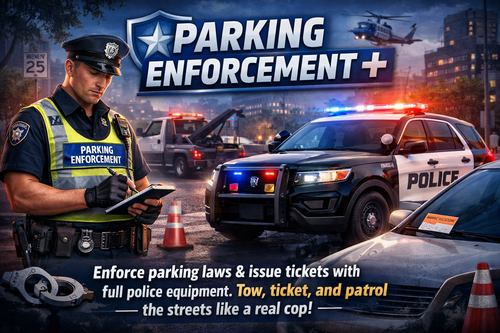 Newly Added The new Scan key is H for on foot Alpr Vehicle Alpr key = E Tow Menu Key = K Citations/Last 5 Plates Menu = F4 Added an INI with menu keys for main menu and Tow Truck along with Citations Added a Tow Truck for towing the vehicles after citing them Added a new HUD system based on the games HUD Added an option to check the last 5 plates Added 21 Citations Added a ReadMe.txt with better instructions Those Citations are Expired Meter Blocking Driveway No Parking Zone Disabled Parking Blocking Fire Hydrant Blocking Traffic Bus Zone Bike Lane Blocking fire Lane Double Parking Overtime Parking Parking on Sidewalk Parking Too Close to Corner Parking in Loading Zone Abandoned Vehicle Illegal U-Turn Area Parking Blocking Crosswalk Parking Against Traffic Parking on Median Parking in Tow-Away Zone Improper Angle Parking New Demo Video For Parking Enforcement + There are a few known bugs. The tow truck deletes with the vehicle once it reaches its destination. There is also a timer on the tow truck for it if gets stuck with the vehicle in traffic or something happens while its still towing the vehicle. It is known that the tow driver does drive a little reckless. I have also updated the HUD to go off of the games HUD. There is a ReadMe.txt for instructions. I have also added a HUD for when the Plugin loads.
 -
i would get rid of script hook v until they update that is what i did last night and i am able to play. we just cant run the plugins that require scripthookv. sadly its not as fun but whatever works. i had the same issues and looked all over for answers and got none. so i figured it had to be updated after seeing everything updating. what i did to fix my issues was just start all over with the files and everything from lspdfr to about any plugins i wanted but just didnt put scripthookv back in. i also didnt put my vehicles back in either, until it updates. there are a few things that i run that requires scripthookv and it sucks. so just be aware that some plugins may not work.